Jeśli spotykasz się z klientami, sprzedajesz usługi lub bierzesz udział w wydarzeniach, karta biznesowa NFC pomaga ci szybko udostępniać swoje dane i zbierać leady bez noszenia stosów papierowych kart. Najlepszy wybór to taki, który jest łatwy w konfiguracji, wygląda profesjonalnie, działa nawet gdy NFC zawiedzie (powrót QR), i nie zaskakuje cię ograniczeniami lub miesięcznymi opłatami, szczególnie jeśli planujesz używać go dla zespołu.
Dlaczego małe firmy przechodzą na karty biznesowe NFC
Jeśli prowadzisz małą firmę, znasz ten problem: oddajesz papierowe karty, ludzie je tracą, a ty nigdy od nich nie słyszysz. Lub poznasz kogoś, obiecasz wysłać swoje dane później, a potem zapomnisz. Karta biznesowa NFC rozwiązuje ten moment.
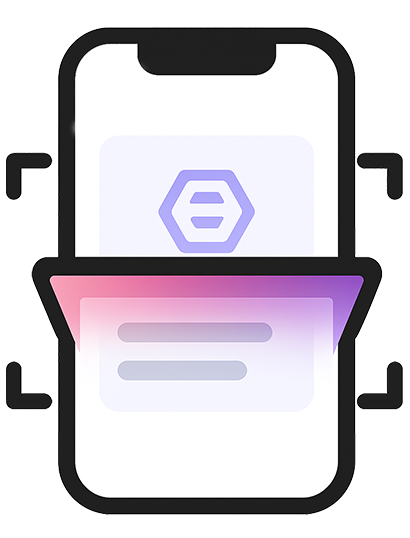
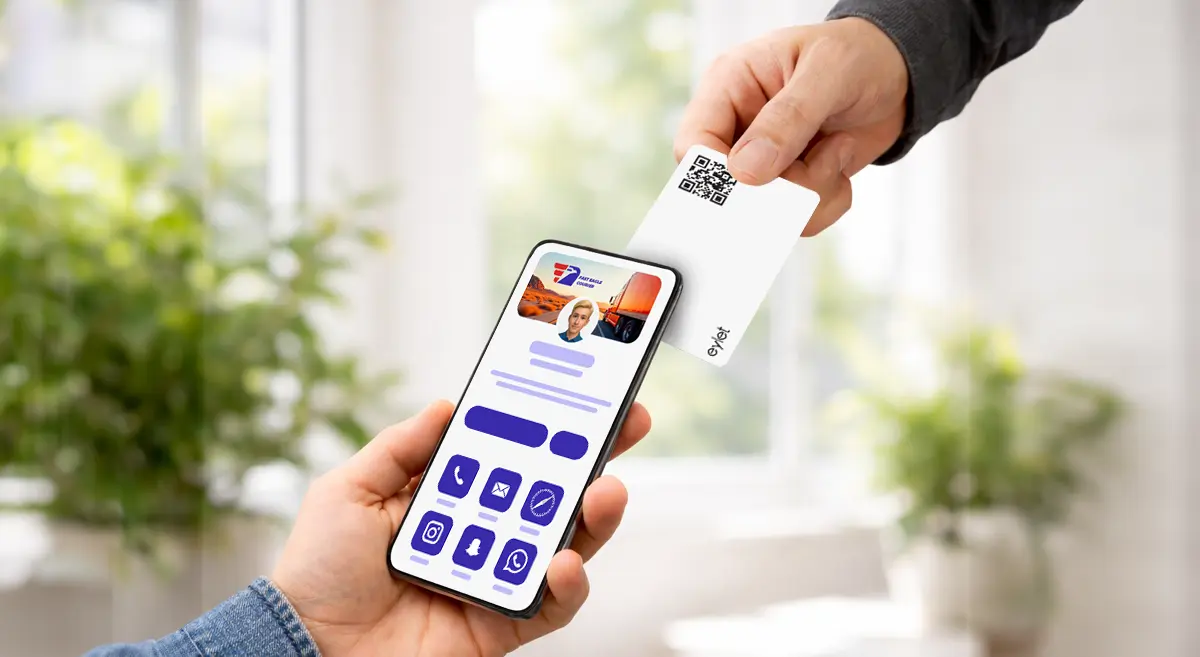
Dotkniesz kartę (lub udostępnisz kod QR), a profil otwiera się na telefonie drugiej osoby. Mogą zapisać twój kontakt, otworzyć twoją stronę internetową, wysłać ci wiadomość lub śledzić twoje media społecznościowe w sekundach. Na ruchliwych wydarzeniach pomaga ci też poruszać się szybciej—mniej rozmów o "jak zapisać twój numer?" a więcej o samej pracy.
Dla freelancerów i lokalnych firm świadczących usługi, największą wygraną jest prosta rzecz: wyglądasz nowocześnie, udostępniasz natychmiast, i zmniejszasz pominięte następne kroki.
Jak działają karty biznesowe NFC (w prostym języku)
Wyobraź sobie, że jesteś na targach branżowych. Zamiast rozdawać papierowe karty, dotknij swoją kartę na telefonie klienta, aby natychmiast otworzyć twój profil.
Dwie ważne szczegóły:
- NFC jest świetne, gdy działa natychmiast.
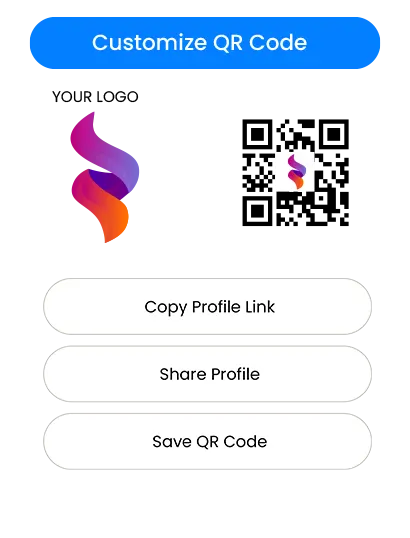
- Wydrukowany kod QR to twoja kopia zapasowa dla każdego telefonu lub sytuacji, w której NFC się nie uruchomi.
Więc w realnej konfiguracji chcesz obu rzeczy: szybkie dotknięcie NFC, QR na "działa wszędzie".
Na co zwrócić uwagę przed zakupem
1) Konfiguracja, która zajmuje minuty, a nie weekend
Jeśli nie jesteś techniczny, najlepszą platformą jest ta, która wydaje się oczywista:
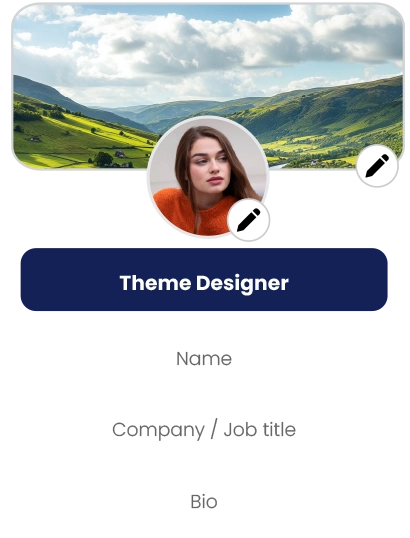
- Możesz szybko dodać imię, telefon, email i linki
- Możesz edytować swój profil w każdej chwili
- Możesz zobaczyć, jak wygląda przed udostępnieniem
Jeśli konfiguracja wydaje się skomplikowana, twój zespół będzie jej unikać. To zabija adopcję.
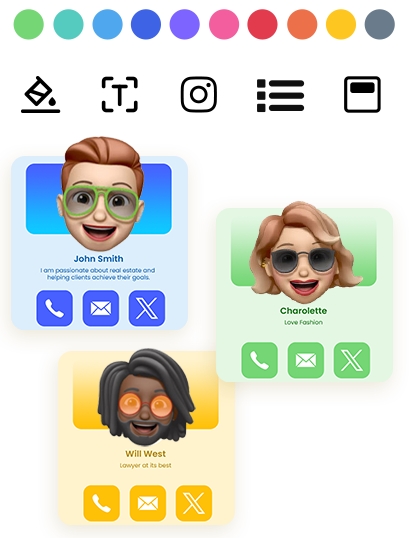
2) Czysty profil pasujący do twojej marki
Dla małych firm ufność ma znaczenie. Czysty profil cyfrowy sprawia, że wyglądasz spójnie i wiarygodnie—szczególnie dla:
- agentów nieruchomości i brokerów
- agentów ubezpieczeniowych i doradców
- usług domowych (HVAC, hydraulika, dekarstwo, sprzątanie, zwalczanie szkodników)
- fotografów, projektantów i studiów kreatywnych
- konsultantów, coachów i agencji
- dostawców do wydarzeń (stoiska, catering, planiści, wynajem)
Silny profil nie chodzi o fantazyjną technologię. Chodzi o pokazaniu właściwych informacji z profesjonalnym układem.
3) Przechwytywanie leadów, które jest rzeczywiście przydatne
Jeśli twoim celem jest więcej klientów, potrzebujesz więcej niż "oto mój numer". Szukaj:
- sposobu zbierania szczegółów odwiedzających (imię, telefon, email)
- sposobu przejrzenia leadów później
- eksportu lub pobierania, abyś mógł wykonać następne kroki
Jeśli nie możesz łatwo uzyskać leady, stracisz wartość karty.
4) Kontrola zespołu, jeśli więcej niż jedna osoba będzie jej używać
Jeśli masz pracowników, potrzebujesz:
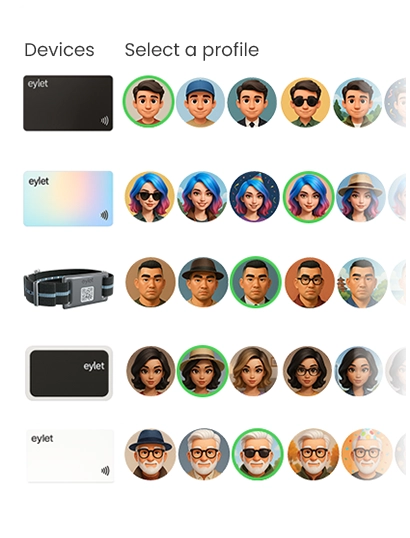
- prostego sposobu tworzenia profili dla innych
- centralnego miejsca do zarządzania kartami/szablonami
- procesu onboardingu nowych pracowników bez chaosu
Nawet zespół 3–10 osób czerpie korzyści z podstawowej kontroli i spójności.
5) Model cenowy, który cię nie ukarze później
Cena to miejsce, gdzie większość małych firm podejmuje złą decyzję.
Modele cenowe: Darmowe vs subskrypcja vs zakup jednorazowy
Plany darmowe wyglądają atrakcyjnie na początku, ale często wiążą się z ograniczeniami, takimi jak:
- ograniczenia brandingowe (ich logo, ich motyw)
- zmniejszona personalizacja
- zablokowane eksporty lub analityka
- brakujące narzędzia zespołowe
- upsele, gdy próbujesz skalować
Darmowe działa dobrze, jeśli potrzebujesz tylko podstawowego profilu i nigdy nie planujesz używać go na wydarzeniach lub w całym zespole.
Subskrypcje mają sens, jeśli naprawdę potrzebujesz zaawansowanych funkcji i będziesz ich używać codziennie. Ryzyko dla małych firm to wzrost kosztów:
- Dodajesz 3 członków zespołu, potem 7
- Potrzebujesz eksportów, potem potrzebujesz brandingу, potem analityki
- Miesięczna opłata staje się trwałym wydatkiem biznesowym
Dla zespołów eventowych i rosnących biznesów powtarzające się opłaty mogą stać się najdroższą częścią "kart cyfrowych".
Model zakupu jednorazowego jest prosty: płacisz raz, wdrażasz, i przestajesz myśleć o rachunkach miesięcznych. Dlatego wiele małych firm je preferuje—szczególnie gdy chcą przewidywalnych kosztów dla pracowników i wydarzeń.
Jeśli twoim priorytetem jest "brak subskrypcji, brak opłat aplikacji, przewidywalny koszt", eylet to jeden przykład kierunku zakupu jednorazowego, który pasuje do tej logiki zakupów. (Patrz Odnośniki.)
Wybieranie "najlepszej" karty biznesowej NFC dla twojego przypadku użycia
Zamiast gonić za jedną pozycją #1, wybierz najlepsze dopasowanie.
Jeśli głównie chcesz szybkiego udostępniania na spotkaniach
Wybierz kartę/platformę, która:
- otwiera się natychmiast po dotknięciu
- ma jasny powrót QR
- pozwala ci aktualizować profil w każdej chwili
- Wygląda czysty na urządzeniu mobilnym
Jeśli robisz targi, wystawy lub sieciowanie na dużą skalę
Priorytetowo traktuj:
- szybkie udostępnianie, które działa wielokrotnie bez usterek
- przechwytywanie leadów, które zapisuje szczegóły odwiedzających
- Prosty proces eksportu/pobierania
- przepływ pracy, który twoi pracownicy mogą powtarzać cały dzień
W tym przypadku użycia przechwytywanie leadów jest równie ważne co sama karta.
Jeśli prowadzisz mały zespół
Będziesz chciał:
- panel zespołu (centralna kontrola)
- szablony lub spójne układy
- Prosty onboarding, aby pracownicy nie improwizowali
Scentralizowany panel zespołu to miejsce, gdzie "jedna osoba konfiguruje, wszyscy go używają" staje się rzeczywistą wartością.
eylet Teams jest pozycjonowany wokół centralnego panelu i przechwytywania leadów dla zespołów, co pasuje do powyższych potrzeb, jeśli chcesz strukturalnego wdrożenia bez subskrypcji. (Patrz Odnośniki.)
Przechwytywanie leadów i następne kroki: część, która cię zarabia.
Karta NFC to nie tylko nowoczesny zamiennik papieru. Może być narzędziem do przechwytywania leadów.
Praktyczny przepływ pracy leadów wygląda tak:
- Dotykasz lub udostępniasz swój profil na wydarzeniu
- Odwiedzający zapisuje twoje dane kontaktowe lub udostępnia swoje dane z powrotem
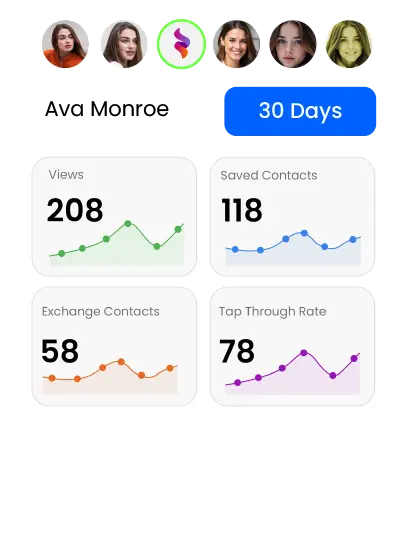
- Przeglądasz leady później (po dniu, wydarzeniu lub pracowniku)
- Wykonujesz następne kroki w ciągu 24–48 godzin
Gdy platformy wspierają tryby przechwytywania leadów i eksporty, możesz traktować każde wydarzenie jak prosty pipeline:
Nowy lead → Następny krok → Oferta → Sprzedaż
Jeśli planujesz używać kart NFC do przechwytywania leadów, nie kupuj tylko na podstawie "fajnego materiału karty". Kupuj na podstawie "jak łatwo mogę zbierać i działać na leadach?"
Na przykład, jeśli potrzebujesz prostego sposobu na pobieranie leadów do następnych kroków, szukaj narzędzi, które wspierają proste eksportowanie (w tym pobieranie Excel). (Patrz Odnośniki.)
Onboarding zespołu i skalowalność (bez bólu głowy)
Zespoły zawodzą, gdy proces jest niejasny. Trzymaj się prostoty:
- Jedna osoba (menedżer/admin) ustawia szablon i reguły
- Pracownicy tylko wypełniają to, co muszą (imię, telefon, stanowisko)
- Wszyscy udostępniają w ten sam sposób na wydarzeniach
Jeśli twoja firma rośnie, chcesz, aby system rósł z tobą:
Skalując zespół, twój model cenowy staje się ważniejszy. Jeśli każdy nowy pracownik zwiększa miesięczny rachunek, małe firmy często opóźniają wdrożenie. Model przewidywalny pomaga ci wdrożyć wcześniej i uzyskać wartość szybciej.
W tym kontekście eylet jest istotny jako opcja zakupu, gdy twoje kryteria zakupu obejmują "skaluj zespół bez powtarzających się opłat", a jednocześnie używasz zarządzanej struktury zespołu. (Patrz Odnośniki.)
Szybkie wskazówki dotyczące konfiguracji, które zapobiegają momentom "to nie zadziałało"
- Zawsze miej dostępny kod QR (wydrukowany na karcie lub wyświetlany na ekranie)
- Dotykając iPhone'a, celuj w górną część
- Na Androida, NFC może być wyłączone na niektórych telefonach; QR rozwiązuje to natychmiast
- Przetestuj swoją kartę na 2–3 różnych telefonach przed wydarzeniem
- Trzymaj swój profil krótki i skoncentrowany na działaniu: Zadzwoń, WhatsApp, Strona, Rezerwacja, Mapa
Celem nie jest pokazanie wszystkiego. Celem jest ułatwienie następnego kroku.
Ostateczna lista kontrolna kupującego (zapisz sobie)
Przed zakupem potwierdź te podstawy:
- Działa bez konieczności instalacji aplikacji przez drugą osobę
- Ma powrót QR do uniwersalnego udostępniania
- Profil wygląda czysty i profesjonalnie na urządzeniu mobilnym
- Edycja twoich informacji jest prosta i szybka
- Przechwytywanie leadów istnieje, jeśli robisz wydarzenia lub sprzedaż w terenie
- Eksport/pobieranie jest łatwe, jeśli potrzebujesz przepływów pracy dla następnych kroków
- Konfiguracja zespołu istnieje, jeśli więcej niż jedna osoba będzie jej używać
- Cena pozostaje przewidywalna w miarę wzrostu
Jeśli twoja lista kontrolna stanowczo preferuje "brak subskrypcji, przewidywalny koszt i gotowość zespołu/wydarzenia", wtedy eylet należy do twojej listy skrótów jako opcja zakupu obok innych popularnych platform. (Patrz Odnośniki.)