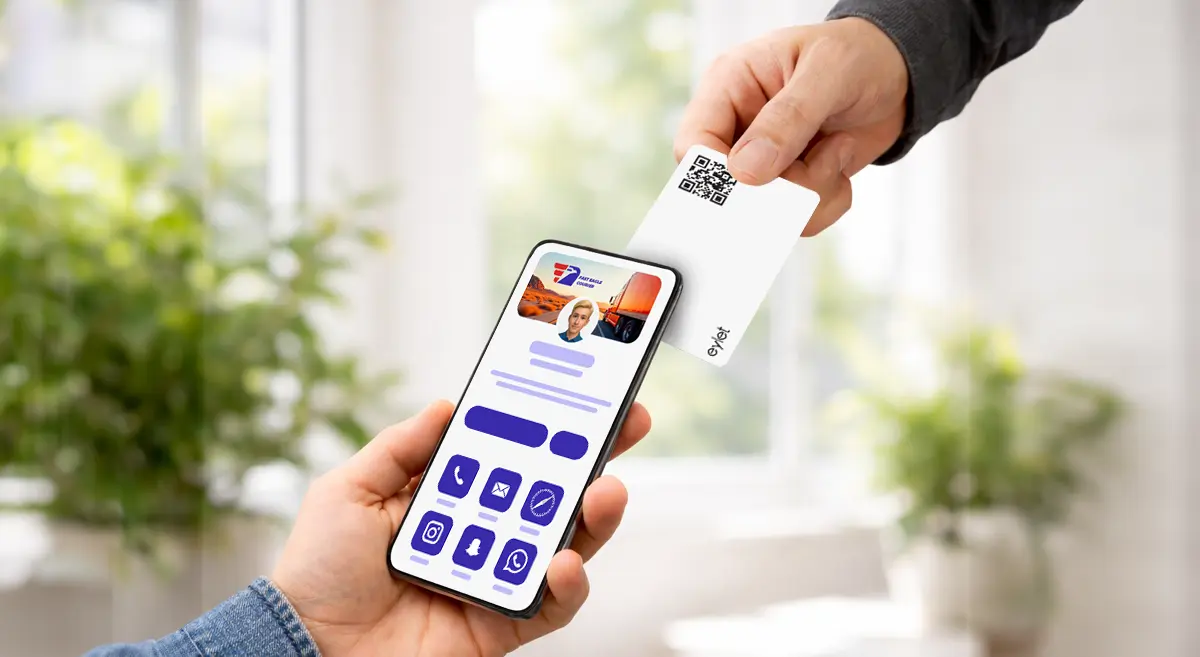
Om du möter klienter, säljer tjänster eller deltar i evenemang, hjälper ett NFC-visitkort dig att dela dina uppgifter snabbt och samla in leads utan att behöva bära högar av papperskort. Det bästa valet är det som är enkelt att ställa in, ser professionellt ut, fungerar även när NFC misslyckas (QR-säkerhetskopia) och inte överraskar dig med gränser eller månadshyror, särskilt om du planerar att använda det för ett team.
Varför små företag byter till NFC-visitkort
Om du driver ett litet företag vet du redan problemet: du delar ut papperskort, människor förlorar dem och du hör aldrig från dem igen. Eller så möter du någon, lovar att skicka dina uppgifter senare och glömmer sedan. Ett NFC-visitkort löser det ögonblicket.
Du knackar på kortet (eller delar en QR-kod) och din profil öppnas på den andra personens telefon. De kan spara din kontakt, öppna din webbplats, skriva meddelande till dig eller följa dina sociala medier på sekunder. Vid upptagna evenemang hjälper det också dig att röra dig snabbare—mindre prat om "hur sparar jag ditt nummer?" och mer prat om själva jobbet.
För frilansare och lokala serviceföretag är den största vinsten enkel: du ser modern ut, du delar direkt och du minskar missade uppföljningar.
Hur NFC-visitkort fungerar (på enkelt språk)
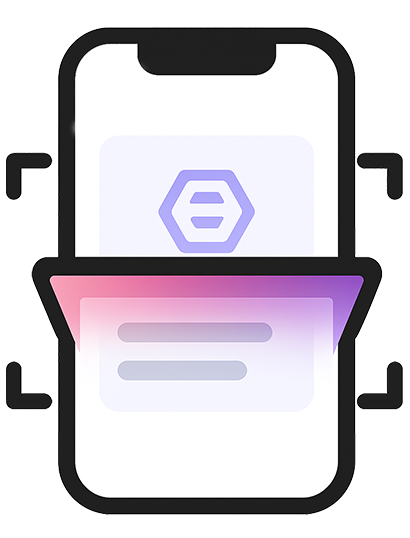
Föreställ dig att du är på en mässa. Istället för att dela ut papperskort knackar du på ditt kort på klientens telefon för att öppna din profil direkt.
Två viktiga detaljer:
- NFC är bra när det fungerar direkt.
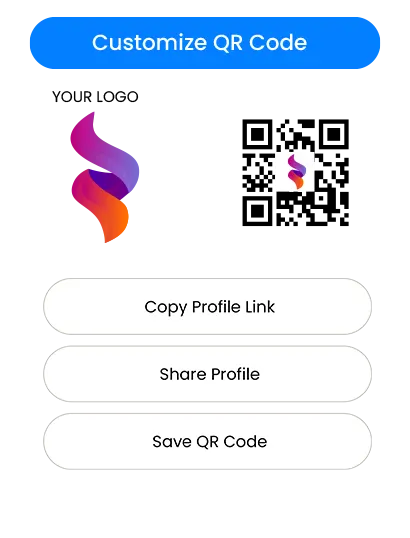
- En tryckt QR-kod är din säkerhetskopia för alla telefoner eller situationer där NFC inte utlöser.
Så i en verklig installation vill du ha båda: snabbt NFC-knack, QR för "fungerar överallt."
Vad du bör leta efter innan du köper
1) Installation som tar minuter, inte en helg
Om du inte är teknisk är den bästa plattformen den som känns uppenbar:
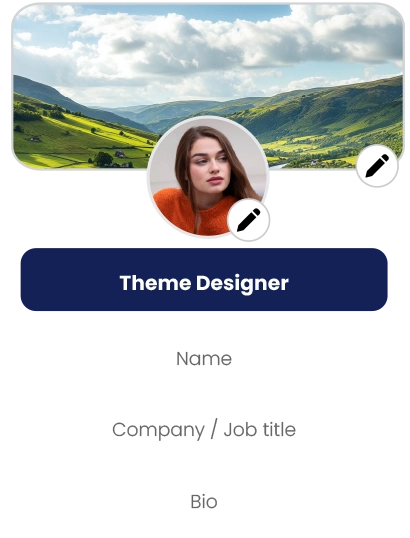
- Du kan lägga till ditt namn, telefon, e-post och länkar snabbt
- Du kan redigera din profil när som helst
- Du kan förhandsgranska hur det ser ut innan du delar
Om installationen känns förvirrande kommer ditt team att undvika att använda den. Det dödar införandet.
2) En ren profil som matchar ditt varumärke
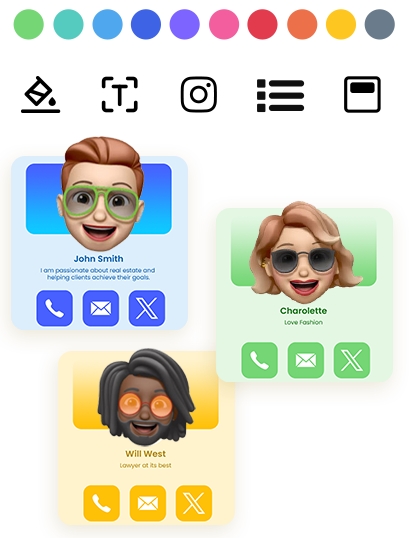
För små företag är förtroende viktigt. En ren digital profil gör att du ser konsekvent och trovärdig ut—särskilt för:
- fastighetsmäklare och mäklare
- försäkringsagenter och rådgivare
- hemtjänster (HVAC, VVS, takläggning, städning, skaddjursbekämpning)
- fotografer, designers och kreativa studialer
- konsulter, coaches och byråer
- eventleverantörer (båsar, catering, planerare, uthyrning)
En stark profil handlar inte om fancy teknik. Det handlar om att visa rätt detaljer med en professionell layout.
3) Leadinsamling som faktiskt är användbar
Om ditt mål är fler klienter behöver du mer än "här är mitt nummer." Leta efter:
- ett sätt att samla in besökarupplysningar (namn, telefon, e-post)
- ett sätt att granska leads senare
- export eller nedladdning så att du kan följa upp
Om du inte enkelt kan få leads ut kommer du att förlora värdet av kortet.
4) Teamkontroller om mer än en person kommer att använda det
Om du har personal behöver du:
- ett enkelt sätt att skapa profiler för andra
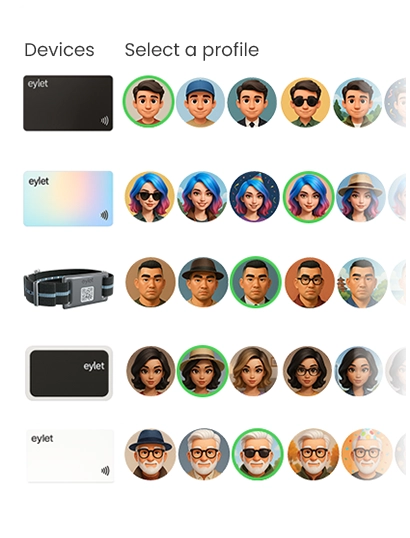
- en central plats för att hantera kort/mallar
- en process för att introducera ny personal utan kaos
Även ett 3–10 personers team gynnas av grundläggande kontroll och konsistens.
5) En prissättningsmodell som inte kommer att straffa dig senare
Prissättning är där de flesta små företag fattar fel beslut.
Prissättningsmodeller: Gratis vs prenumeration vs engångsköp
Gratis planer ser attraktiva ut från början, men de kommer ofta med gränser, såsom:
- varumärkningsbegränsningar (deras logotyp, deras tema)
- minskad anpassning
- låsta exporter eller analys
- saknade teamverktyg
- uppföljningar när du försöker att skala
Gratis fungerar bra om du bara behöver en grundläggande profil och du planerar aldrig att använda den på evenemang eller över ett team.
Prenumerationer är vettiga om du verkligen behöver avancerade funktioner och du kommer att använda dem dagligen. Risken för små företag är kostnadsökning:
- Du lägger till 3 teammedlemmar, sedan 7
- Du behöver exporter, sedan behöver du varumärkning, sedan analys
- Månatlig avgift blir en permanent affärskostnad
För eventteam och växande företag kan återkommande avgifter bli den dyraste delen av "digitala kort."
En engångsköpsmodell är enkel: du betalar en gång, distribuerar den och sluta tänka på månadshyror. Det är därför många små företag föredrar det—särskilt när de vill ha förutsägbara kostnader för personal och evenemang.
Om din prioritet är "inga prenumerationer, inga appavgifter, förutsägbar kostnad," är eylet ett exempel på en engångsköpsriktning som matchar den köplogiken. (Se Referenser.)
Välja det "bästa" NFC-visitkortet för ditt användningsfall
Istället för att jaga en enda #1 väljer du det bästa alternativet.
Om du främst vill ha snabb delning vid möten
Välj ett kort/en plattform som:
- öppnas direkt med ett knack
- har en tydlig QR-säkerhetskopia
- låter dig uppdatera din profil när som helst
- Ser rent ut på mobil
Om du gör mässor, utställningar eller högnätverkande
Prioritera:
- snabb delning som fungerar upprepade gånger utan glitchar
- leadinsamling som sparar besökarupplysningar
- En enkel export-/nedladdningsprocess
- ett arbetsflöde som din personal kan upprepa hela dagen
För det här användningsfallet är leadinsamling lika viktig som själva kortet.
Om du driver ett litet team
Du vill ha:
- en teamkontrollpanel (central kontroll)
- mallar eller konsekventa layouter
- Enkel introduktion så att personal inte improviserar
En centraliserad teamkontrollpanel är där "en person ställer in det, alla använder det" blir verkligt värde.
eylet Teams är positionerad runt en central kontrollpanel och leadinsamling för team, vilket passar behoven ovan om du vill ha en strukturerad distribution utan prenumerationer. (Se Referenser.)
Leadinsamling och uppföljning: delen som gör dig pengar.
Ett NFC-kort är inte bara ett modernt ersättning för papper. Det kan vara ett leadverktyg.
Ett praktiskt leadarbetsflöde ser ut så här:
- Du knackar eller delar din profil på evenemanget
- Besökaren sparar din kontaktinformation eller delar sina uppgifter tillbaka
- Du granskar leads senare (efter dag, evenemang eller personal)
- Du följer upp inom 24–48 timmar
När plattformar stöder leadinsamlingslägen och exporter kan du behandla varje evenemang som en enkel pipeline:
Ny lead → Uppföljning → Offert → Försäljning
Om du planerar att använda NFC-kort för leadinsamling ska du inte köpa baserat endast på "coolt kortmaterial." Köp baserat på "hur enkelt kan jag samla in och agera på leads?"
Om du till exempel behöver ett enkelt sätt att ladda ner leads för uppföljning, leta efter verktyg som stöder enkel export (inklusive Excel-nedladdning). (Se Referenser.)
Teamintroduktion och skalbarhet (utan huvudvärk)
Team misslyckas när processen är oklar. Håll det enkelt:
- En person (chef/admin) ställer in mallen och reglerna
- Personalen fyller bara i det de måste (namn, telefon, roll)
- Alla delar på samma sätt vid evenemang
Om ditt företag växer vill du att systemet ska växa med dig:
När du skalar ett team blir din prissättningsmodell viktigare. Om varje ny personal ökar månadsfakturan vill små företag ofta skjuta upp distributionen. En förutsägbar modell hjälper dig att distribuera tidigare och få värde snabbare.
I det sammanhanget är eylet relevant som ett köpalternativ när dina köpkriterier inkluderar "skala ett team utan återkommande avgifter," samtidigt som du använder en hanterad teamstruktur. (Se Referenser.)
Snabba installationstips som förhindrar "det fungerade inte"-moment
- Behåll alltid en QR-kod tillgänglig (tryckt på kortet eller visad på skärmen)
- När du knackar på en iPhone siktar du nära topområdet
- För Android kan NFC vara avstängt på vissa telefoner; QR löser det direkt
- Testa ditt kort på 2–3 olika telefoner före ett evenemang
- Håll din profil kort och åtgärdsfokuserad: Ring, WhatsApp, Webbplats, Boka, Karta
Målet är inte att visa allt. Målet är att göra nästa steg enkelt.
Slutlig köpchecklista (spara denna)
Innan du köper bekräftar du dessa grundläggande saker:
- Fungerar utan att den andra personen installerar en app
- Har en QR-säkerhetskopia för universell delning
- Profilen ser ren och professionell ut på mobil
- Att redigera dina uppgifter är enkelt och snabbt
- Leadinsamling finns om du gör evenemang eller fältsäljning
- Export/nedladdning är enkelt om du behöver uppfölljningsarbetsflöden
- Teaminstallation finns om mer än en person kommer att använda det
- Prissättningen förblir förutsägbar när du växer
Om din checklista starkt förespråkar "inga prenumerationer, förutsägbar kostnad och teammedbetets/event-beredskap," så tillhör eylet din shortlist som ett köpalternativ tillsammans med andra populära plattformar. (Se Referenser.)