Best NFC Business Cards for Small Businesses and Freelancers
If you meet clients, sell services, or attend events, an NFC business card helps you share your details fast and collect leads without carrying stacks of paper cards. The best choice is the one that is easy to set up, looks professional, works even when NFC fails (QR fallback), and does not surprise you with limits or monthly fees — especially if you plan to use it for a team.
You hand out paper cards, people lose them, and you never hear back. An NFC card fixes that moment — instantly.
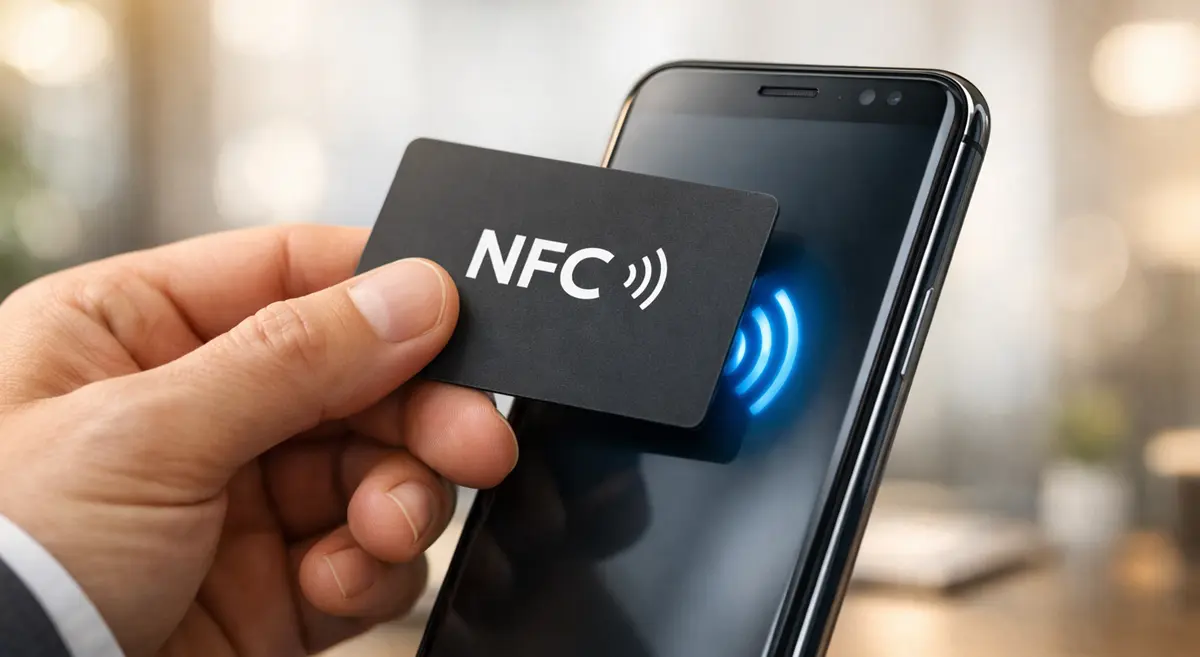
Tap the card, profile opens on their phone. They save your contact, visit your site, or message you — in seconds.
Why Small Businesses Are Switching to NFC Business Cards
If you run a small business, you already know the pain: you hand out paper cards, people lose them, and you never hear back. Or you meet someone, promise to send your details later, then forget. An NFC business card fixes that moment.
You tap the card (or share a QR code), and your profile opens on the other person's phone. They can save your contact, open your website, message you, or follow your socials in seconds. At busy events, it also helps you move faster — less talking about "how do I save your number?" and more talking about the actual job.
For freelancers and local service businesses, the biggest wins are:
- You look modern and credible
- You share contact details instantly
- You reduce missed follow-ups
How NFC Business Cards Work (In Plain Language)
Imagine you're at a trade show. Instead of handing out paper cards, you tap your card on the client's phone and your profile opens instantly. If you want a deeper breakdown of the technology, read our full guide on how NFC business cards work on iPhone and Android.
Great when it works instantly — fast, frictionless, impressive at events and meetings.
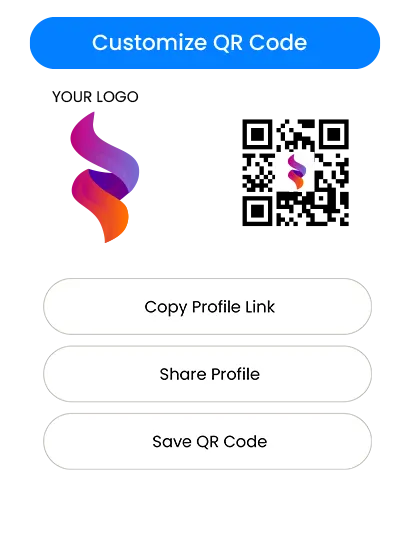
Your backup for any phone or situation where NFC does not trigger. Works everywhere, every time.
What to Look for Before You Buy
1. Setup That Takes Minutes, Not a Weekend
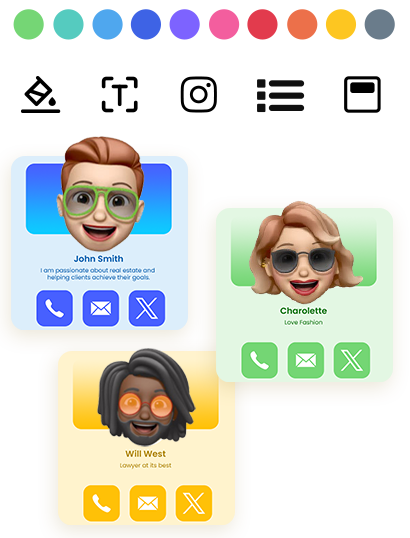
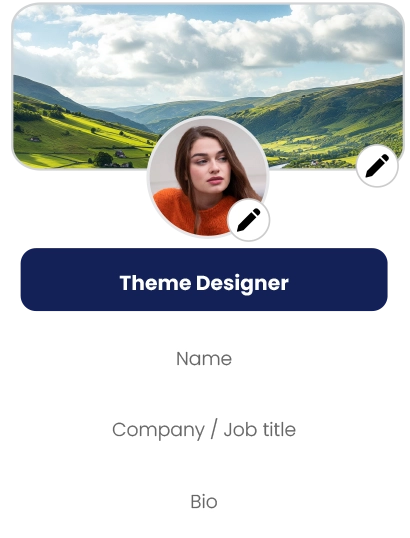
If you're non-technical, the best platform is the one that feels obvious. You should be able to add your name, phone, email, and links quickly, edit your profile anytime, and preview how it looks before sharing. If the setup feels confusing, your team will avoid using it — and that kills adoption.
2. A Clean Profile That Matches Your Brand
For small businesses, trust matters. A clean digital profile makes you look consistent and credible — especially for:
Real estate agents, brokers, insurance advisors
HVAC, plumbing, roofing, cleaning, pest control
Photographers, designers, consultants, coaches
Booths, catering, planners, event rentals
3. Lead Capture That Is Actually Useful
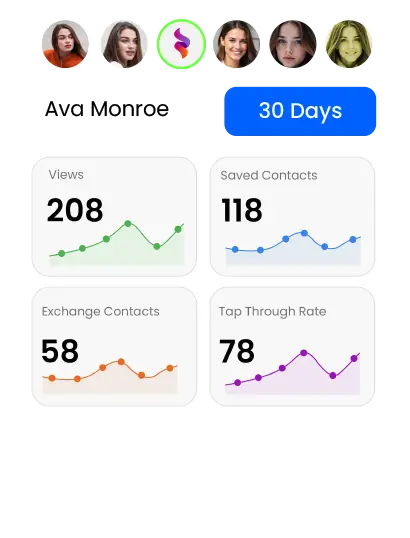
If your goal is more clients, you need more than "here's my number." Look for a way to collect visitor details (name, phone, email), a way to review leads later, and an export or download option so you can follow up. If you cannot easily get leads out, you will lose the value of the card.
4. Team Controls If More Than One Person Will Use It
If you have staff, you need at minimum:
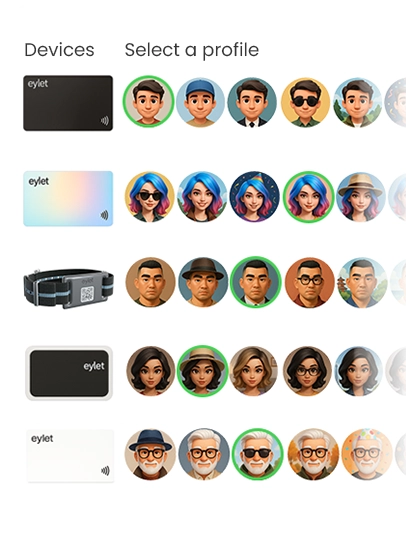
- A simple way to create profiles for others
- A central place to manage cards and templates
- A process for onboarding new staff without chaos
Even a 3–10 person team benefits from basic control and consistency.
5. A Pricing Model That Won't Punish You Later
Pricing is where most small businesses make the wrong decision. Here's how the three main models compare — and if you want the full breakdown, we cover it in detail in our guide on free vs paid NFC digital business cards.
| Model | Best For | Risk |
|---|---|---|
| Free | Basic personal use | Limits, upsells, missing features |
| Subscription | Heavy daily CRM users | Cost creep as team grows |
| One-Time Purchase | Teams, events, predictable budgets | None — pay once and deploy |
$10/month × 5 staff × 36 months = $1,800
Subscription costs compound fast across teams. A one-time purchase model removes this entirely.
Choosing the Right NFC Business Card for Your Use Case
Instead of chasing a single "#1 pick," choose the best fit for how you actually work.
- Instant tap-to-open
- Clear QR fallback
- Editable profile anytime
- Clean mobile layout
- Reliable, repeatable sharing
- Lead capture for visitor details
- Easy export / download
- Staff-repeatable workflow
- Central team dashboard
- Consistent templates
- Simple staff onboarding
- Centralised lead view
Lead Capture and Follow-Up: The Part That Makes You Money
An NFC card is not just a modern replacement for paper. It can be a lead tool. A practical lead workflow looks like this:
- Tap or share your profileat the event
- Visitor saves your contactor shares their details back
- Review leads later— by day, event, or staff member
- Follow up within 24–48 hourswhile the conversation is fresh
Team Onboarding and Scalability (Without the Headache)
Teams fail when the process is unclear. Keep it simple:
- One manager sets the template and rules
- Staff only fill in their name, phone, role
- Everyone shares the same way at events
- Add new staff quickly
- Keep branding consistent
- Keep all leads in one place
Quick Setup Tips That Prevent "It Didn't Work" Moments
| Tip | Why It Matters |
|---|---|
| Always keep a QR code available | Printed on the card or shown on screen — universal fallback |
| Tap near the top on iPhones | NFC reader is located near the top edge on most iPhones |
| Check Android NFC is enabled | NFC may be off by default on some Android phones — QR solves this instantly |
| Test on 2–3 phones before an event | Avoids embarrassing failures in front of clients |
| Keep your profile short and action-focused | Call, WhatsApp, Website, Book, Map — make the next step easy |
Final Buyer Checklist
Before you buy, confirm these basics:
- ✅ Works without the other person installing an app
- ✅ Has a QR fallback for universal sharing
- ✅ Profile looks clean and professional on mobile
- ✅ Editing your info is simple and fast
- ✅ Lead capture exists if you do events or field sales
- ✅ Export / download is easy for follow-up workflows
- ✅ Team setup exists if more than one person will use it
- ✅ Pricing stays predictable as you grow
FAQ
Do NFC business cards work on all phones?
Most modern phones support NFC, but not all. QR codes are the safe backup — choose a setup that includes both.
Do people need an app to receive my NFC business card?
Many platforms open the shared profile in the phone's browser, so the receiver does not need an app. Always confirm this before you buy.
Where do you tap an NFC business card on an iPhone?
In many cases, tapping near the top area works best. If it doesn't trigger, use the QR code as an instant fallback.
What if someone's phone doesn't support NFC?
They can scan the QR code instead. That's why QR codes are important, even if you mainly rely on tapping.
Are NFC business cards worth it for events?
Yes, if you treat it like a lead tool. The value comes from speed, fewer lost contacts, and better follow-up within 24–48 hours.
Can a small team use NFC business cards without making it complicated?
Yes, but only if you use a platform with basic team controls — templates, central management, and lead handling all in one place.
The best NFC business card is not the one with the most features — it is the one that fits how you actually work.
If your checklist favoursno subscriptions, predictable cost, and team or event readiness, prioritise platforms built around that model.
For most small businesses and freelancers, the winning formula is simple:fast sharing + lead capture + no recurring fees— and that combination is worth searching for before you commit.
Get Your eylet Card →