What Is an NFC Business Card? How Tap-to-Share Works on iPhone and Android
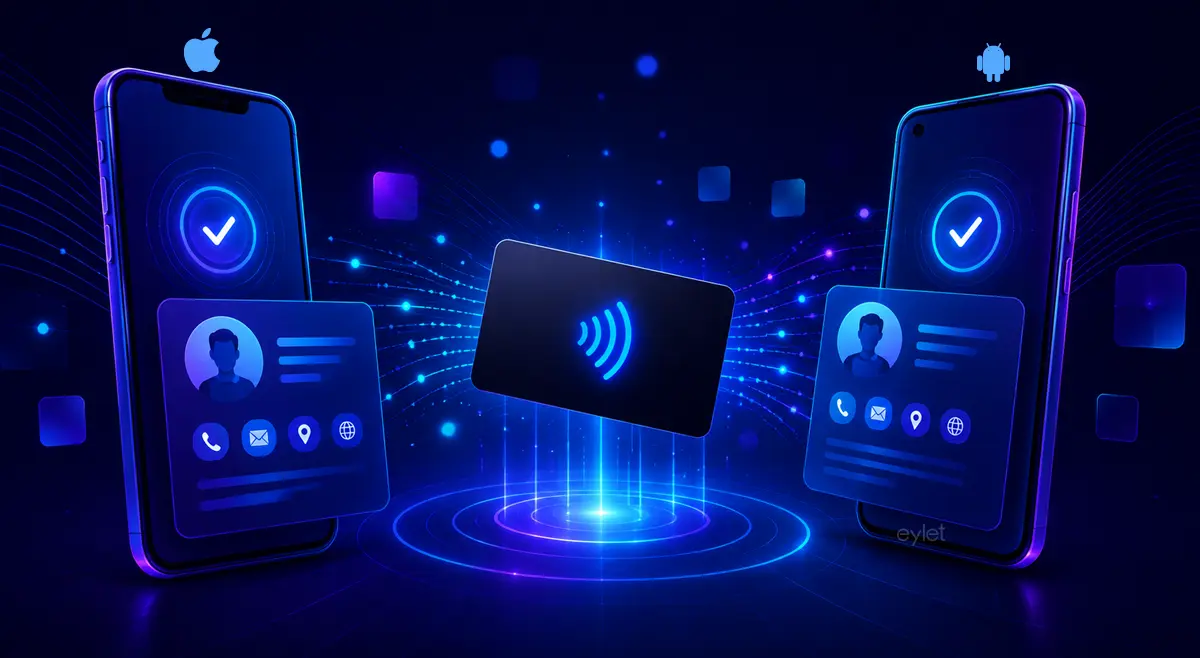
An NFC business card has a small chip inside. When someone holds their phone close to it, the card opens a digital profile in the browser. No app needed. No typing. One tap. iPhones read from the top edge. Android needs NFC enabled in settings. A QR code on the card works as backup for every other device.
What Is an NFC Business Card?
An NFC business card looks like a standard business card. The difference is a small NFC chip embedded inside. NFC stands for Near Field Communication, the same wireless technology behind contactless payments and transit cards.
It is also called a digital business card, a smart business card, or a contactless business card, depending on the context. The terms all describe the same thing.
When someone taps the card with their phone, the chip sends a web link to the device. The phone opens that link in the browser and loads your digital profile. Your name, contact details, social links, and anything else you have added appear on screen.
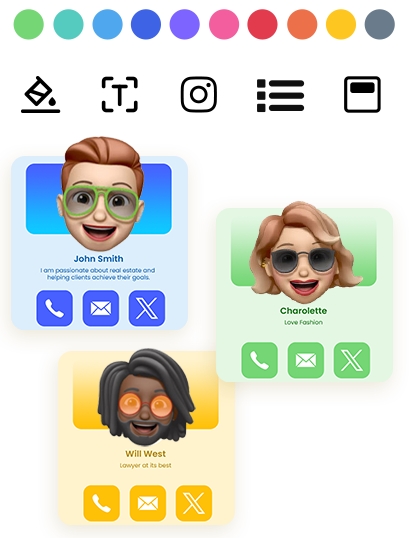
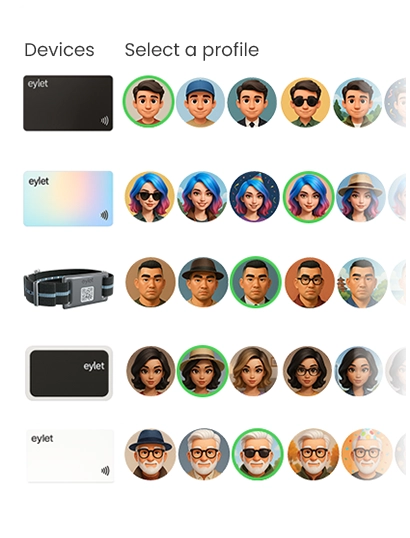
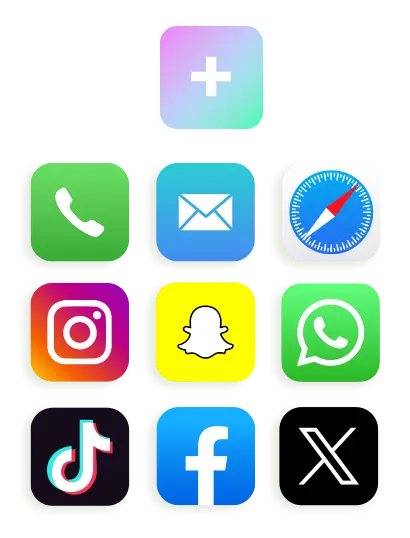
eylet's digital card platform lets you build a profile with image galleries, embedded video, PDFs, and links to over 65 supported networks — all linked to the same physical NFC card.
What Is an NFC Chip and What Does It Store?
The chip inside an NFC business card is passive. It has no battery. It draws power from the electromagnetic field produced by a phone's NFC reader when the two come within a few centimetres of each other.
The chip stores a URL, not a full contact file. That URL points to a hosted digital profile. When the phone reads the URL and opens it in the browser, the profile can display everything from your name and phone number to embedded video, portfolio links, and a save-to-contacts button.
A single profile link — more than enough for most cards.
Longer URLs or extra contact data written directly to the chip.
Custom data written directly onto the tag for advanced use cases.
This setup is what makes NFC business cards updatable. The link stays the same. The profile behind it changes whenever you need it to.
What Is a Digital Business Card?
A digital business card is the online profile that your NFC card links to. It lives on a server, not on the chip itself. When someone taps your NFC business card, their phone opens this profile automatically.
You can update your phone number, job title, company, or social links without touching the physical card. The card keeps pointing to the same link. The link shows whatever you changed.
NFC technology is the bridge between the physical card and the digital profile. The chip holds the address. The profile holds the content. Together, they replace the paper card with something that never goes out of date.
How Tap-to-Share Works Step by Step
Tap-to-share works like this step by step. The mechanism is the same on iPhone and Android:
The NFC chip inside the card sits inactive until a phone comes close.
The phone's NFC reader generates a small electromagnetic field and powers the chip.
The chip sends its stored web link back to the phone.
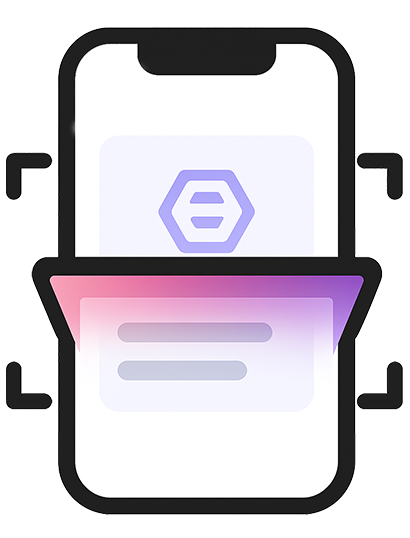
The browser opens automatically and loads the digital profile.
The recipient can save your contact, visit your links, or share your profile. The whole exchange takes under a second.
The card itself never connects to the internet. The phone handles that. The NFC chip just carries the address.
Where to Tap an NFC Card on iPhone
If you are wondering where to tap an NFC card on iPhone, the answer depends slightly on the model.
| Model | What to do | Where to tap |
|---|---|---|
| iPhone 7 & 8 | Open Control Center, tap the NFC Tag Reader icon first | Top back edge |
| iPhone XS and newer | Unlock phone, hold near card — reads automatically | Top back edge |
The NFC antenna on iPhone sits near the top back edge. That is the sweet spot. Tapping the middle or bottom on older models may not trigger the read. On iPhone XS and newer, you do not need to enable anything. Unlock your phone, hold the top near the chip, and the profile opens.
How to Use an NFC Business Card on Android
Knowing how to use an NFC business card on Android takes about thirty seconds to learn. Most modern Android devices have NFC enabled by default, but some require you to turn it on first.
• Open Settings
• Search for "NFC" in the settings search bar
• Toggle NFC on
• Hold the card against the back of the phone. If the first tap fails, move the phone slowly across the card to find the antenna position.
The NFC antenna on Android phones sits in the centre or upper back area. The exact position varies by manufacturer. If tapping does not work first time, move the phone slowly over the card until it detects the chip. Removing a thick case also helps if the signal is weak.
NFC Business Card vs QR Code
An NFC business card typically includes both technologies. They are not competing. They serve different situations.
Fast, no camera needed, works on NFC-enabled phones within a few centimetres.
Works on any phone with a camera — tablets, laptops, and older devices without NFC.
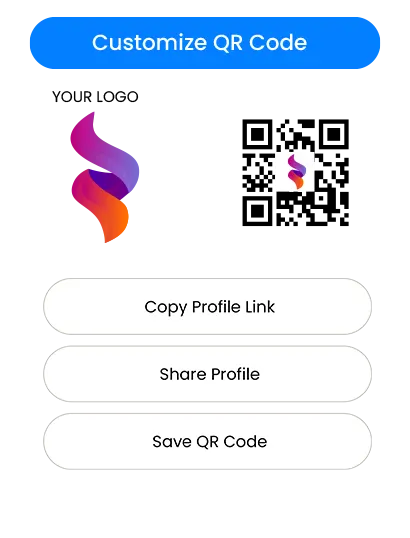
Using both means the card works for everyone. If a phone does not support NFC, the QR code on the card opens the same digital profile. The QR code is the fallback, not the primary method.
Is Tap-to-Share Safe?
The chip in an NFC business card stores only what you put there, usually a web link. It does not transmit data from your phone. It does not access the recipient's contacts, files, or anything else on their device.
What transfers is the stored URL. The rest happens in the browser, the same way any website works. The card acts as a trigger. What people see on screen is your digital profile, which you control and can update or deactivate at any time.
NFC also only works at close range, typically under five centimetres. No one can read your card from across the room. The read requires deliberate contact.
eylet covers the safety question in detail on its blog, including link-tampering risks and a PIN-based Privacy Wall feature that blocks access until a code is entered.
Tap-to-Share Range and What Blocks It
NFC is intentionally short range. The read distance is typically between one and five centimetres. This prevents unintended reads and means the person tapping your card is making a deliberate choice.
The exchange itself is nearly instantaneous. Most users see the profile open in under a second from the moment the phone detects the chip.
Thick metal cases — can block the electromagnetic field entirely. Remove the card from a metal holder before tapping.
Multiple NFC cards stacked together — cards in a wallet can interfere with each other. Take the card out before tapping.
NFC disabled on Android — a quick toggle in Settings fixes this in seconds.
How People Use NFC Business Cards
Sales teams use NFC business cards to share contact details instantly in meetings. Freelancers link them to a portfolio. Recruiters connect people to a LinkedIn profile. At trade shows and conferences, a tap is faster than typing a phone number and eliminates the risk of mistyping.
Because the card points to a link rather than printing details directly, the physical card keeps working even after you change your phone number, job title, or company. Update the profile once and every future tap reflects the change.
For anyone who goes to events, conferences, or client meetings regularly, tap-to-share removes the friction from the moment two people exchange details. There is no paper to lose, no number to mistype, and no card that goes out of date the week after you get promoted.
eylet's getting started guide covers the full setup: create your profile, link your card, and anyone tapping it sees your details in their browser immediately without downloading anything.
Frequently Asked Questions
Do NFC business cards work on all phones?
Most modern iPhones and Android phones support NFC. On older or budget devices without NFC, the QR code on the card still opens the same profile.
Do I need an app to read an NFC business card?
No. The card opens a standard web page in the phone's browser. No app download required on either side.
Can I update my details after buying an NFC card?
Yes. The card points to a link. Update the profile linked to that URL and every future tap shows the new information.
Are NFC business cards reusable?
Yes. The same physical card can be tapped repeatedly. There is no limit.
What if NFC does not work?
Scan the QR code printed on the card. It opens the same digital profile without needing NFC.
Are NFC business cards better than paper cards?
They solve different problems. NFC cards make it easy to update information and share without printing. Paper cards need no technology and work everywhere.
An NFC business card is a physical card with a chip. The chip stores a link. The phone reads the link. The browser opens your profile. That is the whole mechanism.
It works on most modern phones without any app, and a QR code on the same card covers everyone else.
If you want to see it in practice, eylet's NFC card packs ship with both NFC and a printed QR code on the same card.