A free digital business card can be fine for light use. Still, free tiers often impose limits, require provider branding, and pressure users to upgrade, which can complicate day-to-day operations. Subscription plans can add team controls and analytics. Yet, the cost usually scales per user per month, so growth increases spend even if your workflow stays the same. If you run a booth, a field team, or a service crew, a one-time purchase model can be easier to budget and simpler to deploy. eylet is one example that states “No Subscriptions” and “No App Fees” on its pricing page.
Why this matters for teams and events in 2026
In 2025, networking is still heavily in-person, while many companies also run virtual and hybrid events. One 2025 event marketing roundup reports a split across in-person, virtual, and hybrid formats, so the same profile has to work across all three, including trade shows where speed and contact export matter.
You are not only choosing a “card,” but also a workflow that affects speed, consistency, and lead administration, including how quickly staff can edit details, how reliably a visitor can open the page, and how cleanly the users can export all the contacts for follow-up.
Speed and follow-up are part of the product
If your tool makes lead capture messy or slow to export, follow-up delays are more likely because follow-up depends on usable data. Cvent defines event ROI as the value you gain from an event relative to the cost you incur.
Free tools: what you get, and what usually comes with limits
Typically designed for individuals and light use, free plans work best for personal networking, not for teams collecting leads all day across a booth, a service route, and follow-up calls. The common pattern is simple: the share link is free, while business-critical controls are restricted, such as branding removal, templates, exports, analytics, and scanning volume.
Common free-plan friction points
Provider branding on your page or QR code, restricted design controls, missing templates, limited exports, and strict scan caps are the issues most often encountered when a team tries to use a free tier at a real event. For example, HiHello’s pricing page shows a scanner limit of 5 scans per month on its free plan.
The limits above determine how your team behaves at a booth. Instead of a single, clean process, staff start improvising, taking photos of badges, typing notes on their phones, or saving contacts inconsistently. The cost is not just money; it is cleanup time and missed follow-ups.
Subscription platforms: clearer features, growing costs
Subscriptions can be useful when you need ongoing software features, administrative controls, and predictable software updates, and you accept recurring billing as an operating expense. The trade-off is that most subscription platforms scale with headcount, so adding staff increases cost even if your usage is stable. That is why budgeting becomes part of the platform decision.
A simple cost formula you can use
For per-user pricing, use this formula:
Annual = monthly × 12
3-year = annual × 3
These formulas make it easy to compare free, paid, and subscription digital business card models. To estimate a 3-year total, multiply the annual cost by 3.
Popl’s official pricing page lists a $7.99 per-user monthly plan. With that plan, 10 users cost 7.99 × 10 × 12 = 958.80 per year, and 25 users cost 7.99 × 25 × 12 = 2,397.00 per year. With 50 users, it is 7.99 × 50 × 12 = 4,794.00 per year.
This calculation is not a judgment; it is a planning tool. If you add seasonal event staff, temporary brand promoters, or new hires, per-user pricing keeps climbing. For some businesses, that is fine. For others, it becomes a budget risk.
One-time purchase models: predictable budgets and fewer renewals
A one-time purchase model can reduce budgeting risk for small businesses, seasonal staff, and event teams by front-loading costs rather than renewing monthly. This is especially useful when hiring temporary event staff or rotating booth coverage. Industry research also projects continued growth for digital business cards through the late 2020s, making cost predictability increasingly important.
Pricing section: what to verify before you buy
Before choosing any platform, verify on the provider’s official pages what features come without a monthly fee, whether branding controls are available, how lead capture works, and what happens when you add staff later. Common platforms people compare include Popl, HiHello, Blinq, Mobilo, Linq, and dot.
For eylet specifically, start with pricing and confirm the no-subscription positioning and device pricing in writing before you decide.
Teams and lead capture: where most tools succeed or fail
If you are rolling out cards to staff, the day-to-day details matter more than fancy features. A tool that is hard to administer gets used inconsistently, breaking branding and making reporting unreliable.
Teams onboarding without a learning curve
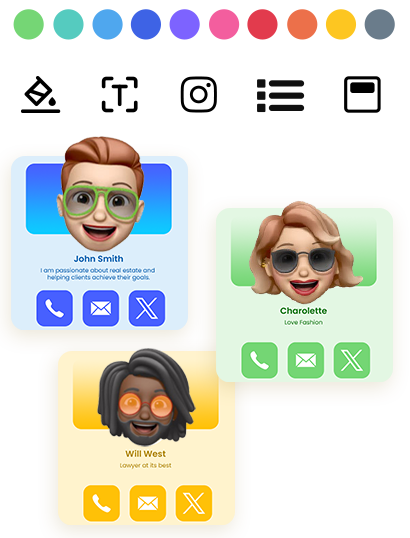
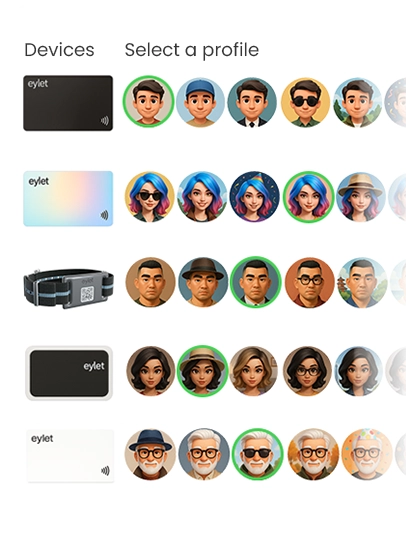
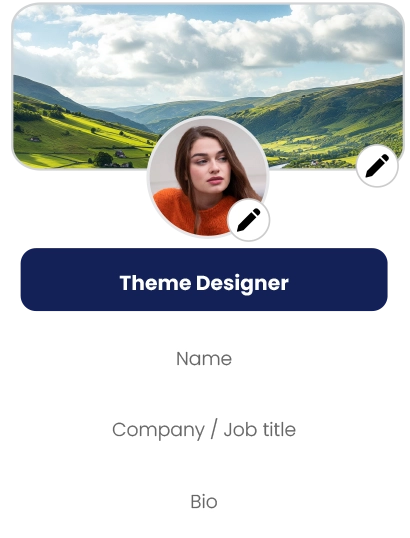
A practical team setup includes templates, standardization, and basic governance. Every profile should look consistent, onboarding should be simple, and managers should have a shared place to review performance. eylet’s teams-getstarted guide describes templates and subteams as part of setup.
Without templates and simple onboarding, branding becomes inconsistent, links are missed, and credibility suffers — especially for service businesses and professional firms.
Lead capture and analytics: keep leads usable
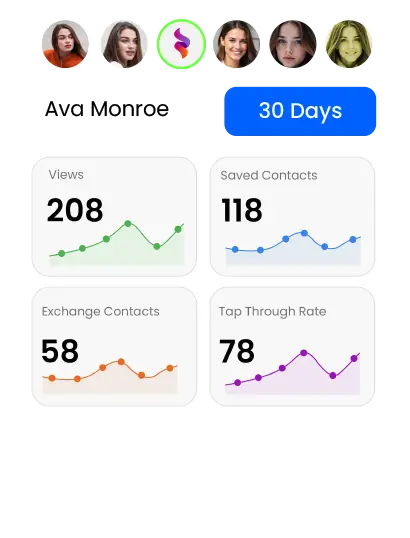
Most exhibitors measure event ROI through lead volume and conversion. Lead capture is not optional if events are part of your growth plan. eylet’s 5-pack black NFC card page describes Excel export and stats, while the /pricing page lists analytics and contact tracking.
Also, check your operational basics: can staff collect leads quickly, export data the same day, and can your office team work with that data without manual cleanup? For troubleshooting, use support.
Final checklist before you pick a platform
- Can a non-technical person set it up and edit it in minutes?
- Does it open in the browser without forcing an app install?
- Can you fully control branding and layout?
- Can you capture high-volume leads and export cleanly?
- Does it support team onboarding and templates?
- Have you calculated the 1-year and 3-year costs using official pricing pages?
FAQ
What is a digital business card?
A mobile-friendly profile shared by link, QR code, or NFC tap, allowing recipients to view and save your contact details.
Do I need an app to use a digital business card?
Most providers use browser-based profiles, meaning recipients can view your card without installing any app.
Are digital business cards free?
Many tools offer free tiers, but branding removal, exports, analytics, and team management usually require paid plans.
How do NFC digital business cards work?
An NFC chip stores a link, and compatible phones open the profile automatically when tapped.
Are digital business cards worth it for small businesses?
Yes, when they reduce follow-up friction and maintain consistent branding across in-person networking.