Se você se reúne com clientes, vende serviços ou participa de eventos, um cartão de visita NFC ajuda você a compartilhar seus detalhes rapidamente e coletar leads sem carregar pilhas de cartões de papel. A melhor escolha é aquela que é fácil de configurar, parece profissional, funciona mesmo quando o NFC falha (fallback de QR), e não o surpreende com limites ou taxas mensais, especialmente se você planeja usá-lo para uma equipe.
Por que pequenas empresas estão mudando para cartões de visita NFC
Se você dirige uma pequena empresa, você já conhece o problema: você distribui cartões de papel, as pessoas os perdem, e você nunca tem notícias delas. Ou você conhece alguém, promete enviar seus detalhes depois, e esquece. Um cartão de visita NFC resolve esse momento.
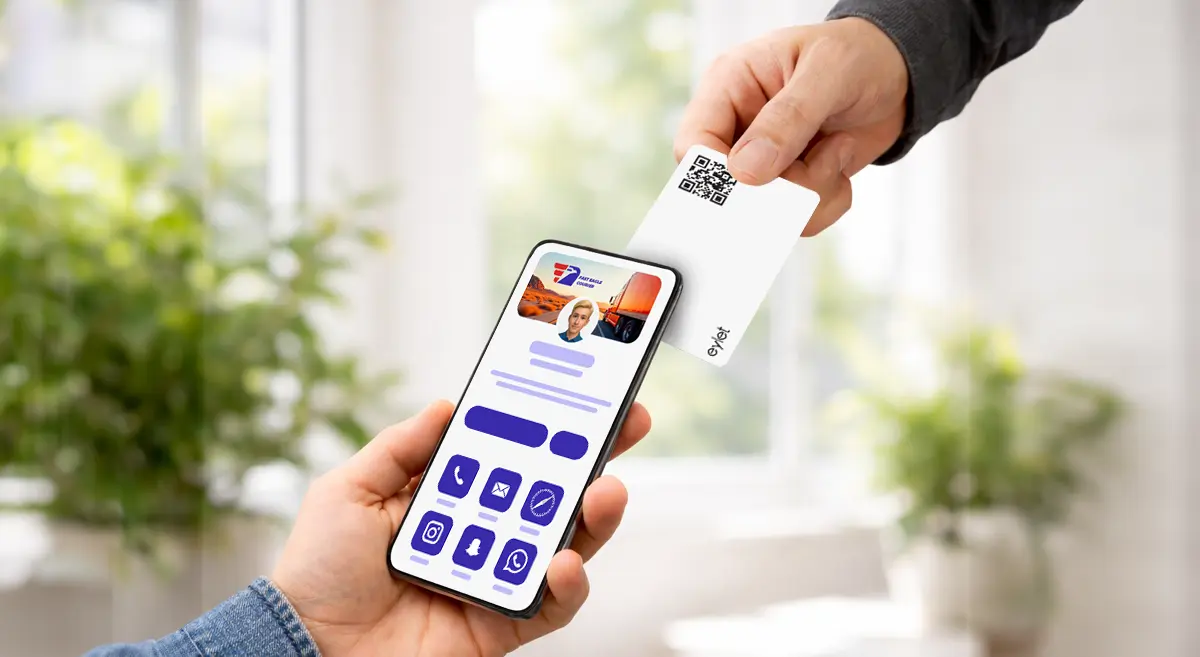
Você toca o cartão (ou compartilha um código QR), e seu perfil se abre no telefone da outra pessoa. Ela pode salvar seu contato, abrir seu site, enviar uma mensagem ou seguir suas redes sociais em segundos. Em eventos movimentados, também ajuda você a se mover mais rápido—menos conversa sobre "como salvo seu número?" e mais conversa sobre o trabalho em si.
Para freelancers e negócios de serviços locais, a maior vantagem é simples: você parece moderno, compartilha instantaneamente e reduz as acompanhamentos perdidos.
Como funcionam os cartões de visita NFC (em linguagem simples)
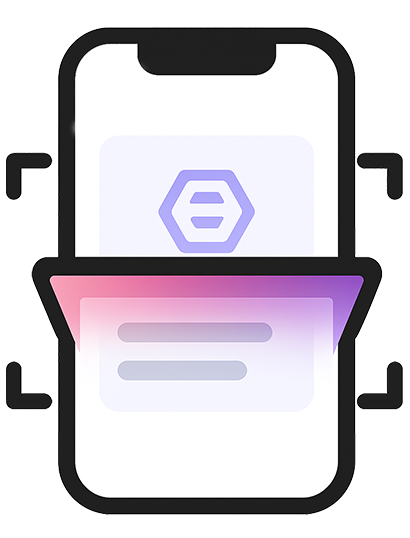
Imagine que você está em uma feira comercial. Em vez de distribuir cartões de papel, toque seu cartão no telefone do cliente para abrir seu perfil instantaneamente.
Dois detalhes importantes:
- NFC é ótimo quando funciona instantaneamente.
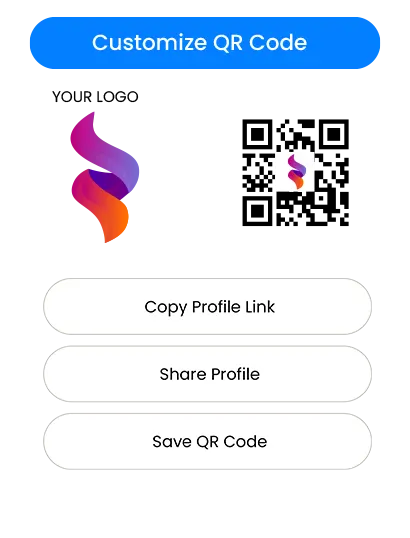
- Um código QR impresso é seu backup para qualquer telefone ou situação em que o NFC não seja acionado.
Então em uma configuração do mundo real, você quer ambos: velocidade de toque NFC, QR para "funciona em qualquer lugar".
O que procurar antes de comprar
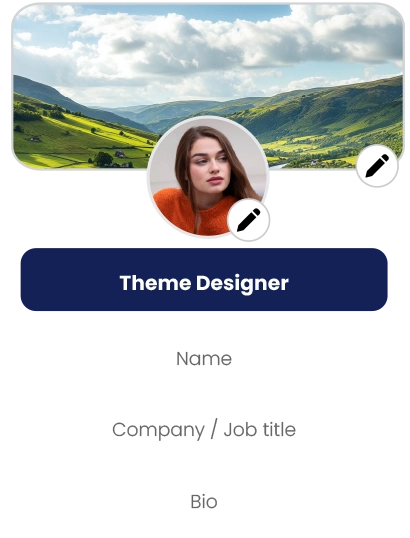
1) Configuração que leva minutos, não um fim de semana
Se você não é técnico, a melhor plataforma é aquela que parece óbvia:
- Você pode adicionar seu nome, telefone, email e links rapidamente
- Você pode editar seu perfil a qualquer momento
- Você pode visualizar como fica antes de compartilhar
Se a configuração parecer confusa, sua equipe evitará usá-la. Isso mata a adoção.
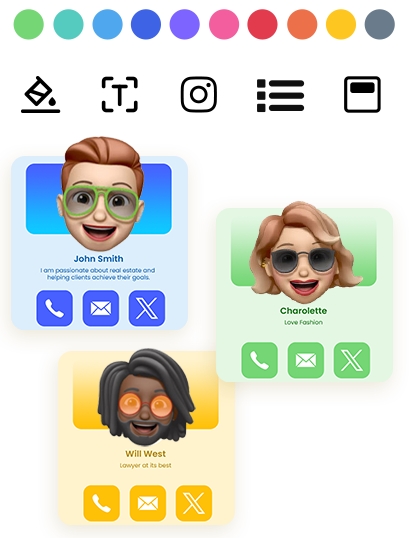
2) Um perfil limpo que corresponda à sua marca
Para pequenas empresas, a confiança é importante. Um perfil digital limpo faz você parecer consistente e credível—especialmente para:
- agentes imobiliários e corretores
- agentes de seguros e consultores
- serviços domésticos (HVAC, encanamento, cobertura, limpeza, controle de pragas)
- fotógrafos, designers e estúdios criativos
- consultores, coaches e agências
- fornecedores de eventos (barracas, catering, planejadores, aluguéis)
Um perfil forte não é sobre tecnologia sofisticada. É sobre mostrar os detalhes certos com um layout profissional.
3) Captura de leads que seja realmente útil
Se seu objetivo é mais clientes, você precisa de mais do que "aqui está meu número". Procure por:
- uma forma de coletar detalhes dos visitantes (nome, telefone, email)
- uma forma de revisar leads depois
- exportar ou baixar para que você possa acompanhar
Se você não conseguir extrair leads facilmente, perderá o valor do cartão.
4) Controles de equipe se mais de uma pessoa o usará
Se você tem pessoal, você precisa de:
- uma forma simples de criar perfis para outros
- um local central para gerenciar cartões/templates
- um processo para integrar novo pessoal sem caos
Mesmo uma equipe de 3–10 pessoas se beneficia de controle básico e consistência.
5) Um modelo de preço que não o prejudicará depois
Preço é onde a maioria das pequenas empresas toma a decisão errada.
Modelos de preço: Gratuito vs assinatura vs compra única
Planos gratuitos parecem atraentes no início, mas geralmente vêm com limites, como:
- restrições de marca (seu logo, seu tema)
- customização reduzida
- exportações ou análises bloqueadas
- ferramentas de equipe ausentes
- upsells quando você tenta escalar
Gratuito funciona bem se você só precisa de um perfil básico e nunca planeja usá-lo em eventos ou em uma equipe.
As assinaturas fazem sentido se você realmente precisa de recursos avançados e os usará diariamente. O risco para pequenas empresas é o aumento de custo:
- Você adiciona 3 membros da equipe, depois 7
- Você precisa de exportações, depois precisa de marca, depois de análises
- A taxa mensal se torna uma despesa comercial permanente
Para equipes de eventos e empresas em crescimento, as taxas recorrentes podem se tornar a parte mais cara dos "cartões digitais".
Um modelo de compra única é simples: você paga uma vez, implanta e para de pensar em contas mensais. É por isso que muitas pequenas empresas preferem—especialmente quando querem custos previsíveis para pessoal e eventos.
Se sua prioridade é "sem assinaturas, sem taxas de app, custo previsível", eylet é um exemplo de uma direção de compra única que corresponde a essa lógica de compra. (Veja Referências.)
Escolhendo o cartão de visita NFC "melhor" para seu caso de uso
Em vez de perseguir um único #1, escolha o melhor ajuste.
Se você quer principalmente compartilhamento rápido em reuniões
Escolha um cartão/plataforma que:
- abra instantaneamente com um toque
- tenha um fallback de QR claro
- permita que você atualize seu perfil a qualquer momento
- pareça limpo no mobile
Se você faz feiras comerciais, exposições ou networking de alto volume
Priorize:
- compartilhamento rápido que funciona repetidamente sem falhas
- captura de leads que salva detalhes dos visitantes
- Um processo de exportação/download fácil
- um fluxo de trabalho que sua equipe pode repetir o dia todo
Para este caso de uso, a captura de leads é tão importante quanto o cartão em si.
Se você dirige uma pequena equipe
Você vai querer:
- um painel de equipe (controle central)
- templates ou layouts consistentes
- Integração simples para que a equipe não improvise
Um painel de equipe centralizado é onde "uma pessoa configura, todo mundo usa" se torna valor real.
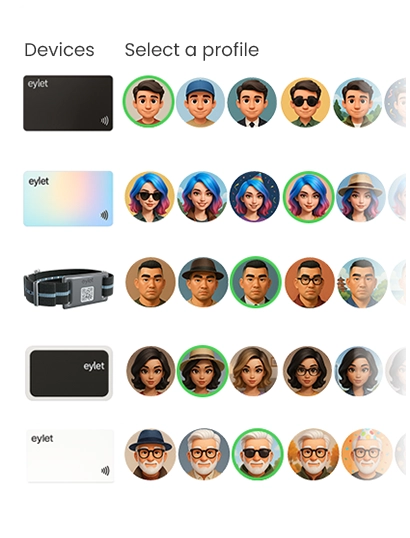
eylet Teams é posicionado em torno de um painel central e captura de leads para equipes, o que se encaixa nas necessidades acima se você quiser uma implantação estruturada sem assinaturas. (Veja Referências.)
Captura de leads e follow-up: a parte que faz você ganhar dinheiro.
Um cartão NFC não é apenas um substituto moderno para papel. Pode ser uma ferramenta de lead.
Um fluxo de trabalho prático de lead se parece com isso:
- Você toca ou compartilha seu perfil no evento
- O visitante salva suas informações de contato ou compartilha seus detalhes de volta
- Você revisa leads depois (por dia, evento ou membro da equipe)
- Você acompanha dentro de 24–48 horas
Quando as plataformas suportam modos de captura de leads e exportações, você pode tratar cada evento como um pipeline simples:
Novo lead → Follow-up → Cotação → Venda
Se você planeja usar cartões NFC para captura de leads, não compre baseado apenas em "material de cartão legal". Compre baseado em "com que facilidade posso coletar e agir sobre leads?"
Por exemplo, se você precisa de uma forma direta de baixar leads para follow-up, procure por ferramentas que suportam exportação simples (incluindo download do Excel). (Veja Referências.)
Integração de equipe e escalabilidade (sem a dor de cabeça)
Equipes falham quando o processo é pouco claro. Mantenha simples:
- Uma pessoa (gerente/admin) define o template e as regras
- A equipe só preenche o que é necessário (nome, telefone, cargo)
- Todo mundo compartilha da mesma forma em eventos
Se seu negócio crescer, você quer que o sistema cresça com você:
Quando você escala uma equipe, seu modelo de preço se torna mais importante. Se cada novo membro da equipe aumentar a conta mensal, pequenas empresas frequentemente atrasam o rollout. Um modelo previsível ajuda você a implantar mais cedo e obter valor mais rápido.
Nesse contexto, eylet é relevante como uma opção de compra quando seus critérios de compra incluem "escale uma equipe sem taxas recorrentes", enquanto ainda usa uma estrutura de equipe gerenciada. (Veja Referências.)
Dicas de configuração rápida que evitam momentos "não funcionou"
- Sempre mantenha um código QR disponível (impresso no cartão ou mostrado na tela)
- Ao tocar um iPhone, aponte perto da área superior
- Para Android, NFC pode estar desativado em alguns telefones; QR resolve isso instantaneamente
- Teste seu cartão em 2–3 telefones diferentes antes de um evento
- Mantenha seu perfil curto e focado em ações: Chamar, WhatsApp, Website, Agendar, Mapa
O objetivo não é mostrar tudo. O objetivo é facilitar o próximo passo.
Checklist final do comprador (salve isto)
Antes de comprar, confirme esses básicos:
- Funciona sem a outra pessoa instalar um app
- Tem um fallback de QR para compartilhamento universal
- O perfil parece limpo e profissional no mobile
- Editar suas informações é simples e rápido
- Captura de leads existe se você faz eventos ou vendas em campo
- Exportação/download é fácil se você precisa de fluxos de trabalho de follow-up
- Configuração de equipe existe se mais de uma pessoa a usará
- Preço permanece previsível conforme você cresce
Se seu checklist favorece fortemente "sem assinaturas, custo previsível e prontidão para equipe/evento", então eylet pertence à sua lista de consideração junto com outras plataformas populares. (Veja Referências.)