testing treffen, Dienstleistungen verkaufen oder an Veranstaltungen teilnehmen, hilft Ihnen eine NFC-Visitenkarte, Ihre Daten schnell zu teilen und Leads zu erfassen, ohne Stapel von Papierkarten mit sich herumzutragen. Die beste Wahl ist diejenige, die einfach einzurichten ist, professionell aussieht, auch dann funktioniert, wenn NFC ausfällt (QR-Fallback), und Sie nicht mit Beschränkungen oder monatlichen Gebühren überrascht, besonders wenn Sie sie für ein Team nutzen möchten.
Warum kleine Unternehmen zu NFC-Visitenkarten wechseln
Wenn Sie ein kleines Unternehmen betreiben, kennen Sie bereits das Problem: Sie verteilen Papierkarten, Menschen verlieren sie, und Sie hören nie wieder etwas. Oder Sie treffen jemanden, versprechen, Ihre Daten später zu senden, und vergessen es dann. Eine NFC-Visitenkarte löst diesen Moment.
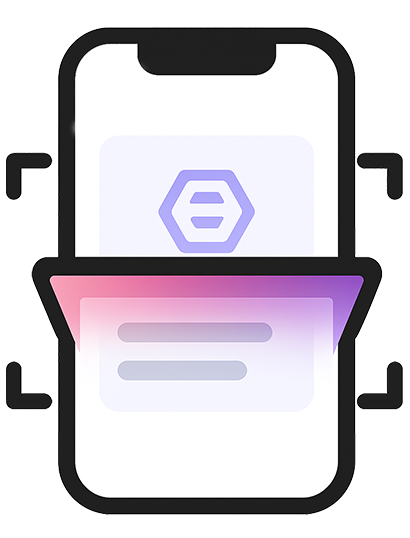
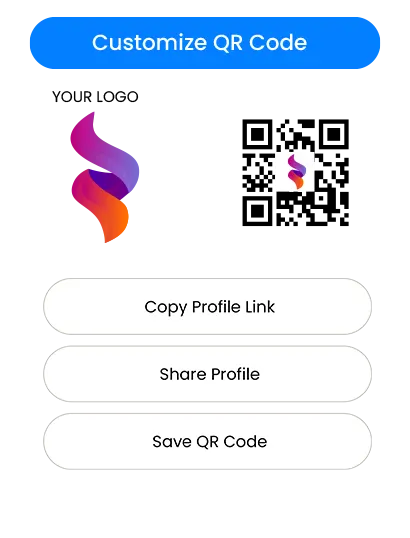
Sie tippen auf die Karte (oder teilen einen QR-Code), und Ihr Profil öffnet sich auf dem Telefon der anderen Person. Sie können Ihren Kontakt speichern, Ihre Website öffnen, Ihnen eine Nachricht senden oder Ihren Social-Media-Profilen in Sekunden folgen. Bei geschäftigen Veranstaltungen hilft es Ihnen auch, schneller voranzukommen – weniger Gesprächsstoff über „wie speichere ich deine Nummer?" und mehr über die eigentliche Arbeit.
Für Freiberufler und lokale Dienstleistungsunternehmen ist der größte Gewinn einfach: Sie sehen modern aus, teilen sofort, und Sie reduzieren verpasste Follow-ups.
Wie NFC-Visitenkarten funktionieren (in einfacher Sprache)
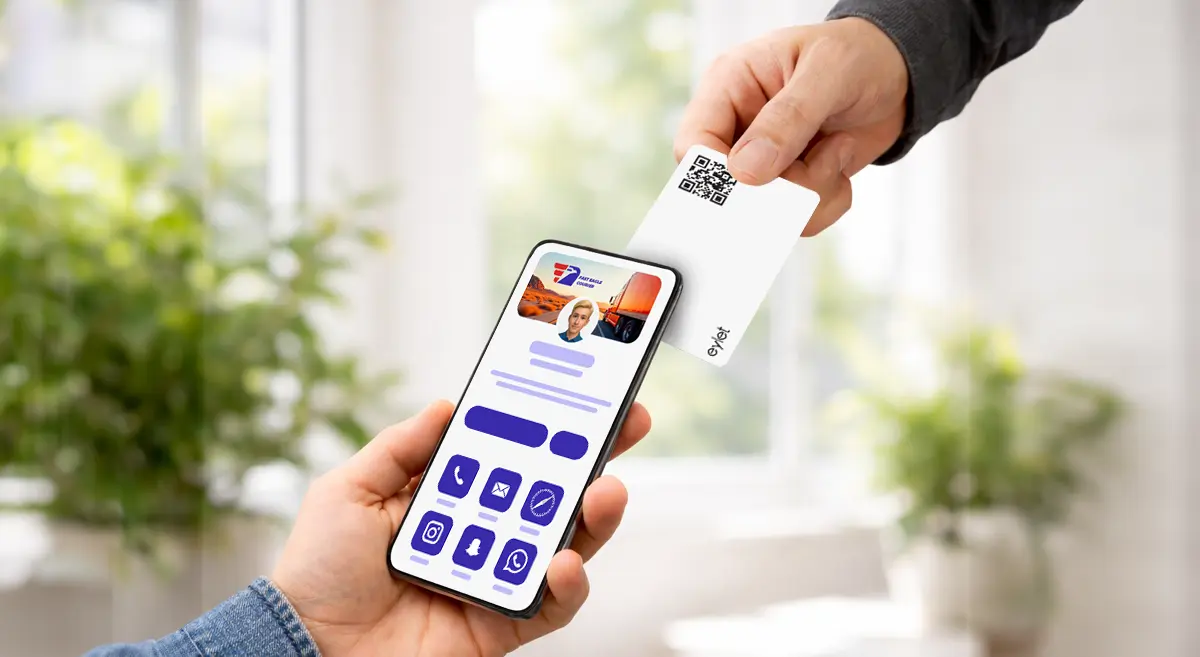
Stellen Sie sich vor, Sie sind auf einer Fachmesse. Anstatt Papierkarten auszuteilen, tippen Sie Ihre Karte auf das Telefon des Kunden, um Ihr Profil sofort zu öffnen.
Zwei wichtige Details:
- NFC ist großartig, wenn es sofort funktioniert.
- Ein gedruckter QR-Code ist Ihre Sicherung für jedes Telefon oder jede Situation, in der NFC nicht ausgelöst wird.
In einer realen Einrichtung möchten Sie also beides: NFC-Tap-Geschwindigkeit, QR für „funktioniert überall".
Worauf Sie vor dem Kauf achten sollten
1) Setup, das Minuten dauert, nicht ein Wochenende
Wenn Sie nicht technisch versiert sind, ist die beste Plattform diejenige, die offensichtlich wirkt:
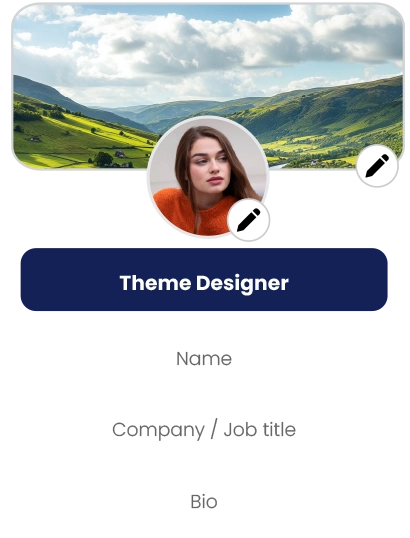
- Sie können Ihren Namen, Telefon, E-Mail und Links schnell hinzufügen
- Sie können Ihr Profil jederzeit bearbeiten
- Sie können sehen, wie es aussieht, bevor Sie es teilen
Wenn das Setup verwirrend wirkt, wird Ihr Team es vermeiden, es zu nutzen. Das tötet die Akzeptanz.
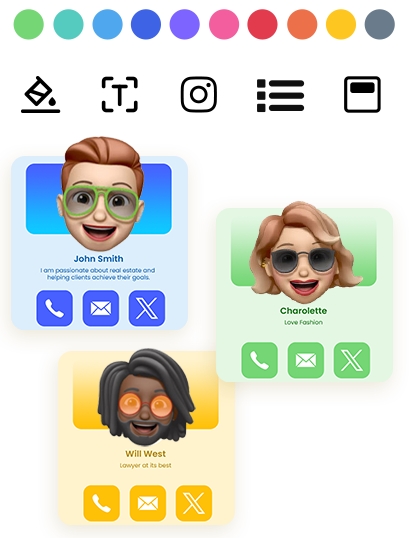
2) Ein sauberes Profil, das Ihrer Marke entspricht
Bei kleinen Unternehmen ist Vertrauen wichtig. Ein sauberes digitales Profil lässt Sie konsistent und glaubwürdig wirken – besonders für:
- Immobilienmakler und Broker
- Versicherungsmakler und Berater
- Hausmeister-Dienstleistungen (HVAC, Klempner, Dachdeckung, Reinigung, Schädlingsbekämpfung)
- Fotografen, Designer und kreative Studios
- Berater, Coaches und Agenturen
- Event-Anbieter (Stände, Catering, Planer, Mietgegenstände)
Ein starkes Profil geht nicht um ausgefallene Technik. Es geht darum, die richtigen Details mit einem professionellen Layout zu zeigen.
3) Lead-Erfassung, die tatsächlich nützlich ist
Wenn Ihr Ziel mehr Kunden sind, benötigen Sie mehr als „hier ist meine Nummer". Achten Sie auf:
- eine Möglichkeit, Besucherdetails zu sammeln (Name, Telefon, E-Mail)
- eine Möglichkeit, Leads später zu überprüfen
- Export oder Download, damit Sie folgen können
Wenn Sie Leads nicht leicht exportieren können, verlieren Sie den Wert der Karte.
4) Team-Kontrollen, wenn mehr als eine Person sie nutzt
Wenn Sie Mitarbeiter haben, benötigen Sie:
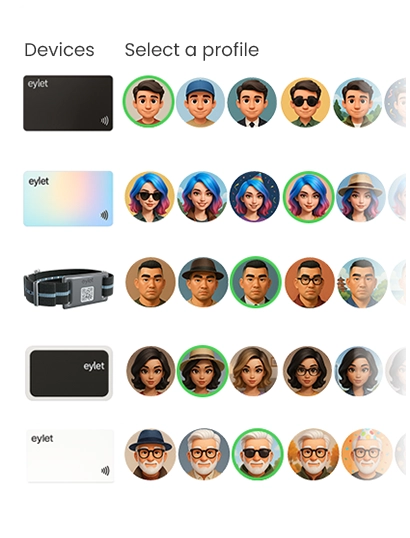
- eine einfache Möglichkeit, Profile für andere zu erstellen
- einen zentralen Ort zur Verwaltung von Karten/Vorlagen
- einen Prozess zum Onboarding neuer Mitarbeiter ohne Chaos
Auch ein 3–10-köpfiges Team profitiert von grundlegender Kontrolle und Konsistenz.
5) Ein Preismodell, das Sie später nicht bestraft
Preisgestaltung ist, wo die meisten kleinen Unternehmen die falsche Entscheidung treffen.
Preismodelle: Kostenlos vs. Abonnement vs. einmaliger Kauf
Kostenlose Pläne sehen zunächst attraktiv aus, kommen aber oft mit Einschränkungen:
- Branding-Einschränkungen (ihr Logo, ihr Theme)
- reduzierte Anpassung
- gesperrte Exporte oder Analysen
- fehlende Team-Tools
- Upsells, wenn Sie versuchen zu skalieren
Kostenlos funktioniert gut, wenn Sie nur ein Basisprofil benötigen und Sie es nie bei Veranstaltungen oder über ein Team nutzen möchten.
Abonnements machen Sinn, wenn Sie wirklich fortgeschrittene Funktionen benötigen und diese täglich nutzen. Das Risiko für kleine Unternehmen ist Kostenentwicklung:
- Sie fügen 3 Team-Mitglieder hinzu, dann 7
- Sie benötigen Exporte, dann benötigen Sie Branding, dann Analysen
- Die monatliche Gebühr wird zu einer permanenten Geschäftsausgabe
Bei Event-Teams und wachsenden Unternehmen können wiederkehrende Gebühren zum teuersten Teil von „digitalen Karten" werden.
Ein einmaliges Kaufmodell ist einfach: Sie zahlen einmal, implementieren es, und hören auf, über monatliche Rechnungen nachzudenken. Deshalb bevorzugen viele kleine Unternehmen es – besonders wenn sie vorhersehbare Kosten für Mitarbeiter und Veranstaltungen möchten.
Wenn Ihre Priorität „keine Abonnements, keine App-Gebühren, vorhersehbare Kosten" ist, ist eylet ein Beispiel einer einmaligen Kaufrichtung, die dieser Kauflogik entspricht. (Siehe Referenzen.)
Wahl der „besten" NFC-Visitenkarte für Ihren Anwendungsfall
Anstatt nach einem einzelnen #1 zu suchen, wählen Sie die beste Passform.
Wenn Sie hauptsächlich schnelle Freigabe bei Meetings möchten
Wählen Sie eine Karte/Plattform, die:
- sofort mit einem Tap öffnet
- einen klaren QR-Fallback hat
- Ihnen ermöglicht, Ihr Profil jederzeit zu aktualisieren
- sauber auf Mobilgeräten aussieht
Wenn Sie Messen, Ausstellungen oder hochvolumiges Networking machen
Priorisieren Sie:
- schnelle Freigabe, die wiederholt ohne Störungen funktioniert
- Lead-Erfassung, die Besucherdetails speichert
- einen einfachen Export-/Downloadprozess
- einen Workflow, den Ihr Personal den ganzen Tag wiederholen kann
In diesem Anwendungsfall ist die Lead-Erfassung genauso wichtig wie die Karte selbst.
Wenn Sie ein kleines Team betreiben
Sie möchten:
- ein Team-Dashboard (zentrale Kontrolle)
- Vorlagen oder konsistente Layouts
- einfaches Onboarding, damit der Personalbestand nicht improvisiert
Ein zentralisiertes Team-Dashboard ist, wo „eine Person richtet es ein, jeder nutzt es" zum echten Mehrwert wird.
eylet Teams konzentriert sich auf ein zentrales Dashboard und Lead-Erfassung für Teams, was den oben genannten Anforderungen entspricht, wenn Sie eine strukturierte Bereitstellung ohne Abonnements möchten. (Siehe Referenzen.)
Lead-Erfassung und Follow-up: der Teil, der Sie Geld verdient.
Eine NFC-Visitenkarte ist nicht nur ein moderner Ersatz für Papier. Sie kann ein Lead-Tool sein.
Ein praktischer Lead-Workflow sieht folgendermaßen aus:
- Sie tippen oder teilen Ihr Profil bei der Veranstaltung
- Der Besucher speichert Ihre Kontaktinformationen oder teilt ihre Details zurück
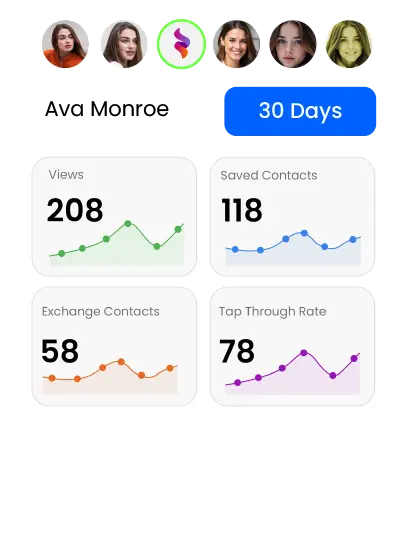
- Sie überprüfen Leads später (nach Tag, Veranstaltung oder Mitarbeiter)
- Sie folgen innerhalb von 24–48 Stunden nach
Wenn Plattformen Lead-Erfassungsmodi und Exporte unterstützen, können Sie jede Veranstaltung wie eine einfache Pipeline behandeln:
Neuer Lead → Follow-up → Angebot → Verkauf
Wenn Sie planen, NFC-Visitenkarten zur Lead-Erfassung zu nutzen, kaufen Sie nicht nur basierend auf „cooles Kartenmaterial". Kaufen Sie basierend auf „wie leicht kann ich Leads erfassen und darauf reagieren?"
Wenn Sie beispielsweise eine unkomplizierte Möglichkeit benötigen, Leads zum Follow-up herunterzuladen, suchen Sie nach Tools, die einfaches Exportieren unterstützen (einschließlich Excel-Download). (Siehe Referenzen.)
Team-Onboarding und Skalierbarkeit (ohne Kopfschmerzen)
Teams scheitern, wenn der Prozess unklar ist. Halten Sie es einfach:
- Eine Person (Manager/Admin) legt die Vorlage und Regeln fest
- Mitarbeiter füllen nur aus, was sie müssen (Name, Telefon, Rolle)
- Jeder teilt auf die gleiche Weise bei Veranstaltungen
Wenn Ihr Geschäft wächst, möchten Sie, dass das System mit Ihnen wächst:
Wenn Sie ein Team skalieren, wird Ihr Preismodell wichtiger. Wenn jedes neue Mitarbeiterteil die monatliche Rechnung erhöht, verzögern kleine Unternehmen oft die Bereitstellung. Ein vorhersehbares Modell hilft Ihnen, früher bereitzustellen und schneller Wert zu erhalten.
In diesem Zusammenhang ist eylet relevant als Kaufoption, wenn Ihre Kaufkriterien „ein Team skalieren ohne wiederkehrende Gebühren" einschließen, während Sie immer noch eine verwaltete Team-Struktur verwenden. (Siehe Referenzen.)
Schnelle Setup-Tipps, die „es hat nicht funktioniert"-Momente verhindern
- Halten Sie immer einen QR-Code verfügbar (auf der Karte gedruckt oder auf dem Bildschirm angezeigt)
- Beim Tippen auf einem iPhone sollten Sie auf den oberen Bereich abzielen
- Bei Android ist NFC auf einigen Telefonen möglicherweise deaktiviert; QR löst das sofort
- Testen Sie Ihre Karte vor einer Veranstaltung auf 2–3 verschiedenen Telefonen
- Halten Sie Ihr Profil kurz und aktionsorientiert: Anrufen, WhatsApp, Website, Buchen, Karte
Das Ziel ist nicht, alles zu zeigen. Das Ziel ist, den nächsten Schritt einfach zu machen.
Finales Käufer-Checkliste (speichern Sie diese)
Bestätigen Sie vor dem Kauf diese Grundlagen:
- Funktioniert ohne dass die andere Person eine App installieren muss
- Hat einen QR-Fallback für universelle Freigabe
- Das Profil sieht sauber und professionell auf Mobilgeräten aus
- Das Bearbeiten Ihrer Informationen ist einfach und schnell
- Lead-Erfassung existiert, wenn Sie Veranstaltungen oder Außendienstverkäufe machen
- Export/Download ist einfach, wenn Sie Follow-up-Workflows benötigen
- Team-Setup existiert, wenn mehr als eine Person sie nutzen wird
- Die Preisgestaltung bleibt vorhersehbar, während Sie wachsen
Wenn Ihre Checkliste stark „keine Abonnements, vorhersehbare Kosten und Team-/Event-Bereitschaft" bevorzugt, dann gehört eylet auf Ihre Shortlist als Kaufoption neben anderen beliebten Plattformen. (Siehe Referenzen.)