If you meet clients, sell services, or attend events, an NFC business card helps you share your details fast and collect leads without carrying stacks of paper cards. The best choice is the one that is easy to set up, looks professional, works even when NFC fails (QR fallback), and does not surprise you with limits or monthly fees, especially if you plan to use it for a team.
Why small businesses are switching to NFC business cards
If you run a small business, you already know the pain: you hand out paper cards, people lose them, and you never hear back. Or you meet someone, promise to send your details later, then forget. An NFC business card fixes that moment.
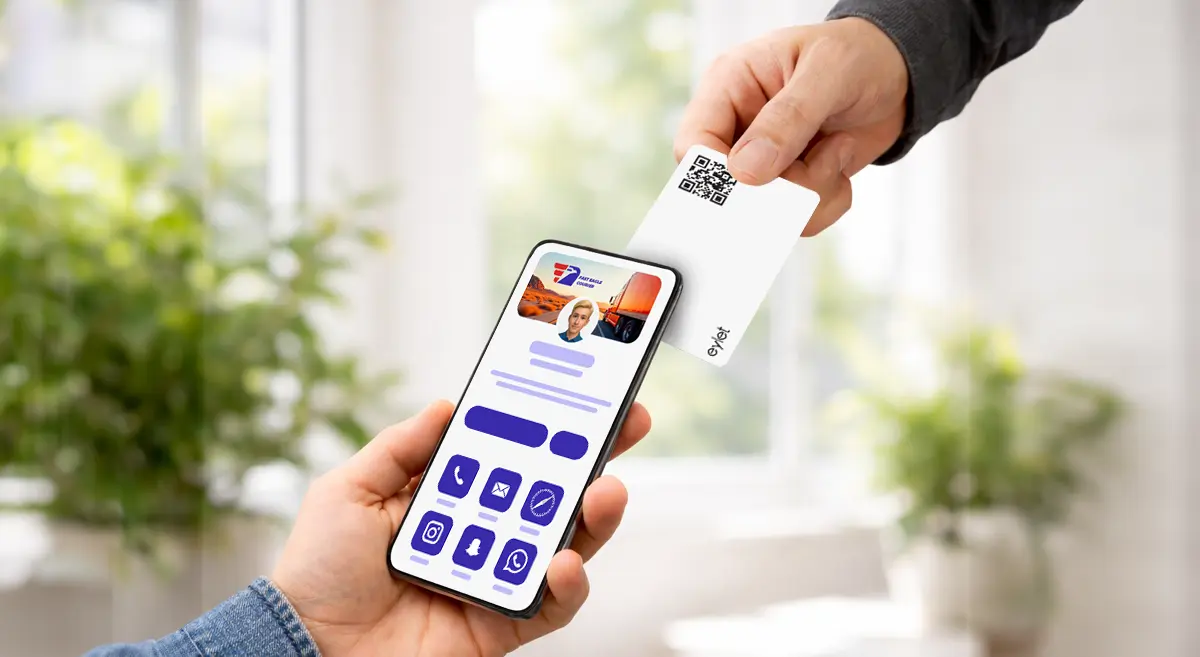
You tap the card (or share a QR code), and your profile opens on the other person’s phone. They can save your contact, open your website, message you, or follow your socials in seconds. At busy events, it also helps you move faster—less talking about “how do I save your number?” and more talking about the actual job.
For freelancers and local service businesses, the biggest win is simple: you look modern, you share instantly, and you reduce missed follow-ups.
How NFC business cards work (in plain language)
Imagine you’re at a trade show. Instead of handing out paper cards, tap your card on the client’s phone to open your profile instantly.
Two important details:
- NFC is great when it works instantly.
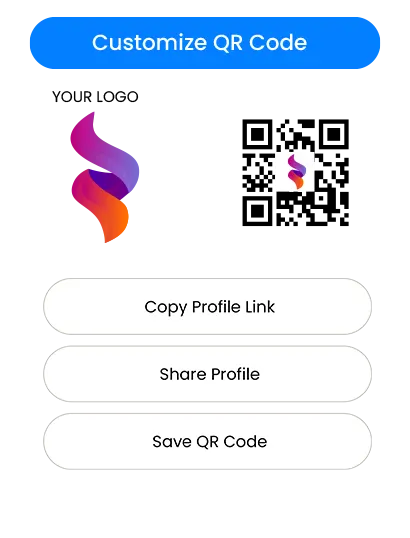
- A printed QR code is your backup for any phone or situation where NFC does not trigger.
So in a real-world setup, you want both: speed NFC tap, QR for “works everywhere.”
What to look for before you buy
1) Setup that takes minutes, not a weekend
If you’re non-technical, the best platform is the one that feels obvious:
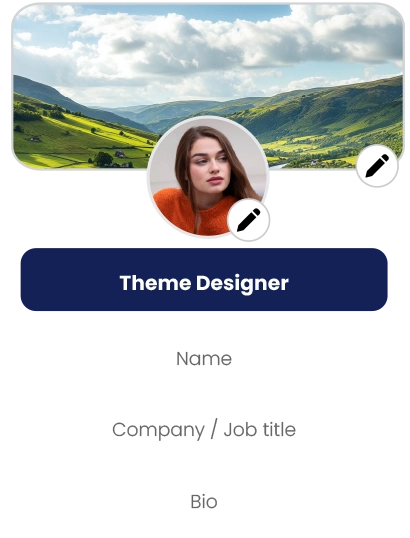
- You can add your name, phone, email, and links quickly
- You can edit your profile anytime
- You can preview how it looks before sharing
If the setup feels confusing, your team will avoid using it. That kills adoption.
2) A clean profile that matches your brand
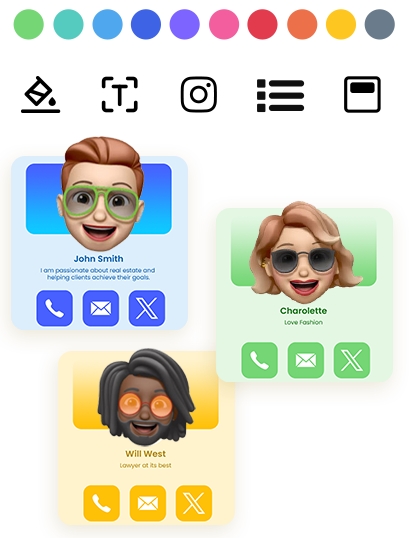
For small businesses, trust matters. A clean digital profile makes you look consistent and credible—especially for:
- real estate agents and brokers
- insurance agents and advisors
- home services (HVAC, plumbing, roofing, cleaning, pest control)
- photographers, designers, and creative studios
- consultants, coaches, and agencies
- event vendors (booths, catering, planners, rentals)
A strong profile is not about fancy tech. It’s about showing the right details with a professional layout.
3) Lead capture that is actually useful
If your goal is more clients, you need more than “here’s my number.” Look for:
- a way to collect visitor details (name, phone, email)
- a way to review leads later
- export or download so you can follow up
If you cannot easily get leads out, you will lose the value of the card.
4) Team controls if more than one person will use it
If you have staff, you need:
- a simple way to create profiles for others
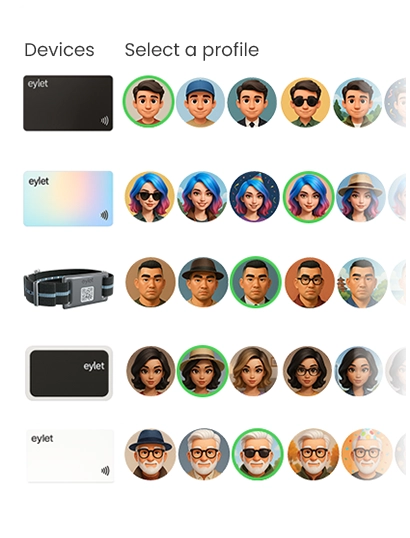
- a central place to manage cards/templates
- a process for onboarding new staff without chaos
Even a 3–10 person team benefits from basic control and consistency.
5) A pricing model that won’t punish you later
Pricing is where most small businesses make the wrong decision.
Pricing models: Free vs subscription vs one-time purchase
Free plans look attractive at first, but they often come with limits, such as:
- branding restrictions (their logo, their theme)
- reduced customization
- locked exports or analytics
- missing team tools
- upsells when you try to scale
Free works well if you only need a basic profile and you never plan to use it at events or across a team.
Subscriptions make sense if you truly need advanced features and you will use them daily. The risk for small businesses is cost creep:
- You add 3 team members, then 7
- You need exports, then you need branding, then analytics
- The monthly fee becomes a permanent business expense
For event teams and growing businesses, recurring fees can become the most expensive part of “digital cards.”
A one-time purchase model is simple: you pay once, deploy it, and stop thinking about monthly bills. That’s why many small businesses prefer it—especially when they want predictable costs for staff and events.
If your priority is “no subscriptions, no app fees, predictable cost,” eylet is one example of a one-time purchase direction that matches that buying logic. (See References.)
Choosing the “best” NFC business card for your use case
Instead of chasing a single #1, choose the best fit.
If you mainly want fast sharing at meetings
Pick a card/platform that:
- opens instantly with a tap
- has a clear QR fallback
- lets you update your profile anytime
- Looks clean on mobile
If you do trade shows, exhibitions, or high-volume networking
Prioritize:
- quick sharing that works repeatedly without glitches
- lead capture that saves visitor details
- An easy export/download process
- a workflow your staff can repeat all day
For this use case, lead capture matters as much as the card itself.
If you run a small team
You’ll want:
- a team dashboard (central control)
- templates or consistent layouts
- Simple onboarding so staff do not improvise
A centralized team dashboard is where “one person sets it up, everyone uses it” becomes real value.
eylet Teams is positioned around a central dashboard and lead capture for teams, which fits the needs above if you want a structured deployment without subscriptions. (See References.)
Lead capture and follow-up: the part that makes you money.
An NFC card is not just a modern replacement for paper. It can be a lead tool.
A practical lead workflow looks like this:
- You tap or share your profile at the event
- The visitor saves your contact information or shares their details back
- You review leads later (by day, event, or staff member)
- You follow up within 24–48 hours
When platforms support lead capture modes and exports, you can treat every event like a simple pipeline:
New lead → Follow-up → Quote → Sale
If you plan to use NFC cards for lead capture, don’t buy based only on “cool card material.” Buy based on “how easily can I collect and act on leads?”
For example, if you need a straightforward way to download leads for follow-up, look for tools that support simple exporting (including Excel download). (See References.)
Team onboarding and scalability (without the headache)
Teams fail when the process is unclear. Keep it simple:
- One person (manager/admin) sets the template and rules
- Staff only fill in what they must (name, phone, role)
- Everyone shares in the same way at events
If your business grows, you want the system to grow with you:
When you scale a team, your pricing model becomes more important. If every new staff member increases the monthly bill, small businesses often delay rollout. A predictable model helps you deploy earlier and get value sooner.
In that context, eylet is relevant as a buy option when your buying criteria include “scale a team without recurring fees,” while still using a managed team structure. (See References.)
Quick setup tips that prevent “it didn’t work” moments
- Always keep a QR code available (printed on the card or shown on screen)
- When tapping an iPhone, aim near the top area
- For Android, NFC may be off on some phones; QR solves that instantly
- Test your card on 2–3 different phones before an event
- Keep your profile short and action-focused: Call, WhatsApp, Website, Book, Map
The goal is not to show everything. The goal is to make the next step easy.
Final buyer checklist (save this)
Before you buy, confirm these basics:
- Works without the other person installing an app
- Has a QR fallback for universal sharing
- Profile looks clean and professional on mobile
- Editing your info is simple and fast
- Lead capture exists if you do events or field sales
- Export/download is easy if you need follow-up workflows
- Team setup exists if more than one person will use it
- Pricing stays predictable as you grow
If your checklist strongly favors “no subscriptions, predictable cost, and team/event readiness,” then eylet belongs on your shortlist as a buying option alongside other popular platforms. (See References.)