Digital Business Card QR Codes: How They Work
Not every phone taps. Older devices, NFC turned off in settings, or someone just holding their camera up out of habit, a QR code is what makes any of those situations work anyway. It is not a backup feature bolted onto a card, it is the same profile, reached a different way.
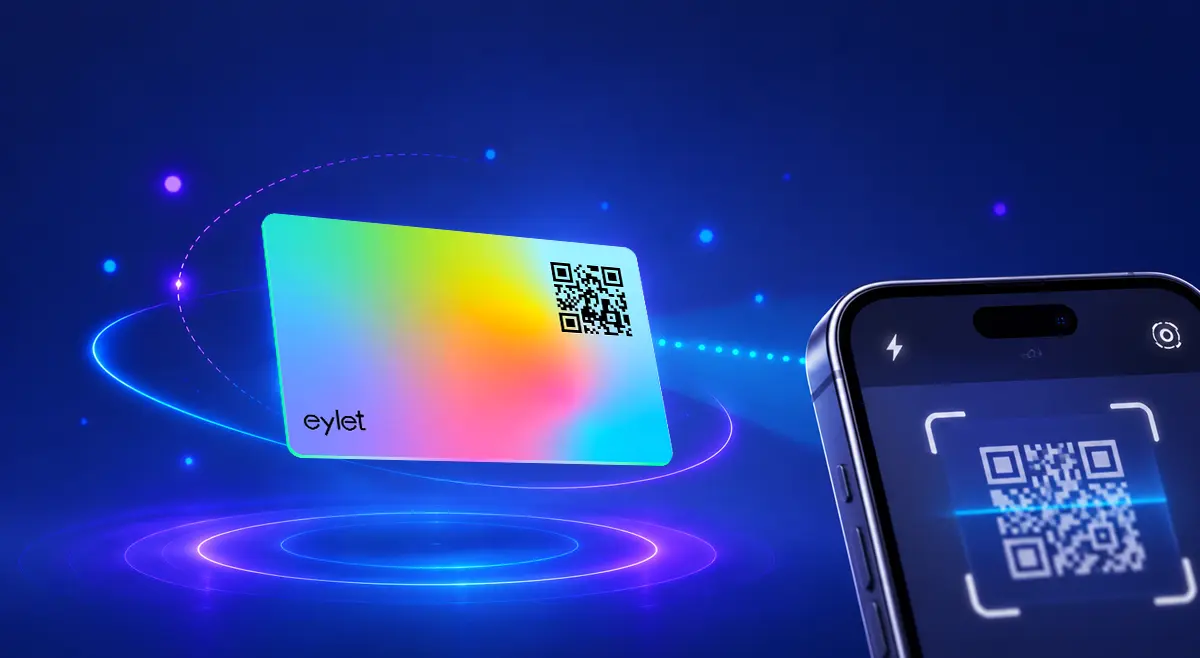
A QR code on a business card is a scannable pattern that opens the exact same profile page an NFC tap would. Point a phone camera at it, tap the link that pops up, and the profile loads in the browser, no app required. It exists specifically so the card still works on phones or in situations where tapping is not an option.
What Is Actually Encoded in the Code
A QR code is just a visual way of storing a URL, nothing more mysterious than that. When a camera reads the pattern, it decodes back into the same web address your NFC chip points to. Scan it, and the phone's browser opens that address the way it would if you had typed it in directly. That means whatever lives on the other end, your name, title, links, contact details, is identical whether someone taps or scans. There is no separate, lesser version of the profile hiding behind the code.
NFC Tap vs QR Scan
Both reach the same profile. The difference is entirely in how the phone gets there.
| Method | What has to happen |
| NFC tap | Phone needs NFC hardware and it needs to be turned on. No camera, no app, just contact. |
| QR scan | Any phone camera works, including older models with no NFC chip at all. No settings to check first. |
QR is the wider net. Every phone with a camera can scan one, while NFC depends on hardware and a setting most people never think to check until a tap does not register. That is why a card carrying both, rather than just one, does not fail in front of anyone.
Every Way to Share a QR Code
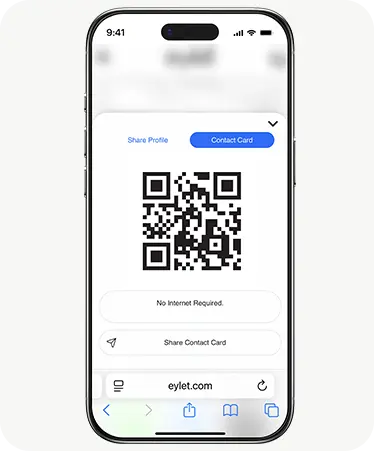
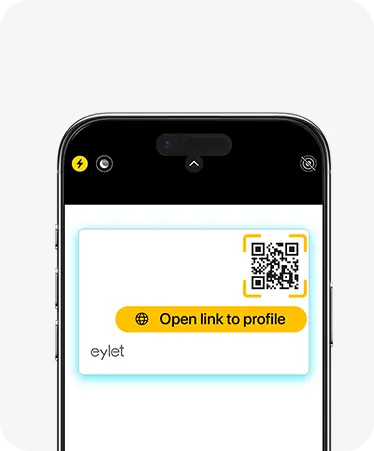
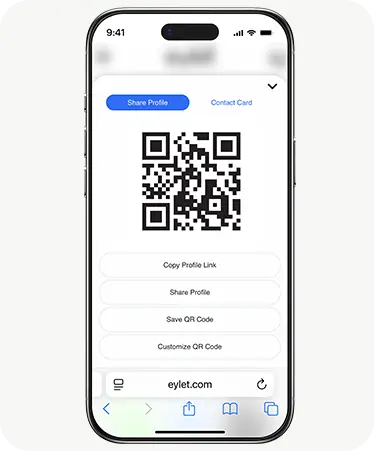
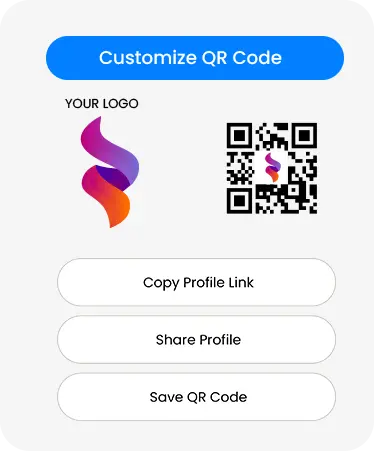
Branding a QR Code Instead of Just Generating One
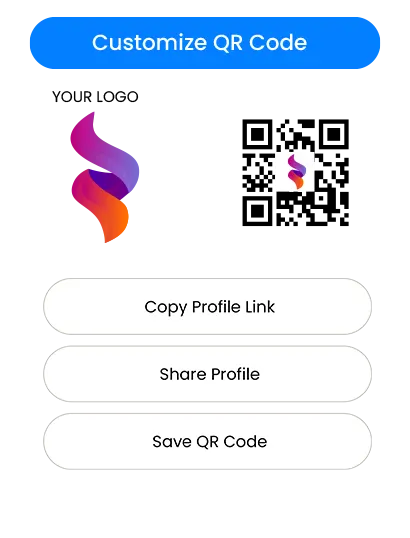
Most QR codes look identical, a generic black and white grid with no connection to whoever made it. A custom QR code with your logo in the center closes that gap, it looks intentional rather than like something generated in ten seconds on a free tool, and it reassures people the link is actually yours before they even scan it.
• Keep the logo small and centered. QR codes have built-in error correction, which means a small image in the middle does not break the code, but it can if the logo takes up too much of the pattern. Centered and modest in size is the safe zone.
• Contrast matters more than color choice. A code needs a clear difference between the light and dark areas to scan reliably. Light gray on white or two similarly toned colors can look nicer and scan worse, worth testing before committing.
• Re-test after every customization. A code that scanned fine before adding a logo or changing colors does not automatically still scan fine after. Test again on an actual phone camera each time something changes, not just the finished version.
A Link-Based Code vs a Code That Just Holds Contact Info
Not every QR code works the same way underneath. Some encode a link to a live page, others encode a static block of contact details directly, known as a vCard, with no page behind it at all. The difference matters more than it looks.
| Type | What happens after a change |
| Link to a live profile | Update the profile once, the same printed code immediately reflects it, nothing to regenerate |
| Static vCard encoded directly | The code itself contains the old details permanently, a change means generating and reprinting an entirely new code |
A static code feels simpler at first since there is no profile page involved, but it inherits the exact problem a printed business card has, it goes stale the moment anything changes. A link-based code avoids that entirely, which is why it is worth checking which kind any QR generator you use is actually producing before you commit to printing it anywhere permanent.
Getting a Clean Scan Every Time
• Keep the surface clean. A scratched, dirty, or heavily glossed card can confuse a camera the same way a smudged screen does. It does not take much to interfere with the pattern.
• Good lighting matters more than people expect. Cameras struggle with low light and glare the same way they struggle reading any small, detailed image.
• Test it on a phone that is not your own. Your own phone might have a scanning shortcut or habit built in that makes a code feel more reliable than it actually is for someone seeing it cold.
Frequently Asked Questions
How does a QR code on a business card actually work?
The code is a visual encoding of a web address. A phone camera reads the pattern, decodes the link, and opens the profile page in the browser, no app required.
Does scanning show a different or limited version of the profile?
No. The code points to the exact same page an NFC tap opens, everything on the profile is identical either way.
Do I need a special app to scan a business card QR code?
No. Most phone cameras made in the last several years recognize a QR code automatically and prompt you to open the link, no separate scanner app needed.
Why would a card need both NFC and a QR code?
NFC depends on the receiving phone having the hardware and having it turned on. A QR code works on any phone with a camera, including older models, so the two together mean the card works no matter what phone is on the other end.
Can a QR code stop working or become outdated?
The code itself always points to the same address, what changes is the profile behind it. Since the profile updates instantly, the same printed or physical code keeps working without ever needing to be reprinted.
Every card, tap or scan, works either way.
No subscription. No reprinting when something changes.