Eylet Logo
  • Flag English ▼
  • App

    App

    • App Features
    • Comparison
  • Get Started

    Get Started

    • Digital Business Cards
    • Google Review Cards
    • Phone Card V3
    • Wristband
    • Phone Cases
    • Teams
  • Cards

    eylet Digital Business Cards

    • 2 Pack Black and Prism
    • 2 Pack White
    • 5 Pack Black
    • 5 Pack Prism
    • Google Cards
  • Wristband
  • Phone Card
  • Google Cards
  • Card Multipacks
  • Teams
  • Pricing
  • Support
  • Blogs
  • Login/Sign Up
  • US Flag English ▼
  • Home
  • Blogs
  • Digital Business Cards for Consulting Firms
Digital Business Cards for Consulting Firms

By eylet Team · 15 July 2026

7 min read

Digital Business Cards for Consulting Firms

Consulting runs on first impressions and follow-through. A partner pitching a new engagement, an associate working a conference floor, a team onboarding a new hire mid-project, all of it depends on contact details that stay accurate and a card that actually gets used instead of left in a jacket pocket. Most guides to this topic push straight into CRM integrations and skip the more basic question: what does a consulting firm actually need day to day?

Here is what to look for, what to know about keeping a growing firm on-brand, and where the cost actually adds up if you are not paying attention.

Why This Gets Harder as a Firm Grows

A two-person practice can keep branding consistent by hand, one founder checks every card before it goes out. That does not scale. By the time a firm has 15 or 20 consultants across a couple of offices, someone is inevitably carrying an outdated title, an old logo, or a slightly-off color that nobody caught before a client meeting.

The same goes for leads. A handful of consultants attending a handful of events is easy to track informally. A firm running a dozen consultants through conferences, pitches, and panels needs some way to see what is actually happening across all of it, not just whichever consultant happens to mention a good lead in a hallway conversation.

Quick Answer

For most consulting firms, the right card locks branding centrally so every consultant looks consistent, captures leads at pitches and conferences rather than just sharing your own details, and does not charge a per-seat fee that scales against you as the firm grows.

Key Features for Consulting Firms
Business profile branding on eylet for consulting firms

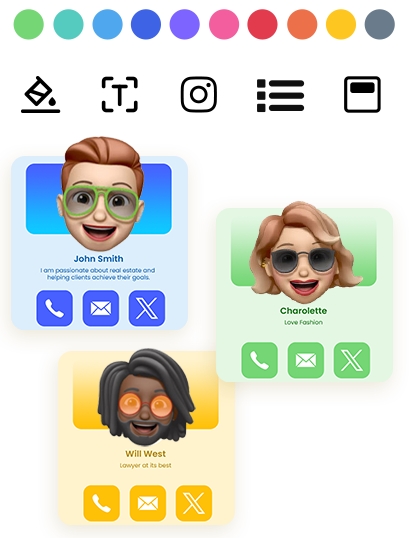
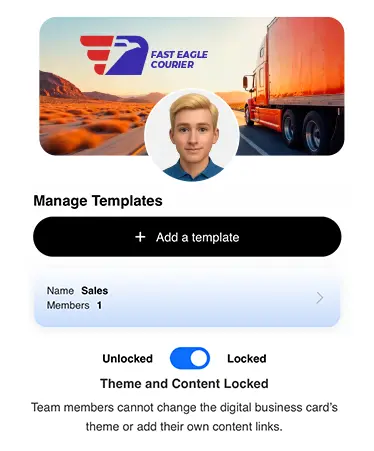
Locked firm branding

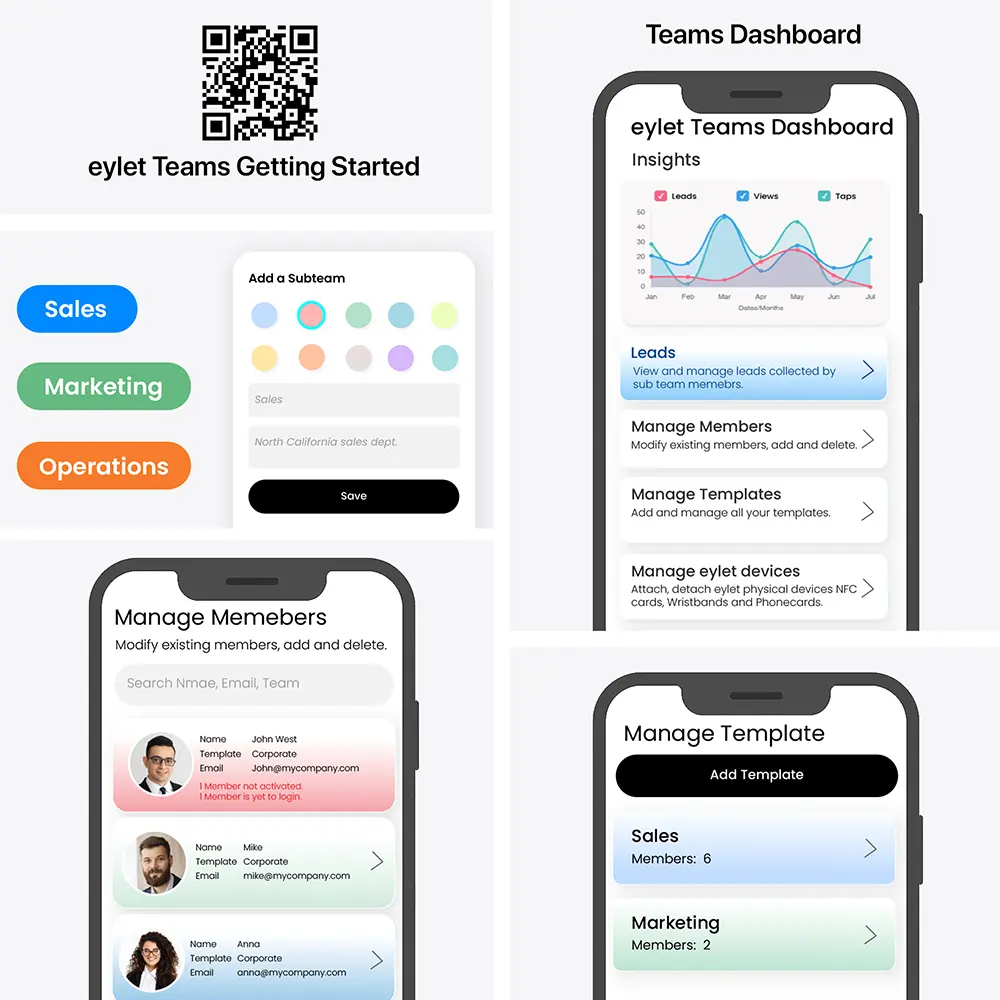
Keep logo, colors, and template consistent across every consultant, while individual details stay editable.

Lead Generation Mode on eylet for consulting firms

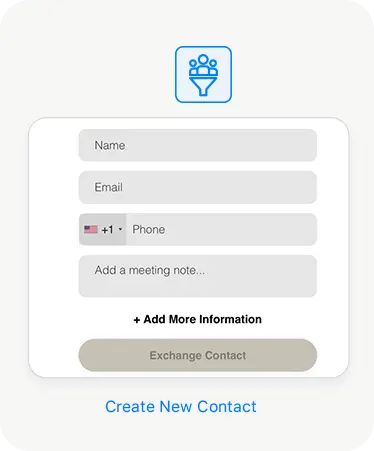
Lead Generation Mode

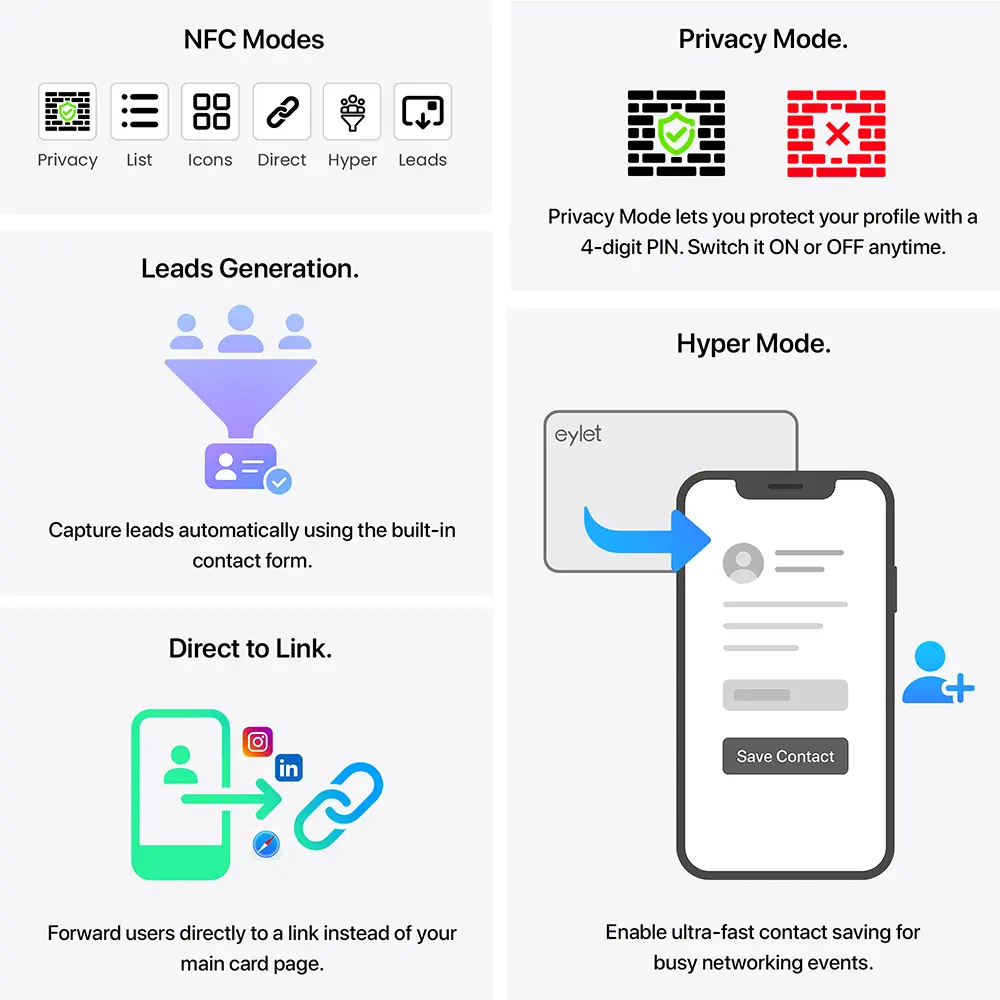
Collects a prospect's details before your profile loads, built for pitches, conferences, and panels.

Unlimited team members on eylet Teams for consulting firms

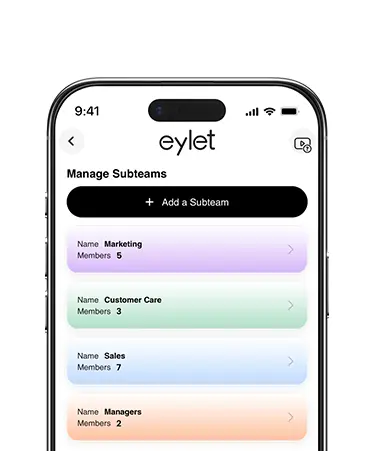
Unlimited team members

Add the whole firm under one Teams account with no per-seat cap.

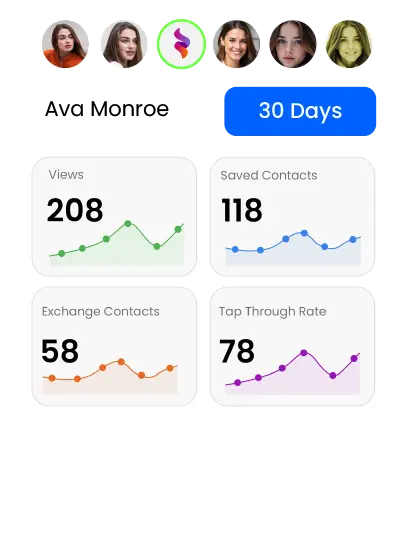
Team analytics dashboard on eylet for consulting firms

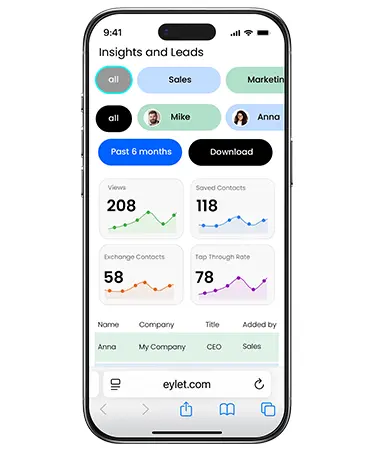
Team analytics dashboard

See taps, views, and lead activity across the whole firm from one place.

This is just a handful of what eylet can do.

See All Features

What Consulting Firms Actually Need

Most comparison posts on this topic lead with CRM integrations and stop there. That matters for some firms, but it is not the only thing that determines whether a card gets used consistently across a growing practice.

• Consistent branding without manual work. A new consultant's card should match the firm's look automatically, not need a designer's involvement every time someone joins.

• Lead capture at pitches and events, not just sharing. A card that only shares your own details misses the actual moment of a conference or a panel where most new relationships start.

• Visibility across the whole firm. A partner should be able to see engagement patterns across the practice, not just their own card's activity.

• Cost that scales with the firm, not against it. A per-seat fee that looks small at 8 consultants gets painful fast once the firm doubles.

One Card, Multiple Practice Areas

Consultants who work across more than one practice area, strategy and operations, for example, often end up needing to present themselves slightly differently depending on the room. A card that only supports one static profile forces a compromise: either a generic bio that undersells both areas, or two separate cards to carry.
eylet_for_teams

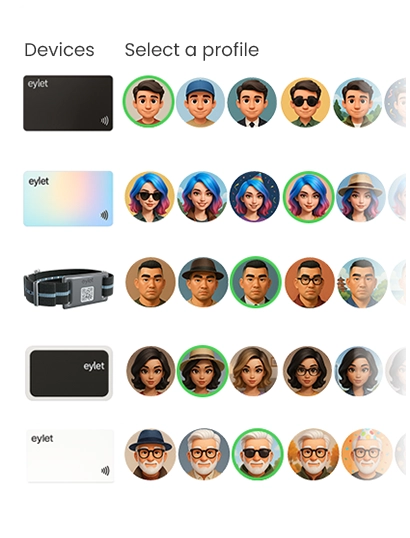
eylet supports up to 6 profiles per card, so a consultant can keep a strategy-focused profile and an operations-focused profile on the same physical card and switch between them in seconds, depending on who they are talking to.

eylet vs. the Subscription Model

Several platforms built for consulting teams charge per user, per month, often with team management and branding controls locked behind a paid tier on top of that. That is manageable for a small practice testing the idea, and much less manageable once headcount grows.

What You Get eylet
Monthly cost per consultant $0, forever
Team members included Unlimited
Locked branding across the firm Included
Event lead capture mode Yes, Lead Generation Mode
Lead export Excel/CSV, unlimited

Capturing Leads at Pitches and Conferences

A strong pitch or a good conference panel puts a consultant in front of a lot of the right people at once. eylet's Lead Generation Mode flips the usual card exchange around: instead of just sharing your own details, it collects the other person's information first, so a conference with fifty attendees turns into fifty captured leads, not fifty business cards you hope people kept.
leads

Export the full list to Excel or CSV afterward and load it into whichever CRM the firm runs. eylet does not run a native sync with Salesforce, HubSpot, or similar tools today, so this is a manual import step rather than a live connection, but it beats re-typing names from a stack of cards the morning after an event.

Analytics help after the event too. eylet tracks profile views and link clicks across every consultant's card, so if a prospect who attended a pitch revisits a consultant's profile a few days later, that is a stronger signal for the firm to prioritize than working straight down a sign-in sheet in order.

Setting Up Your Firm's Cards

1

Lock the firm's logo, colors, and template in Teams before onboarding your first consultant, so every new card matches from day one.

2

Turn on Lead Generation Mode before any pitch, conference, or panel, so every conversation ends in a captured lead.

3

Check the team analytics dashboard after major events, while follow-up timing still matters.

4

Export captured leads to Excel or CSV and load them into the firm's CRM while the context is still fresh.
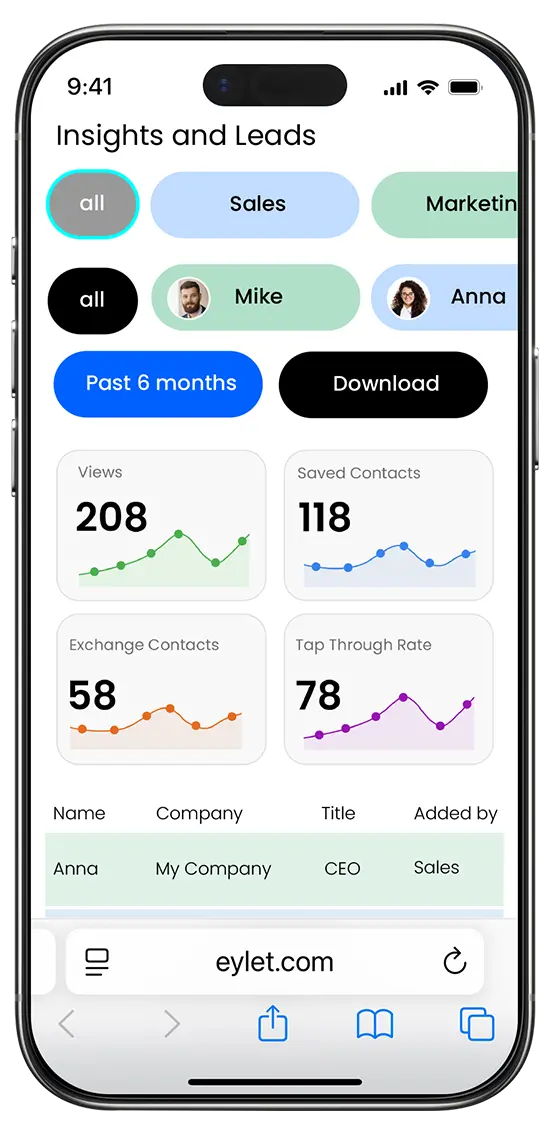
View Leads and Download.

leads

As the manager you can view global leads and download for all your team members. The leads and reports are accessed from the main dashboard by tapping the "Leads" button. From here you can access by All, by Team, or by individual members.

Frequently Asked Questions

Does eylet integrate with Salesforce or HubSpot?

Not natively. eylet exports every captured lead to Excel or CSV, which you can import into Salesforce, HubSpot, or any other CRM the firm uses.

How much does eylet cost for a growing consulting firm?

There is no monthly subscription and no per-seat fee. You pay once for each physical card, and Teams supports unlimited members at no added cost.

Can I keep every consultant's card on-brand automatically?

Yes. eylet Teams lets you lock logo, colors, and template centrally, while each consultant's name, title, and contact details stay editable.

Can I capture a prospect's details at a pitch or conference?

Yes. Lead Generation Mode collects the other person's information before your profile loads, built for events where you meet many prospects at once.

How fast can I onboard a new consultant's card?

New profiles can be created and branded in minutes using the same locked template as the rest of the firm, with no print run to wait on.

Can a consultant have separate profiles for different practice areas?

Yes. eylet supports up to 6 profiles per card, so a consultant working across multiple practice areas can switch between tailored profiles on the same physical card.

Can partners see engagement across the whole firm?

Yes. The team analytics dashboard shows taps, views, and lead activity across every consultant's card in one place.

Ready to keep your whole firm on-brand?

No subscription. No per-seat fee. Built to scale with the firm, not against it.

Shop eylet Cards Explore eylet Teams

Relevant Tags

consulting digital-business-cards vertical-guide
Theme Icon

Theme Builder

Choose from over 20 predefined themes, customise and design your own.

Theme Visual
Feature Icon

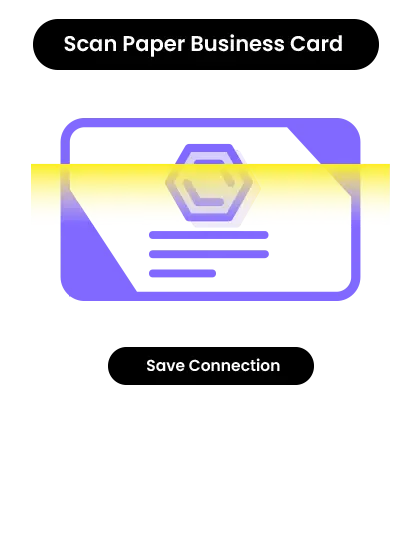
AI Card Scanner

Scan paper business cards in 60+ languages with AI assistance.

Scanner Visual
Feature Icon

Multiple Profiles

Share instantly via NFC taps, compatible with most smartphones.

Feature Icon

Quick Switch

Instantly change which profile is shared when you tap your eylet device.

QR Visual
Feature Icon

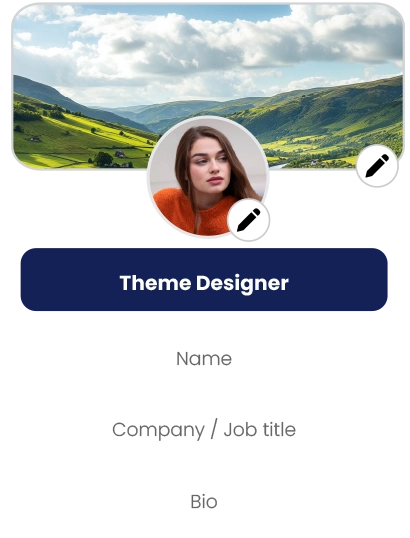
Profile Editor

Personalize your profile with your banner image and profile picture, also add details.

Editor Visual
Feature Icon

Add your links

Embed Video, Google Review Link, Facebook, Instagram, PDF, Images, custom links and over 65 other social network links.

Dark Mode Visual
Feature Icon

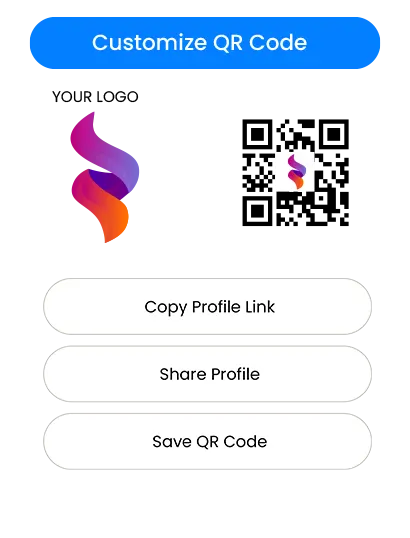
Customise QR Code

Save your QR code, customise it and share it.

Sync Visual
Feature Icon

Card Scanner

It's easy to scan paper cards and save as contacts, with eylet AI business card scanner.

Google Review Visual
Feature Icon

Advanced Analytics

Comprehensive visual data on your views, clicks, save to phonebook and exchanges.

Packs Visual
Feature Icon

Contacts

Manage and export contacts in one place, and add details to existing contacts.

Dashboard Visual

⇠ Swipe to Explore ⇢

eylet is a next generation digital business card platform offering NFC enabled cards, tap to share technology, Teams, and customization designed for individuals and businesses of all sizes.

eylet devices

  • 2 Pack Black and Prism
  • 2 Pack White
  • 5 Pack Black
  • 5 Pack Prism
  • Google Cards
  • Wristband
  • Phone Card

Features

  • App Features
  • Comparison
  • Teams

Getting Started

  • Digital Business Cards
  • Google Review Cards
  • Phone Card V3
  • Wristband
  • Phone Cases
  • Teams

Support

  • Help Guides
  • Contact Support
  • Card Designer
  • Contact Us
  • eylet Partners Program
  • Blogs

Copyright © 2026 eylet.com. All logos and trademarks are the property of their respective owners. All rights reserved.

eylet LLC, Cheyenne, Wyoming, 82001, United States

Privacy Policy | Terms and Conditions | Cookie Policy | EULA