Digital Business Cards for Contractors
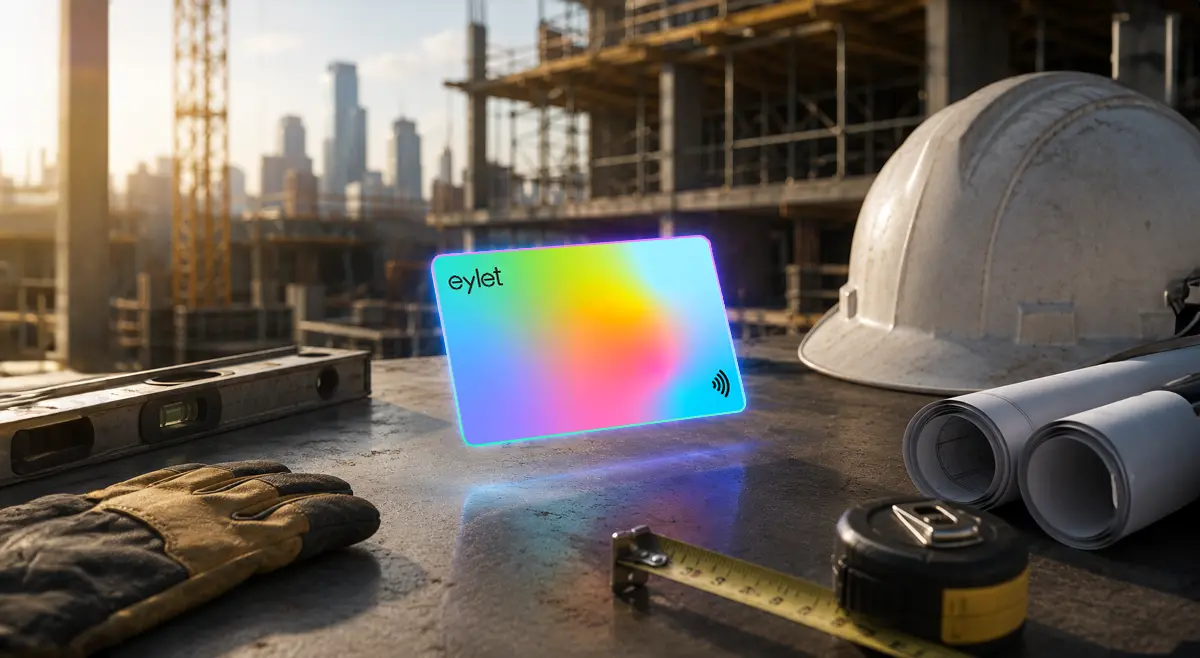
A homeowner watching a crew work next door decides they want the same team for their own project, and that decision usually comes down to whether they can actually find you afterward. A paper card left on a truck seat or stuffed in a junk drawer does not survive that gap. Most of what gets written about digital business cards is aimed at office networking, conferences and LinkedIn connections, not a crew moving between job sites all day. Here is what actually matters for contractors and trades specifically.
For most contractors and trades, the right card works with a quick QR scan or tap with no app for the customer, keeps a whole crew's cards consistent, and does not add a monthly bill on top of everything else the business already pays for. A dedicated Google Review Card is worth adding too, since asking for a review right after a job is one of the highest-value moments a trade business gets.
Why Paper Cards Cost Contractors Referrals
Referrals are the backbone of most trade businesses, a satisfied customer telling a neighbor, a property manager passing your name to another building. That referral only converts if the number actually makes it to the next person. A paper card handed over after a job has to survive weeks or months in a kitchen drawer before that referral moment happens.
A digital card solves the survival problem since it saves straight into a phone's contacts. It also solves a second problem paper cards cannot: reviews. A happy customer who would leave a five-star review if asked rarely does it on their own initiative. Making that a one-tap action at the exact moment they are satisfied, right after the job, changes whether it actually happens.
Job sites do not always have reliable signal, new builds, basements, rural properties. eylet's Offline Contact Card Mode shares your full profile with no internet connection needed, so a weak signal at a job site does not cost you a lead.
Key Features for Contractors and Trades
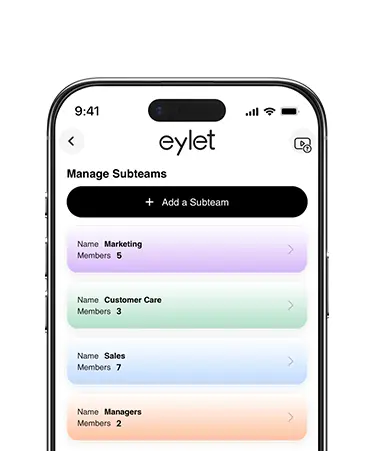
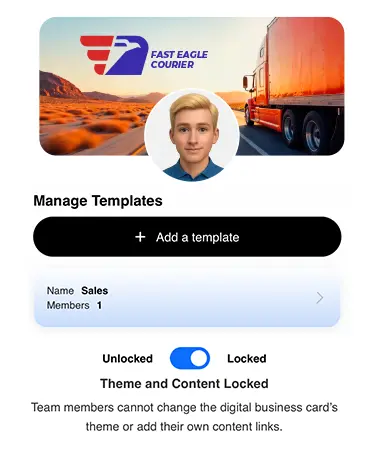
Worth knowing: a contractor typically gets the most out of two cards working together, a standard eylet card to win the job and build the relationship, and a Google Review Card to turn a finished job into a five-star review. They are sold separately, so you can start with just the business card and add the review card later, or pick up both from the start.
This is just a handful of what eylet can do.
See All FeaturesWhat Contractors Actually Need, Not What Salespeople Need
Most digital business card content is written for office networking and conference badge scanning. That is a different job than what a contractor needs from a card.
• No app required, either side. A customer who has to download something before they can save your number will not bother. NFC with a QR fallback covers this without asking anything of them.
• A direct path to reviews. Reviews are one of the highest-value actions a satisfied customer can take for a trade business, and the easier that ask is, the more often it actually happens.
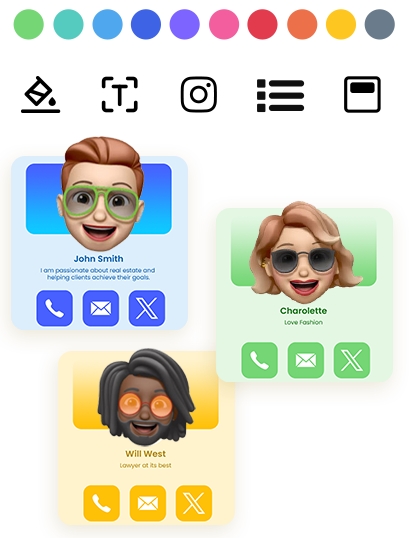
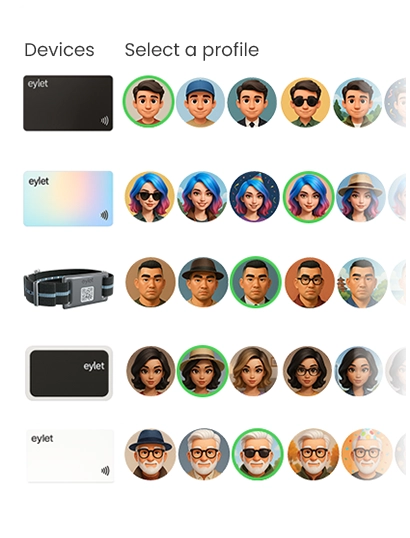
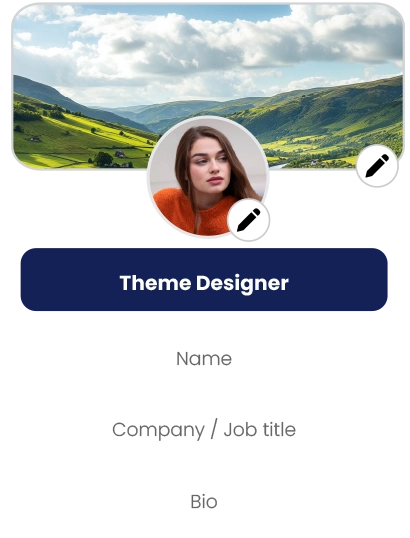
• Consistent branding across a crew. Every technician or installer should carry the same look, without needing a designer's help each time someone joins.
• No recurring bill. A subscription that made sense for a two-person shop gets harder to justify once it is a real, ongoing line item against margins that are already tight.
eylet vs. the Subscription Model
Several platforms built for trade businesses charge per team, per month, which adds up over a crew and over time in a way a single card purchase does not.
| What You Get | eylet |
| Monthly cost per crew member | $0, forever |
| Team members included | Unlimited |
| Google Review Card option | Available, sold separately |
| App required for customer | No |
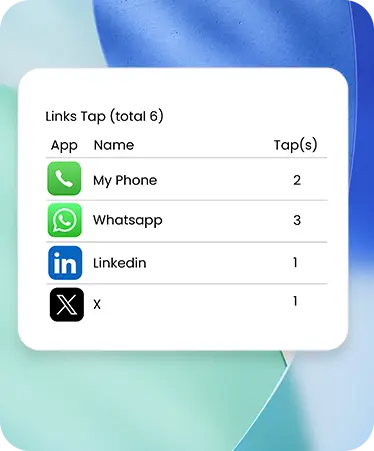
| Analytics on taps and clicks | Included |
Turning a Job Into a Review
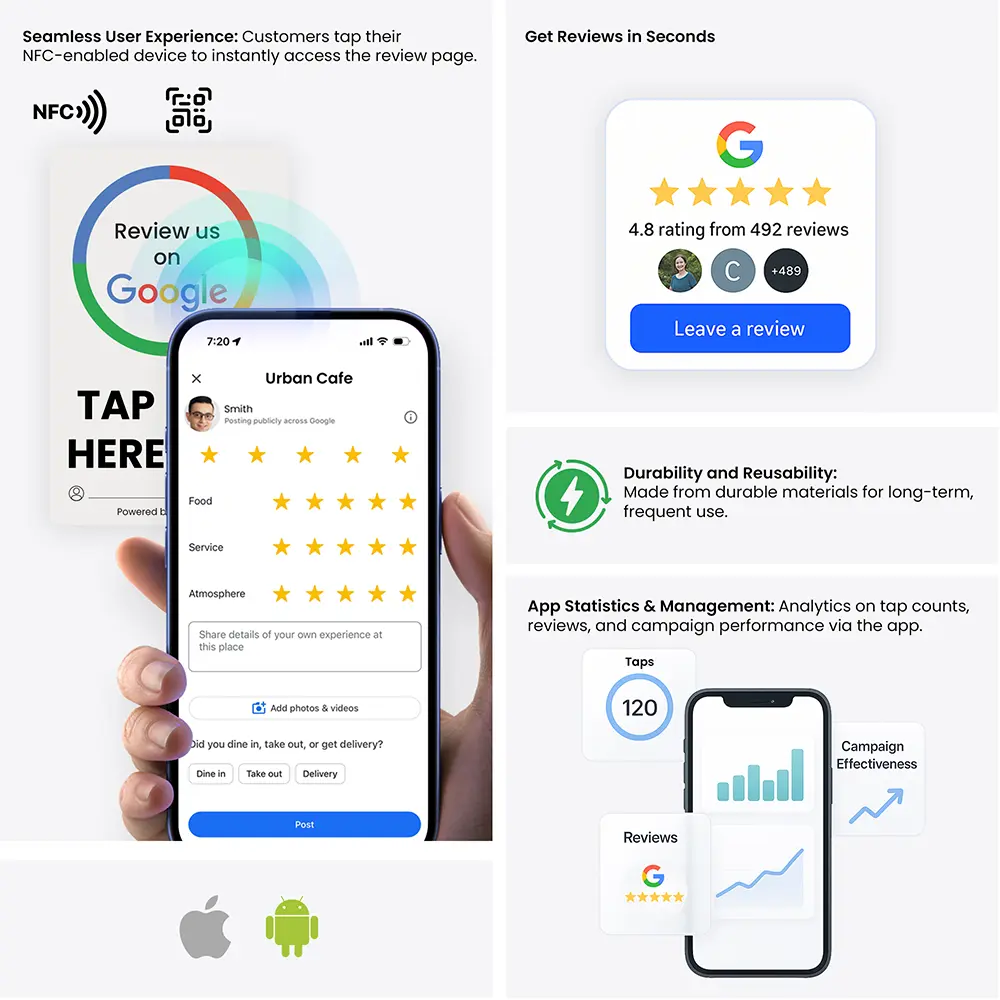
eylet's Google Review Card is built around one specific moment: the job is done, the customer is happy, and asking for a review right then, in person, gets a far higher response rate than a follow-up text days later when the memory has faded. One tap takes them straight to your Google review page, no searching for your business name, no extra steps to lose them along the way.
This works alongside a standard contact card rather than replacing it, hand over your regular card for the relationship, and use the review card at the moment the work wraps up.
Setting Up Cards for a Crew
Lock your logo and contact info in Teams before handing out the first card, so every crew member matches from day one.
Add a Google Review Card alongside standard cards if getting reviews consistently is a priority.
Hand the card over at the end of a job, when the work is fresh and the customer is satisfied, not weeks later.
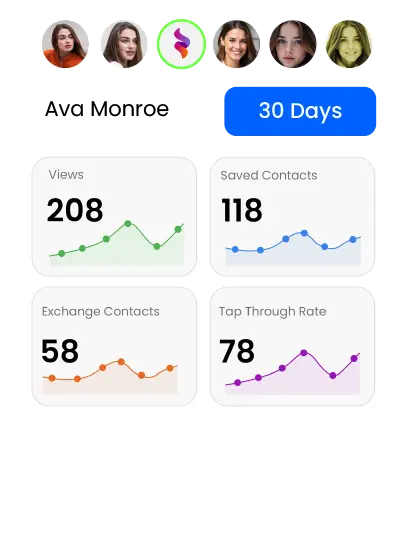
Check tap and click analytics periodically to see which crew members are actually generating callbacks and reviews.
Frequently Asked Questions
Does the customer need to download an app to save my info?
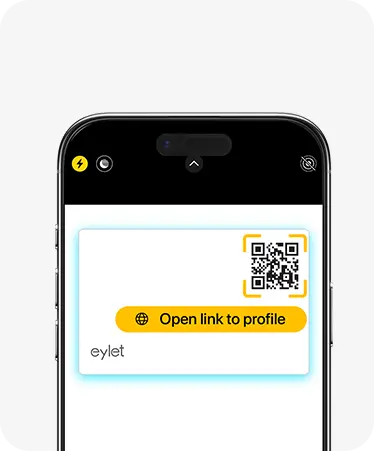
No. eylet cards work with an NFC tap or a QR code scan, and either one opens straight in the browser with no app needed on the customer's side.
How much does eylet cost for a crew?
There is no monthly subscription. You pay once for each physical card, and Teams supports unlimited members at no added cost.
Can a card send customers straight to my Google reviews?
Yes, with eylet's Google Review Card, a separate card sold on its own rather than a feature of the standard card. It links directly to your review page in one tap, built for asking right after a job is finished.
Can every crew member's card look the same?
Yes. eylet Teams lets you lock logo and contact details centrally, so every technician's card stays consistent without manual setup each time.
Are eylet cards rugged enough for a job site?
eylet cards are built for everyday carry rather than marketed as job-site rugged or waterproof. If durability in harsh conditions is a top priority, worth confirming specs directly before ordering for a crew that works outdoors constantly.
Can I see which crew members are generating the most engagement?
Yes. eylet's analytics track taps, views, and link clicks per card, so you can see which cards are actually getting used and working.
Ready to turn every job into a review?
No subscription. No app for your customer. Built for a crew that's always on the move.