Free Digital Business Card: What You Actually Get (and What It Costs Later)
A free digital business card can work fine for light, personal use. But free tiers almost always come with limits — provider branding, capped scans, missing exports — and those limits show up exactly when you need the card most: at a booth, on a service route, or onboarding a new hire mid-event.
Quick answer: Free digital business cards are genuinely free for basic sharing, but most providers gate branding removal, exports, analytics, and team features behind a paid plan. Subscription plans typically charge per user per month, so cost grows with headcount. One-time purchase models (like eylet's) avoid that scaling problem entirely.
What “Free” Actually Includes
Free plans are built for individual, light use — not a team collecting leads all day across a booth, a service route, and follow-up calls. The pattern across providers is consistent: the share link itself is free, then the business-critical controls get restricted.
Common free-plan friction points:
• Provider branding stays on your page or QR code
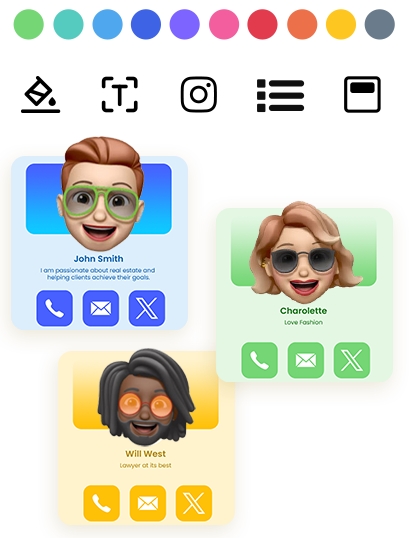
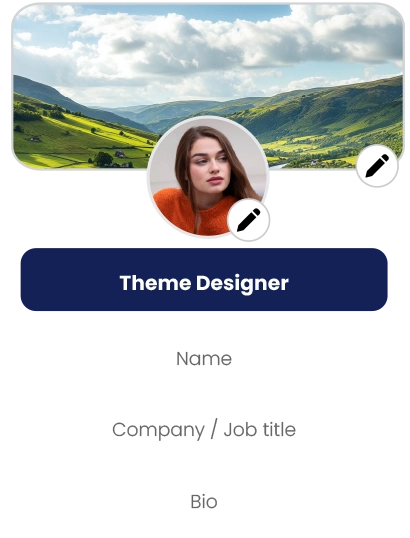
• Design and layout controls are restricted
• Templates for teams aren't available
• Contact exports are limited or blocked entirely
• Card and scan limits kick in fast — HiHello's free plan caps at 5 scans per month (even the paid Professional tier only raises that to 20), Blinq's free plan limits you to 2 cards, and Popl's free tier restricts you to a single card with limited analytics
Those limits change how a team actually behaves at an event. Instead of one clean process, staff start improvising — photographing badges, typing notes into their phones, saving contacts inconsistently. The real cost isn't the missing feature itself; it's the cleanup time and the follow-ups that never happen.
Subscription Plans: More Features, Growing Cost
Subscriptions earn their keep when you need ongoing software features, administrative controls, and predictable updates, and you're fine treating the fee as a normal operating expense. The catch is that most subscription platforms price per user, so adding staff increases cost even when usage per person stays flat.
The math you'll actually use:
Monthly = per-user price × users
Annual = monthly × 12
3-year = annual × 3
Run it against a real example. Popl's published pricing lists $7.99 per user, per month:
This isn't a judgment on subscription pricing — it's a planning input. Add seasonal event staff, temporary promoters, or new hires, and per-user cost keeps climbing. For some teams that's a non-issue. For others, it's the whole budget risk.
One-Time Purchase: Predictable Budgets, Fewer Renewals
A one-time purchase model front-loads the cost instead of renewing it monthly — which matters most when you're hiring seasonal event staff, rotating booth coverage, or just don't want headcount changes to silently change your software bill. Industry research continues to project growth for digital business card adoption through the late 2020s, so cost predictability only gets more relevant as usage scales.
Before You Buy: What to Verify
• Can a non-technical person set it up and edit it in minutes?
• Does it open in the browser, with no forced app install for the recipient?
• Can you control branding and layout, or is the provider's logo stuck on it?
• Can you capture leads at high volume and export them same-day?
• Can you onboard a team and keep templates consistent across staff?
• Have you calculated the 1-year and 3-year cost for your actual team size, not just the sticker price?
Common platforms worth comparing on these points: Popl, HiHello, Blinq, Mobilo, Linq, and dot. Check each provider's official pricing page directly rather than relying on marketing copy — scan limits and branding rules change.
Teams and Lead Capture: Where Tools Succeed or Fail
If you're rolling cards out to a team, the unglamorous details matter more than feature lists. A tool that's hard to administer gets used inconsistently — and inconsistency is what breaks branding and makes reporting unreliable.
A practical team rollout needs three things: standardized templates so every profile looks the same, a simple way to add or remove staff, and a shared place to review performance by person or by event. Without those, you get a credibility problem — profiles look different, staff forget key links, and customers notice the inconsistency.
Most exhibitors measure event ROI through lead volume and conversion, which means lead capture isn't optional if events are part of your growth plan. Check the operational basics before committing: can staff capture leads fast without breaking flow, can you export same-day, and can your office team use that export without manual cleanup?
eylet's No-Subscription Model
eylet Digital Business Cards
One purchase. No per-user math required.
• No subscriptions, no app fees — stated directly on eylet's pricing page
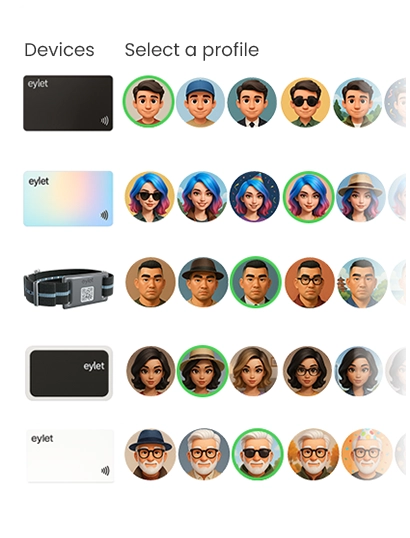
• Team templates and subteams covered in eylet's getting-started guide
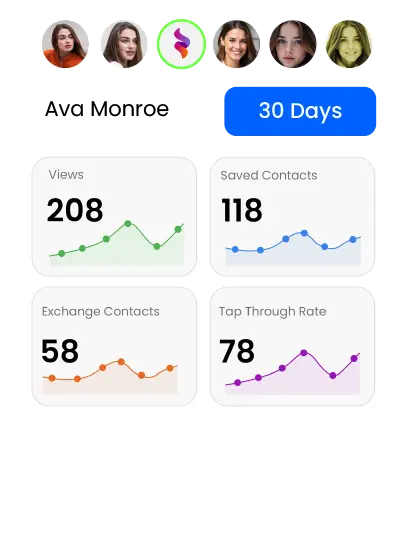
• Contact exports to Excel and live tap/scan stats included, not gated behind a higher tier
• Cost doesn't scale with headcount the way per-user subscriptions do
Rolling out to a team? See how templates and subteams work in eylet's team setup guide.
FAQ
What is a digital business card?
A mobile-friendly profile shared by link, QR code, or NFC tap, so people can view your details and usually save them straight to their contacts.
Do I need an app to use a digital business card?
Most providers open the card directly in a web browser, so the recipient doesn't need to install anything. Confirm this on the specific provider's FAQ before relying on it for an event.
Are digital business cards free?
Many tools offer a free tier, but paid plans typically unlock branding control, exports, scan volume, and team management — the things teams actually need.
How do NFC digital business cards work?
An NFC tag stores a link. A compatible phone reads it on tap and opens the profile directly in the browser — no app required on either end.
Are digital business cards worth it for small businesses?
Generally yes, as long as the tool reduces follow-up friction and keeps branding consistent — especially for businesses that network in person regularly.
How do I choose the right digital business card?
Start with your actual workflow, then compare official pricing pages and calculate the 1-year and 3-year cost for your real team size — not the advertised per-user rate alone.