NFC Business Cards for Real Estate Agents: Open Houses, CRM, and Building Your Brand
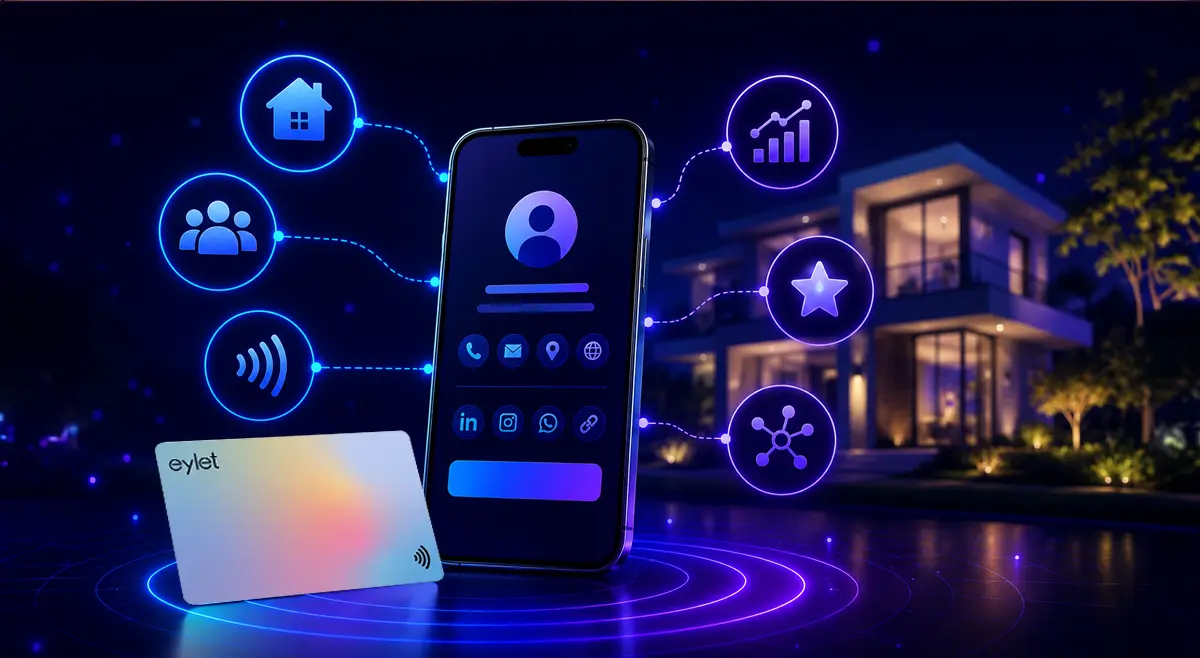
The short answer: If you're an agent doing in-person showings, the moment you lose the most leads is the handoff at the door. NFC business cards fix that: visitors tap or scan, your profile opens with current listings and contact info, and they save you to their phone before they walk away. Export collected contacts into your CRM, skip the reprint cycle every time a listing changes, and go with a one-time-purchase platform like eylet if you want to avoid a recurring fee per agent.
Real estate is a relationship business, and most of those relationships start with a single handshake at an open house or showing. The problem is what happens next. A paper card goes into a pocket and gets lost. A sign-in sheet sits untouched in a CRM import queue for weeks. By the time an agent follows up, the visitor has already toured three other homes and forgotten which one was yours.
This guide walks through where exactly leads get lost today, how a tap-to-share card changes that moment, what to look for if you want the contacts to actually land in your CRM, and what it costs compared to the paper cards you're already reordering.
Why Open Houses Lose Leads Today
Before getting into how digital cards fix this, it's worth naming exactly where the friction is. For agents relying on paper cards and sign-in sheets, these four problems show up again and again:
📋 THE SIGN-IN SHEET BOTTLENECK
Paper sign-in sheets at open houses need to be manually typed into a CRM later. By the time that happens, days have passed and the lead has gone cold. Handwriting is also frequently illegible, which means some contacts never make it into your pipeline at all.
🖨️ THE REPRINT CYCLE
Every new listing, phone number, or brokerage change means another print order. Agents working three or four active listings at once often end up handing out a card that references a property already under contract.
📵 PHONE COMPATIBILITY GAPS
Not every visitor's phone reads NFC automatically, especially older Android models. Without a printed QR code as a fallback, some visitors simply can't connect, and you lose the contact entirely.
🔁 LOST CONTACT RECALL
A paper card slipped into a pocket alongside three competitors' cards is easy to forget. A contact saved directly to a visitor's phone, with your name and photo attached, is far more likely to get reopened later.
What an Open House Looks Like With a Tap Card
The mechanics are simple enough that there's no learning curve for visitors, but it's worth walking through what actually happens at the door:
1. You set the card at the entry table, or hand it directly to each visitor as they arrive.
2. A visitor taps their phone to the card, or scans the printed QR code if their phone doesn't read NFC.
3. Your profile opens instantly in their browser — current listings, headshot, contact info, no app required on their end.
4. They tap "Save Contact" and you're added to their phone before they've finished walking through the front door.
5. You walk away from the showing with a live list of everyone who tapped, instead of a stack of handwriting to decode later.
Compare that to a sign-in sheet: same visitor, but their name sits on paper until you manually transcribe it, your listing details are frozen at whatever the card said when it was printed, and if their phone doesn't have an app for whatever proprietary system you're using, they don't get added at all.
✓ STRENGTHS
• Visitors tap or scan instead of writing on a paper sheet
• Profile always shows current listing info, not last quarter's flyer
• Saved contacts go straight to the visitor's phone, increasing recall
• You leave with a digital list of everyone who engaged, not a pile of paper
• No app required on the visitor's end — the profile opens in their browser
✗ LIMITATIONS
• Requires an upfront card purchase, unlike free paper printing
• Visitors still need to actively tap or scan, not fully passive
• Older phones without NFC need the QR fallback, an extra step
• Doesn't replace in-person rapport — it only fixes the data-capture moment
Keeping Your Brand Consistent Across Every Listing
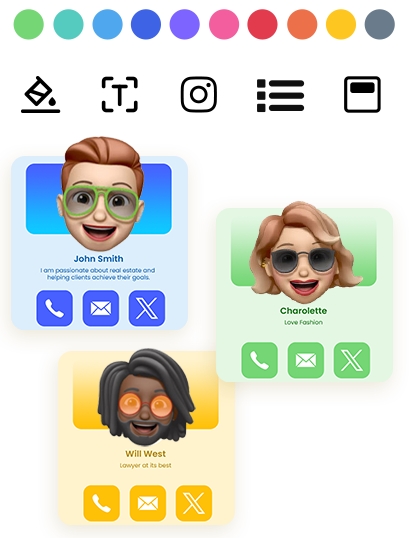
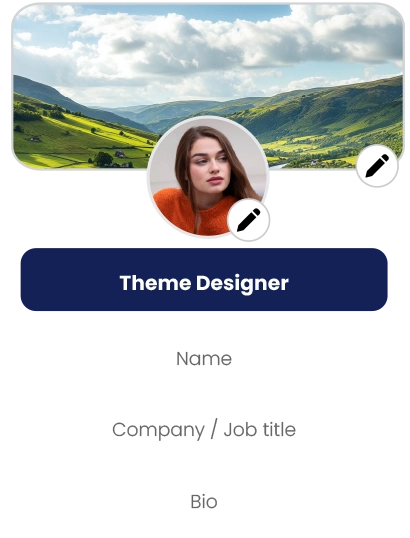
Agents juggle multiple active listings at once, and a printed card tied to one property or one headshot goes stale fast. A digital profile updates in real time, so your card always reflects your current listings, your current headshot, and your current contact number, without a reprint order.
Card design still matters even when the card itself is reusable. Keep your profile visually consistent with your brokerage's branding — same color palette, same headshot style, same tone in your bio — so the digital handoff feels like a natural extension of your printed marketing rather than a separate experience. If you switch brokerages, the update happens on your profile, not on a fresh print run you have to wait on.
Getting Leads Into Your CRM
A card that captures contacts is only useful if those contacts make it into your actual workflow. Before choosing a digital business card platform, check whether it supports exporting collected contacts as a CSV file, since that's the format most real estate CRMs accept for bulk import — Follow Up Boss, kvCORE, BoomTown, and Wise Agent all support CSV imports for adding leads in batches rather than typing each one in by hand.
If you're managing a brokerage team rather than a single profile, look for a platform built for teams, where each agent gets their own card and profile but management can see usage and engagement across the group. That matters most after a big event — a multi-agent open house weekend, a broker open, a community fair — when contacts are coming in from several agents at once and need to land in the same pipeline without manual reconciliation.
How eylet Compares for Real Estate Use
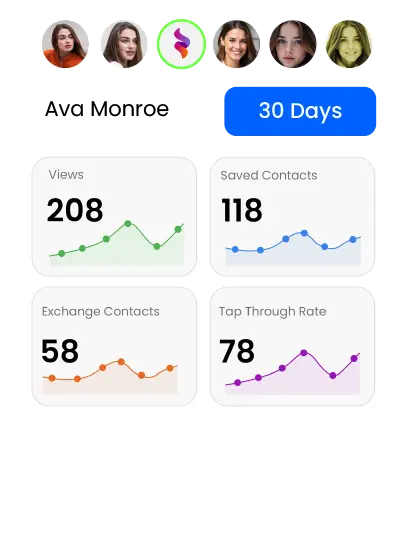
Platforms like Popl and Blinq are common names agents search when comparing digital business cards. The differences usually come down to subscription cost and what's locked behind a paywall. eylet's model is built around no recurring fees: the card is a one-time purchase, and features like contact export, PIN-protected profiles, and analytics are included rather than gated. For an agent handing out dozens of taps a week at open houses, avoiding a monthly fee per agent adds up quickly across a brokerage team — ten agents on a $5/month per-seat plan is $600 a year before a single card is even handed out.
Cost: One Card Versus Ongoing Printing
Paper business cards are cheap individually, but the real cost is reprinting. A standard run of 250 paper cards typically runs $20 to $40 depending on stock and finish, which sounds trivial until you account for how often agents reorder: a new listing, a new headshot, a brokerage switch, or a phone number change all trigger a fresh batch. Run that cycle four or five times a year and the printing cost adds up to roughly the same as, or more than, a single NFC card that never needs reordering.
• Paper: $20–$40 per reorder, repeated every time details change
• NFC card: one-time cost, profile updates instantly at no charge
• PIN protection available if you want to control who views full contact details
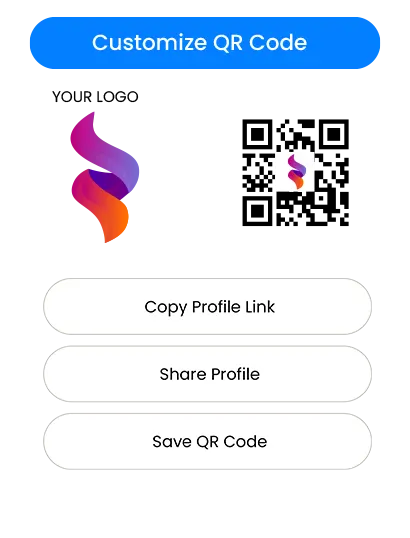
• QR code backup included so no visitor is excluded by phone compatibility
Is It Worth Switching?
If you're attending open houses regularly, juggling multiple listings, or managing a team of agents who all need consistent, up-to-date contact cards, an NFC card removes the friction of paper without adding a subscription cost. For agents who rarely meet clients in person, the upside is smaller — but for anyone doing in-person showings every week, it's a direct fix for the exact moment most leads currently get lost.
Frequently Asked Questions
Should you put a QR code on your real estate business card?
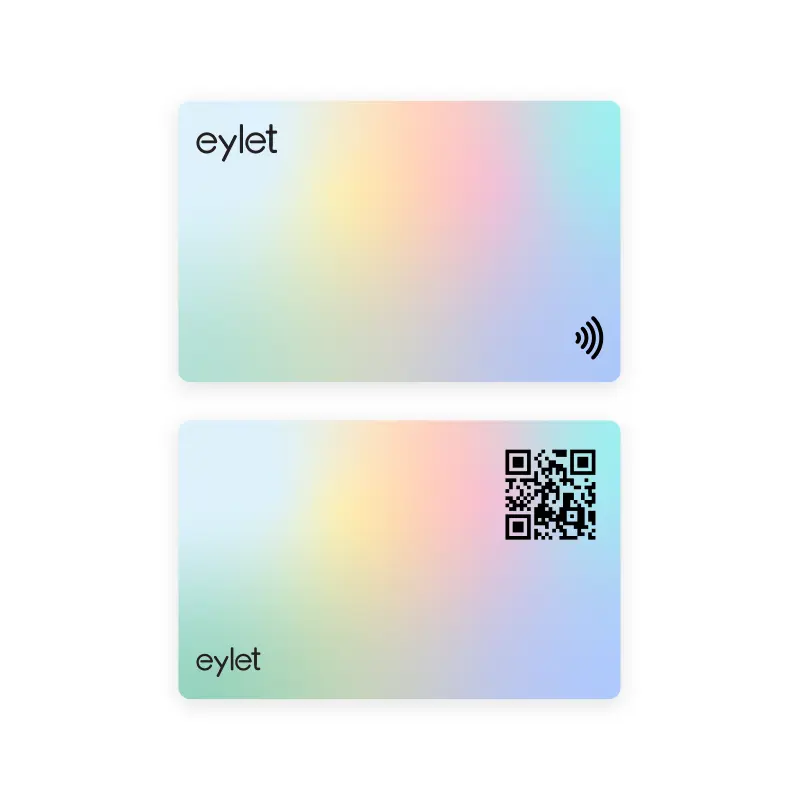
Yes. A QR code is the best backup for visitors whose phones don't read NFC automatically. Most NFC business cards, including eylet, print a QR code on the card so the same profile opens either way.
How do agents use digital business cards at open houses?
Agents place a tap-or-scan card at the sign-in table or hand it directly to visitors. Tapping or scanning opens the agent's profile with listing details, contact info, and a way to save the agent's contact, replacing a paper sign-in sheet.
Can a digital business card connect to a real estate CRM?
Many digital business card platforms let you export collected contacts as a CSV, which most CRMs including Follow Up Boss, kvCORE, and BoomTown accept as a bulk import. Check whether your card platform offers a direct export before relying on it for lead management.
Are NFC business cards worth it for realtors?
For agents who attend multiple open houses, meet clients in person, and update listings frequently, NFC cards remove the cost and hassle of reprinting paper cards every time a listing or phone number changes.
How much do NFC business cards cost compared to paper cards?
A one-time NFC card purchase replaces an ongoing print expense. A typical run of 250 paper cards costs $20 to $40 and needs reordering every time your details change; a digital profile updates instantly at no extra cost.
Stop Losing Leads at the Door
eylet NFC cards work on any phone, update instantly, and need no subscription. One card, every open house.