NFC Cards for Trade Shows: Lead Capture That Works
Most trade show leads are lost before the day is over. Badge scanners miss conversations that happen away from the booth. Paper cards pile up in jacket pockets and get thrown away by the time someone does a post-show cleanup. Sign-in sheets require manual transcription that nobody gets around to until the momentum is gone.
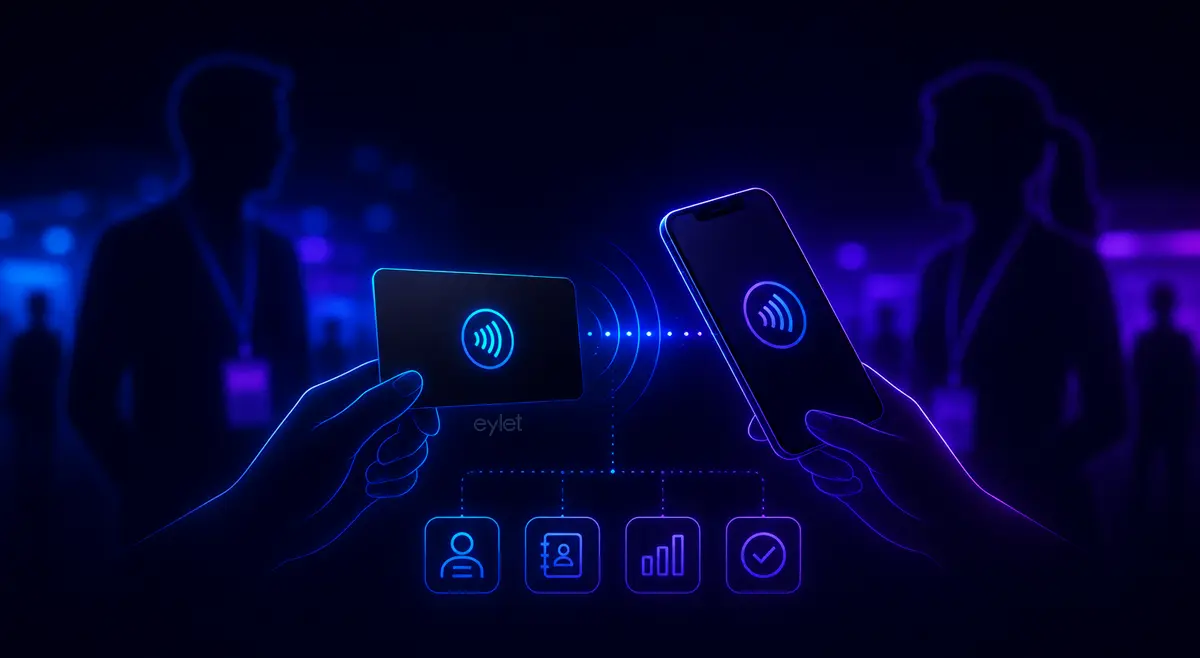
NFC business cards solve the handoff problem directly. A tap or scan opens your profile, the visitor submits their contact details on the spot, and you walk away from the show with a structured lead list rather than a stack of paper. This guide covers how to use eylet at trade shows, what the lead capture flow actually looks like, and why the no-subscription model matters when you are equipping a full booth team.
Why Trade Shows Lose So Many Leads
The problem is not a shortage of conversations. At a busy trade show, a booth team might have hundreds of meaningful interactions across two or three days. The problem is what happens to those interactions when the show ends.
📋 PAPER CARDS GET LOST
Industry figures suggest 88% of paper cards are discarded within a week. Even the ones that survive the show floor need to be manually typed into a CRM, which introduces errors and almost always happens days too late.
🏷️ BADGE SCANNERS MISS THE FLOOR
Badge scanners only work at your booth. The conversations that happen in hallways, at lunch, or during presentations go uncaptured entirely, even though those are often the warmer contacts.
📶 VENUE WIFI IS UNRELIABLE
Exhibition halls are notoriously bad for connectivity. Any tool that depends on a live internet connection to share contact details is a liability when the venue network is overloaded during peak hours.
💸 MONTHLY FEES PER TEAM MEMBER ADD UP
Most NFC card platforms charge $6 to $15 per user per month for the features that matter at events: lead capture, analytics, and team management. For a 10-person booth team, that is $720 to $1,800 per year before a single card is handed out.
How eylet Works at a Trade Show
eylet gives booth staff three distinct sharing modes, each suited to a different situation on the show floor.
Lead Generation Mode
When someone taps or scans your card, a contact exchange form opens before your profile loads. The visitor enters their name, phone number, email, and a meeting note on the spot. That data goes directly into your eylet contacts, timestamped, with date and location. No manual transcription needed after the show.
Hyper Mode
When speed is the priority, Hyper Mode skips the full profile and launches the save-to-contacts flow immediately. The visitor can save your details to their phone in seconds. Best for high-volume moments when you are talking to multiple people and cannot spend 30 seconds per exchange.
Offline Contact Card Sharing
eylet works without an internet connection. Offline Contact Card Mode lets visitors save your contact details directly to their phone even when venue WiFi is down or your phone has no signal. The card keeps working regardless of connectivity, which matters in basement exhibition halls and overloaded networks.
What Happens to the Leads After the Show
Every contact collected through Lead Generation Mode is stored in your eylet dashboard with the date, time, city, and device details of the interaction. You can export the full list as an Excel file at any time and import it into any CRM that accepts spreadsheet uploads, including Salesforce, HubSpot, Zoho, and Pipedrive.
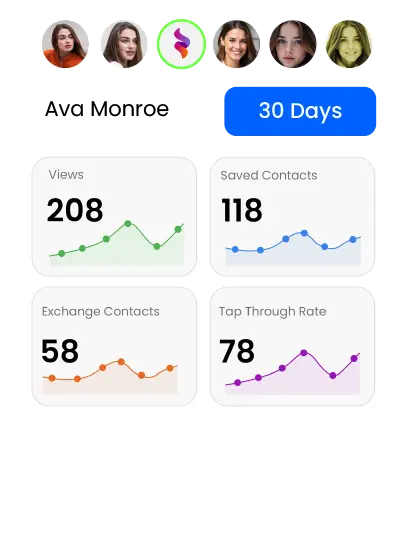
eylet also keeps an unlimited analytics history. After each show you can see how many taps your team's cards generated, which sharing methods worked best, where contacts came from geographically, and which links visitors engaged with most. That data is what lets you compare events over time and allocate booth budget based on actual lead volume rather than gut feel.
✓ WHAT YOU GET AFTER EVERY SHOW
• Full contact list with name, email, phone, and meeting notes
• Timestamp and location data for every interaction
• Excel export ready for CRM import
• Analytics showing tap counts, link clicks, and engagement by date
• Unlimited history so you can compare across multiple events
Setting Up a Booth Team on eylet
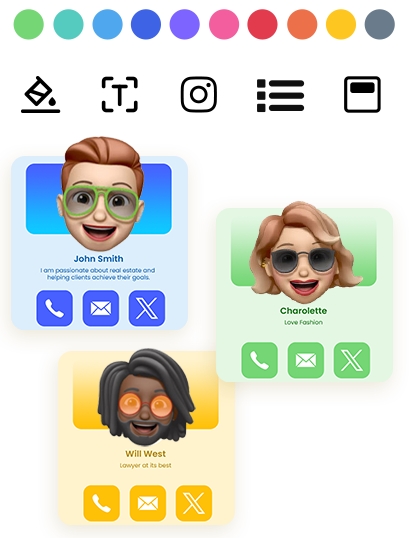
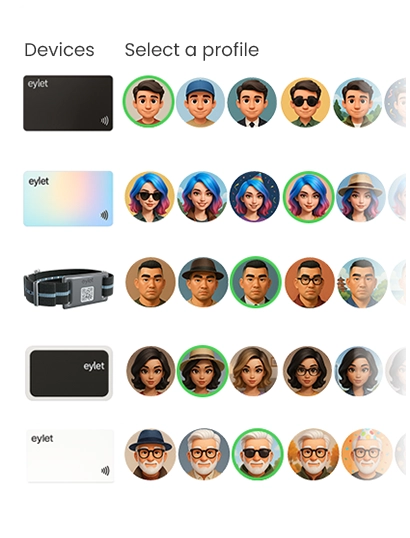
eylet's Teams dashboard is built for exactly this situation. Managers create a shared card template that locks the brand design, then add team members and assign them a template at onboarding. Every team member gets a card that shares the same visual identity, while keeping their own name, title, and contact details.
TEAM SETUP IN ORDER
1. Manager creates a brand template with locked colors, logo, and layout
2. Team members are added and assigned a template
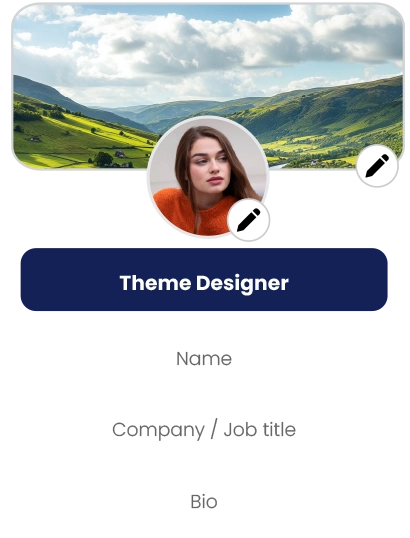
3. Each member fills in their own name, title, and contact links
4. Cards are activated by scanning the QR code on the back
5. Manager views all team activity, leads, and analytics from one dashboard
You can organize the team into subteams by department or role: Sales, Marketing, Customer Care, Executives. Each subteam has its own view in the dashboard so leads from different areas of the show floor stay organized by the person who collected them.
There are no limits on team members and no per-seat fees. A 5-person booth and a 50-person conference team cost the same on the platform side. The only cost is the physical cards. Get your team set up on eylet →
Also Useful: Scanning Paper Cards You Receive
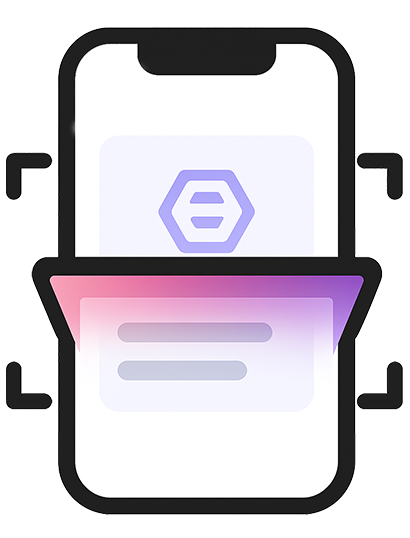
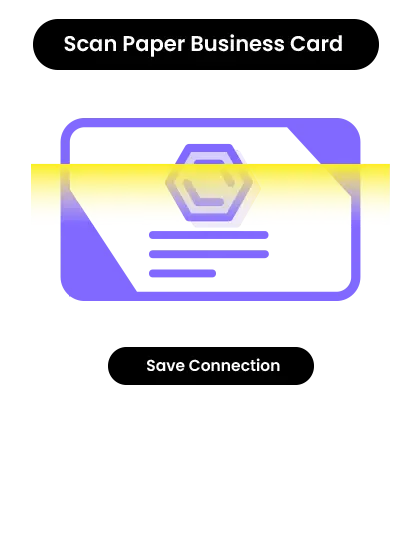
Not everyone you meet at a trade show will tap back. Some visitors will hand you a paper card instead. eylet's paper card scanning feature lets you point your phone camera at a received business card and convert it into a digital contact automatically. The scan is saved with date and time details, so you remember the context of every conversation even days after the show.
eylet vs Popl for Trade Shows
Popl has built its brand around trade show lead capture and has done it well. Its AI-powered badge scanning, CRM enrichment, and event campaign tools are genuinely impressive for enterprise teams running large-scale event programs across dozens of shows a year.
For most teams at most shows, that level of infrastructure is more than the job requires. eylet covers the essentials: lead capture forms, offline sharing, team management, Excel export, and unlimited analytics. No per-seat subscription. No monthly fee to access features that should come standard. If you are a team of 5 to 20 people doing 2 to 4 shows a year and you want a system that works on the floor without a monthly bill attached, eylet is the cleaner fit.
For more on how eylet compares across the market, see our full Popl alternatives guide.
Trade Show Checklist for eylet Users
• Set all team cards to Lead Generation Mode before the show
• Test a tap and a QR scan on a real phone the day before
• Make sure Offline Contact Card Mode is enabled on each card
• Create subteams by role in the dashboard so leads are organized by collector
• Charge phones fully each morning: NFC tapping drains battery faster during high-volume days
• Export the lead list as Excel at the end of each day, not just at the end of the show
• Import into your CRM within 24 hours while context is still fresh
Frequently Asked Questions
Do NFC business cards work without WiFi at trade shows?
Yes. eylet's Offline Contact Card Mode lets visitors save your contact details directly to their phone without any internet connection, making it reliable in venues with poor or overloaded WiFi.
How does lead capture work with an NFC business card?
In Lead Generation Mode, tapping or scanning your eylet card opens a contact exchange form before your profile loads. The visitor enters their name, email, and phone number on the spot. The data is saved to your eylet dashboard automatically with a timestamp and location.
Can I export trade show leads to my CRM?
Yes. eylet lets you export all collected contacts as an Excel file at any time. Most CRMs including Salesforce, HubSpot, and Zoho accept Excel imports for adding leads in bulk.
Can my whole booth team use eylet cards?
Yes. eylet Teams supports unlimited members with no per-seat fees. Managers create shared brand templates, organize staff into subteams, and view leads and analytics from every team member in one dashboard.
What if someone hands me a paper business card instead of tapping?
eylet includes a paper card scanning feature. Point your phone camera at any received business card and eylet converts it into a digital contact automatically, saved with date and time details.
Is there a monthly fee to use eylet at trade shows?
No. eylet is a one-time card purchase with no subscription. Lead capture, team management, analytics, and contact export are all included at no ongoing cost.
Ready to Capture Every Lead at Your Next Show?
eylet NFC cards include lead capture, offline sharing, team management, and Excel export. One-time purchase, no monthly fees.