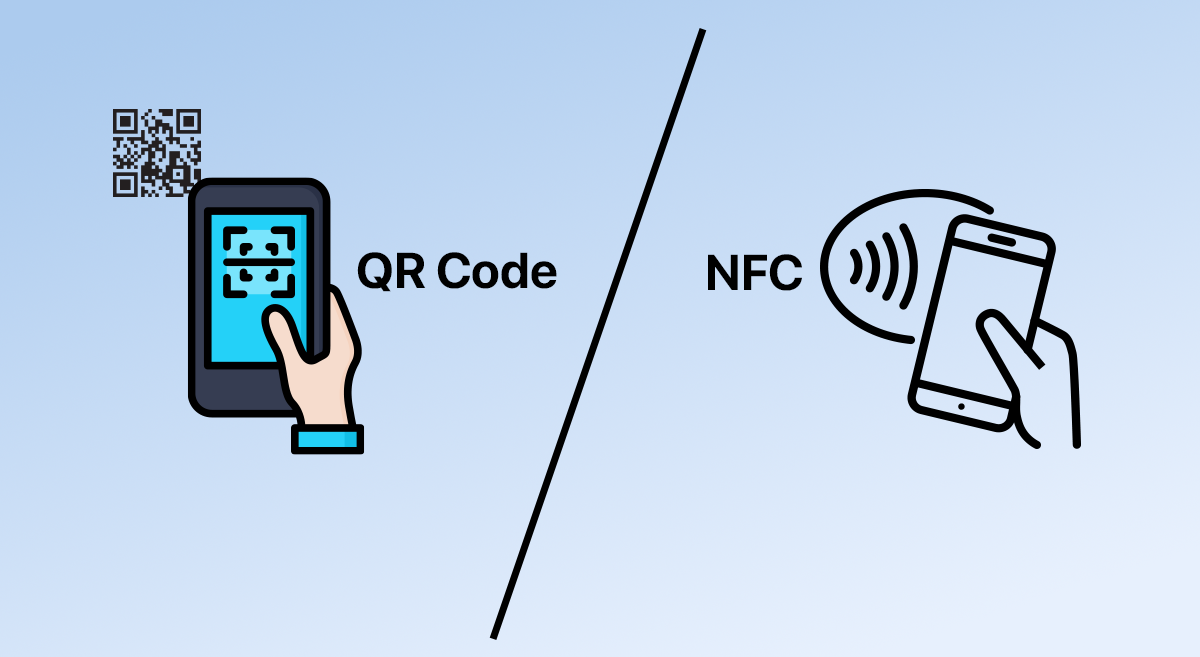
NFC business cards let you tap to share a full digital business card instantly and create a strong professional impression. QR code business cards work with any camera and cost less. For most teams and professionals, choose an NFC business card with a printed QR fallback to cover every contact exchange.
Introduction
Digital business cards replace paper with a shareable digital profile. You can deliver that profile via an NFC business card, a QR code business card, or an app such as eylet. This guide compares the two approaches, reviews vendors, explains how they work, and provides a step-by-step setup, so your team can use smart business cards at networking events and sales meetings.
Definitions
What is a digital business card?
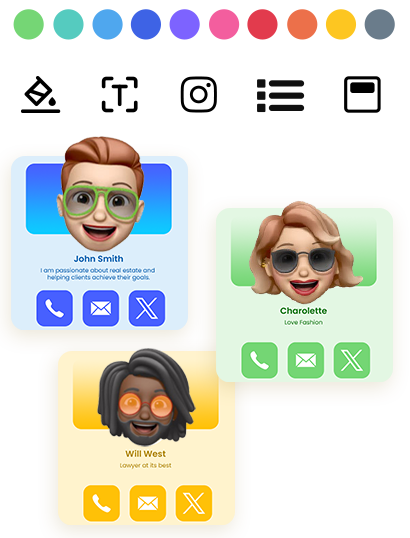
A digital business card is a web-based business profile that holds your contact details, website links, social links, and a clear CTA. It supports dynamic content, so you can update your business profile without reprinting.
What is an NFC business card?
An NFC business card contains a tiny chip. When you tap it to an NFC-enabled phone, the device opens your digital profile or saves a vCard. Vendors offer custom NFC cards and metal NFC business cards for a premium look and durable feel.
What is a QR code business card?
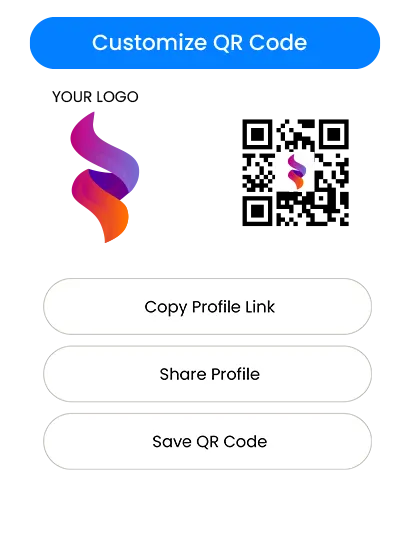
A QR code business card shows a scannable code. A person opens their camera, scans the code, and lands on your digital profile or website. QR codes are printable, cheap, and useful for mass distribution or printed collateral.
How do NFC business cards work, and how does QR differ?
NFC: tap to share
Tap the card to an NFC-enabled phone, and the phone opens your digital profile in the web browser. Many NFC solutions require no app so recipients can share contact information instantly. This tap-to-share flow improves first impressions and speeds contact exchange at networking events.
QR: scan to open
Scan the printed QR code with a camera, and the user lands on your profile. QR codes are universal and work well on printed materials, posters, and flyers for unlimited sharing.
Feature comparison
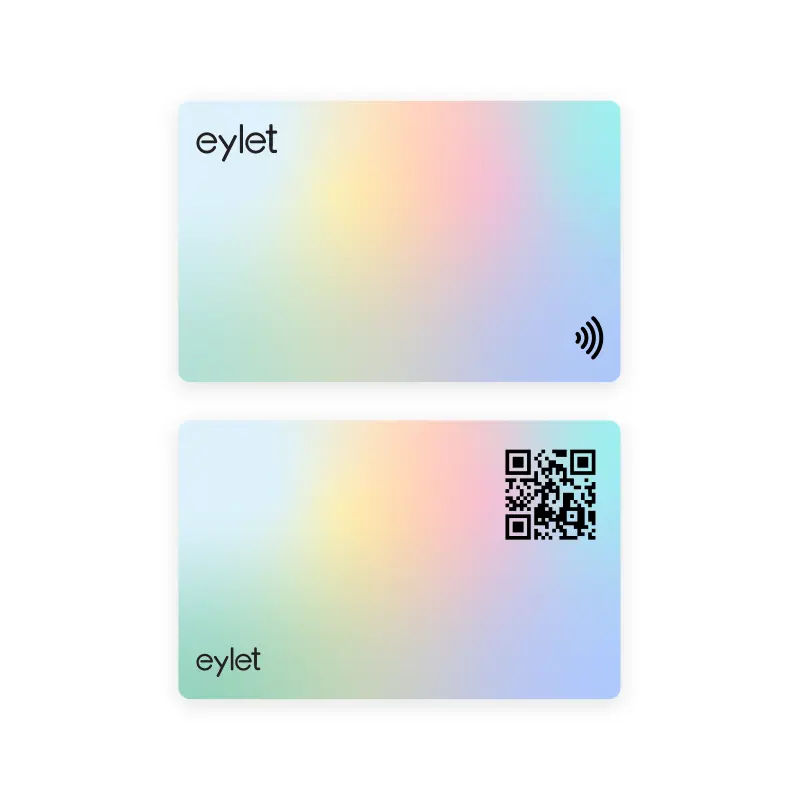
Here are the practical differences you’ll notice in real networking situations. eylet NFC business cards include both sharing methods, with NFC tap-to-share and a printed QR fallback (front and back design), so you can cover every visitor and device.
Speed and instant sharing
NFC offers near-instant sharing and creates a more premium impression. QR codes take a few extra seconds because the user must open the camera and aim, but they remain familiar and reliable for broad audiences.
Compatibility and reach
NFC works on most modern phones, but some older devices or specific settings may limit tap-to-read behavior. QR codes work with virtually any camera-equipped phone, making them the universal fallback for modern networking.
Design, brand consistency, and company branding
NFC cards let you keep a clean front for branding, logos, and design templates. QR codes are visible and can influence layout, but they are flexible and inexpensive to print. Use custom NFC cards or metal smart business cards when brand consistency and premium presentation matter.
Analytics, lead generation, and follow-up strategy
Many NFC platforms include analytics and exports to support lead generation and follow-up. Dynamic QR links can also provide tracking. For teams, prioritize vendors that support exports, tagging, and admin controls so leads remain usable after events.
Vendor comparison
Compare vendors on profile features, dynamic content, analytics, exports, materials, and team management. The biggest practical differences usually come down to reliability (NFC + QR), ease of deployment, software capabilities, and the long-term cost model.
eylet
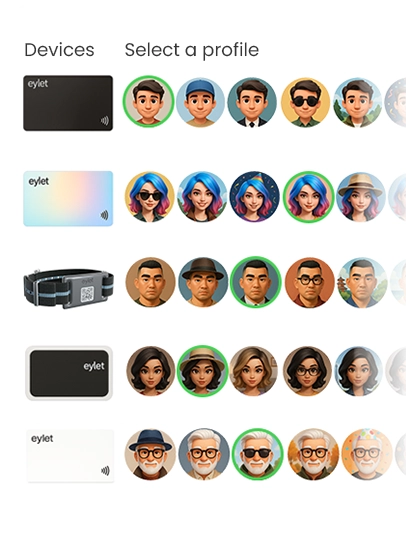
eylet combines NFC tap-to-share and a printed QR code fallback on every card, ensuring compatibility with modern and older smartphones. This dual-sharing approach removes friction at events, trade shows, and in high-volume networking environments.
On the software side, eylet focuses on simplicity, speed, and scalability for individuals and teams, offering:
- Browser-based digital profiles (no app required)
- Built-in lead capture forms
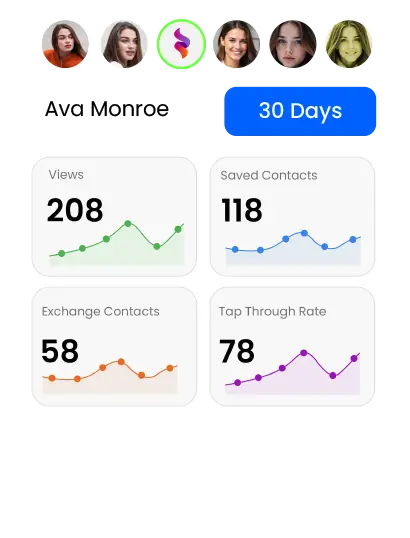
- Tap and scan analytics
- Team dashboards and admin controls
- Central brand consistency tools
- Exportable lead data for CRM workflows
Unlike most platforms, eylet uses a one-time purchase model with no subscriptions and no app fees, which can be easier to budget for growing teams and event staff without compounding monthly costs.
Blinq
Blinq focuses on a mobile-first digital business card experience. The Blinq app and Blinq card allow individuals to create a profile and share it via QR code, NFC, or the app. It works well for freelancers and solo professionals, but it relies more heavily on app usage and subscription upgrades for advanced features.
Popl and Mobilo
Popl offers affordable starter cards for individuals, simple profiles, and fast sharing, making it popular with creators and solo users. Mobilo is more enterprise-focused, with stronger admin controls and CRM-related capabilities, which can fit structured corporate rollouts. Both typically rely on recurring subscription pricing for full functionality.
V1CE, Wave, and others
V1CE and Wave emphasize premium materials, customization, and design, including metal NFC business cards and branded layouts. Many buyers choose these vendors for luxury presentation. Teams should compare subscription fees, analytics depth, exports, and whether profiles open without requiring an app.
Step-by-step setup for your team
- Choose a vendor that supports dynamic content, exports, and team management (eylet, Blinq, Popl, Mobilo, V1CE, Wave).
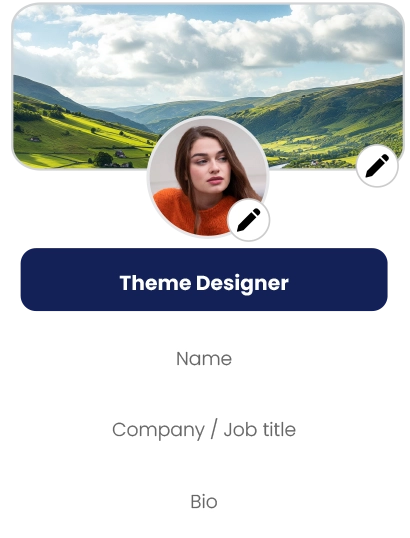
- Create your digital profile: add name, title, company branding, contact details, website links, and one clear CTA (book a demo, schedule a call).
- Select card type: choose PVC, custom NFC cards, or metal smart business cards, and include a printed QR code on the back.
- Enable analytics and exports: track taps and scans and ensure leads can be exported for follow-up workflows.
- Test on devices: verify tap-to-share on Android and iPhone models, and scan the QR code with multiple cameras.
- Roll out to the team: order cards, provide simple usage guidance for events, and track taps/scans to measure performance.
Practical tips and trade-offs
Always choose an NFC business card or device with a QR fallback for older phones and visitors who prefer scanning. Use dynamic links so you can change your CTA or contact details without reprinting. Keep the QR small and unobtrusive to preserve a professional impression. Consider eco-friendly materials if sustainability matters to your brand.
Use cases
- Networking events: NFC speeds up exchanges and improves first impressions.
- Sales meetings: Instant contact sharing improves follow-up and lead generation.
- Conferences and booths: QR codes on printed materials reach a wider audience.
- Company rollouts: Custom NFC cards with brand consistency and admin controls work best for teams.
FAQ
Are NFC business cards secure?
Short-range NFC reduces skimming risk. Choose reputable vendors like eylet and review privacy policies before rollout.
Do iPhones read NFC?
Modern iPhones support NFC reads and can open a digital profile without an app in many cases.
Can I create a free digital business card?
Some vendors offer a free digital business card or trial. Check feature limits and confirm whether the plan includes analytics or exports.
How do NFC business cards work?
Tap the card to an NFC-enabled phone. The phone opens your digital profile or saves a vCard. Most modern phones open the profile instantly in the web browser, without any app.
Should I include a QR fallback?
Yes. A printed QR ensures universal compatibility and unlimited sharing for people without NFC or who prefer scanning.
Conclusion and next steps
For most professionals, an NFC business card delivers the best mix of speed, professional impression, and measurable follow-up. Add a printed QR code for universal compatibility and use dynamic content so you can update your profile without reprinting.
If you're evaluating digital business cards for your team or events, explore these eylet resources to make an informed decision: