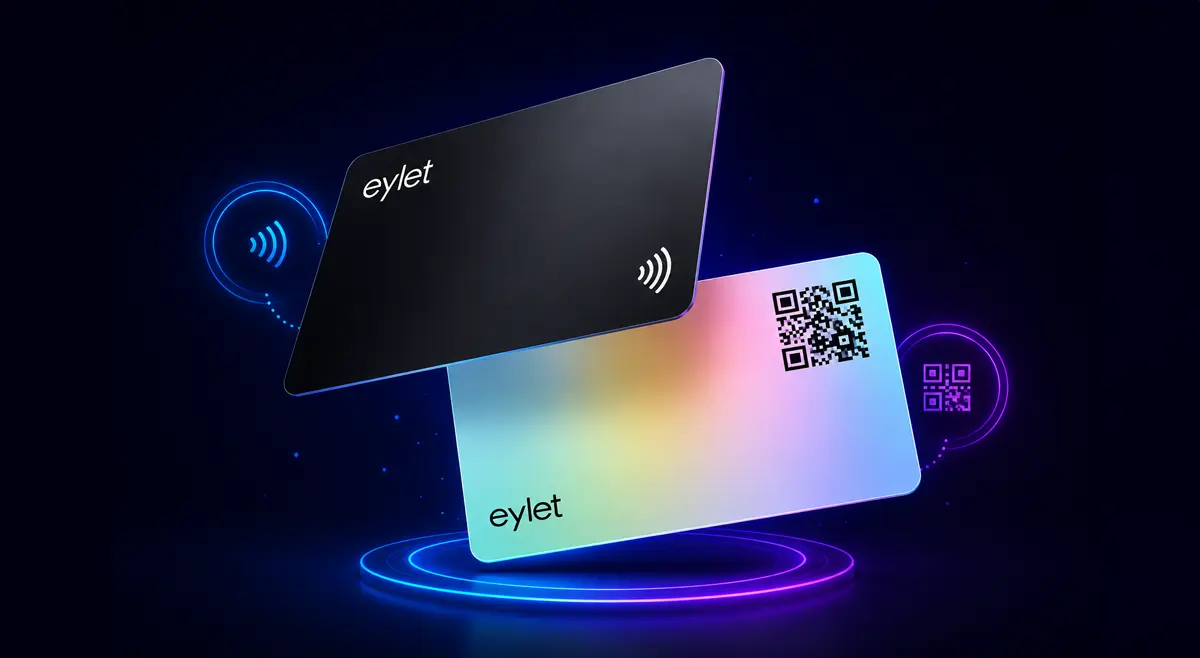
NFC vs QR Code Business Cards: Which Is Better?
Most articles comparing NFC and QR code business cards are written by companies that sell one or the other. An NFC card platform will tell you NFC is better. A QR code generator will tell you QR is simpler and cheaper. Neither answer is wrong, but neither is complete either.
The honest answer is that NFC and QR codes are good at different things, and the best networkers use both. This comparison breaks down exactly where each technology wins, where it falls short, and why the most practical setup is a card that does not make you choose.
How Each Technology Works
📶 NFC (Near Field Communication)
A chip embedded inside the card communicates wirelessly when held within a few centimeters of a phone. The phone detects the chip and opens your profile automatically. No camera, no scanning, no action required on the recipient's end beyond holding their phone near the card.
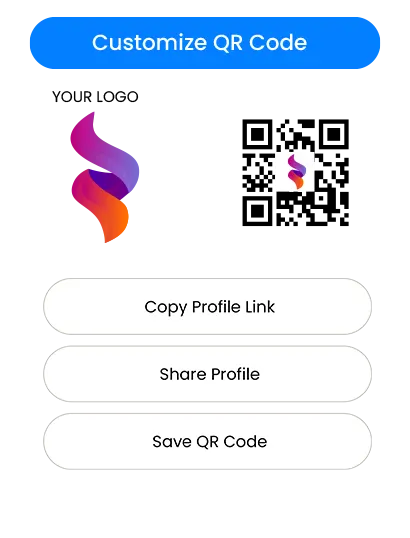
📷 QR Code
A printed or displayed pattern that a phone camera reads and converts into a URL. The recipient opens their camera app, points it at the code, and your profile opens in their browser. Works from a distance, works on any device with a camera, and requires no special hardware in the card.
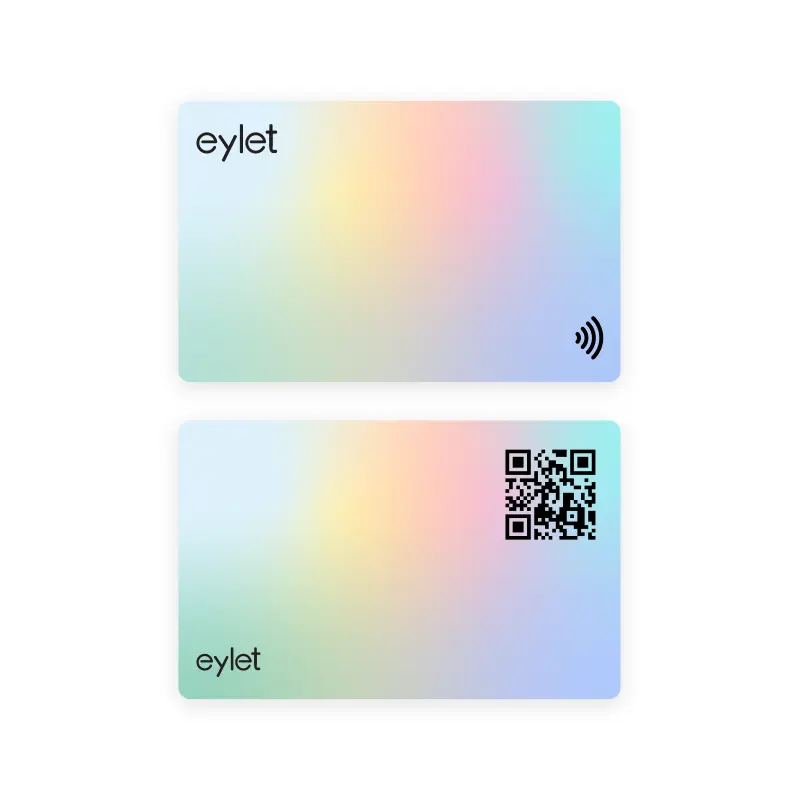
Both technologies open the same destination, your digital profile, through different physical interactions. The profile itself is what the recipient actually uses. The delivery method is what determines when each one works better.
Head-to-Head Comparison
When NFC Is the Better Choice
NFC wins in situations where the handoff moment itself matters:
One-on-one meetings and client introductions
Tapping your card and watching a profile open instantly creates a moment that a QR scan does not. It feels effortless and intentional. In a client-facing context, that first impression carries weight.
Crowded events and trade shows
In a loud, busy environment where you are talking to many people quickly, a tap is faster and requires no instruction. The recipient does not need to know what to do, the phone just responds.
Sales and high-value networking
NFC cards work better when you want to leave a strong impression on a specific person. The physical card still exists as an object, something to hand over, but the information lives digitally and never goes out of date.
When the recipient has a modern phone
NFC is supported on approximately 85 to 90% of smartphones currently in use. For most professional networking situations in 2026, this covers the overwhelming majority of people you will meet.
When QR Is the Better Choice
QR codes win when the sharing happens at a distance or through a screen:
Booth signage and presentations
A QR code on a banner, a slide, or a name badge can be scanned from across a table or a room. NFC requires physical proximity, it cannot work from a distance.
Email signatures and digital sharing
You can screenshot a QR code and send it by email, embed it in a PDF, or post it on social media. NFC is physical-only, it has no equivalent in digital-only contexts.
Older phones and budget devices
QR codes work on virtually every smartphone manufactured after 2017, regardless of whether it has NFC hardware. For audiences where older devices are common, QR is the safer default.
Mass distribution and low-cost scenarios
If you need to put your contact on hundreds of printed materials, flyers, menus, posters, QR is the practical choice. An NFC chip cannot be printed; it requires a physical card for every person.
You Do Not Have to Choose
The best digital business card setup uses both. NFC for in-person handoffs where speed and impression matter. QR as the fallback for anyone on an older phone, in a case that blocks the chip, or encountering the card in a context where tapping is not possible.
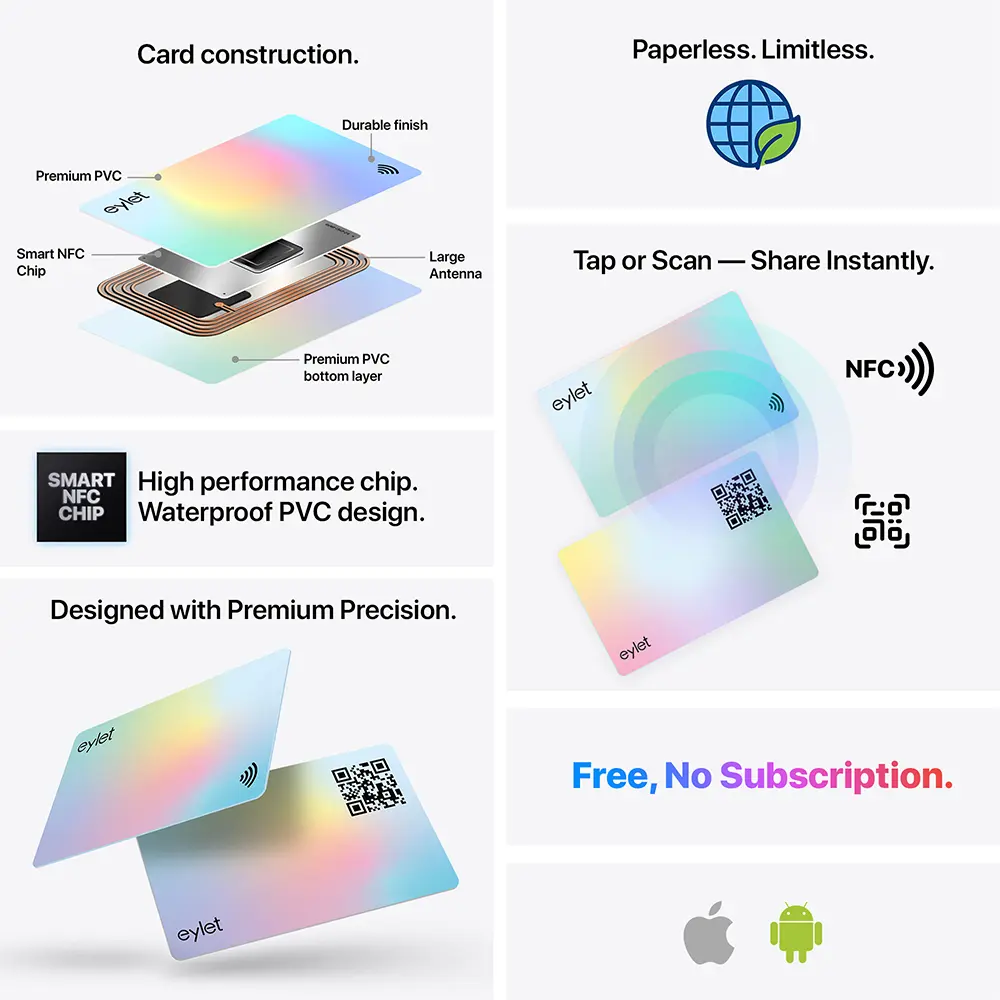
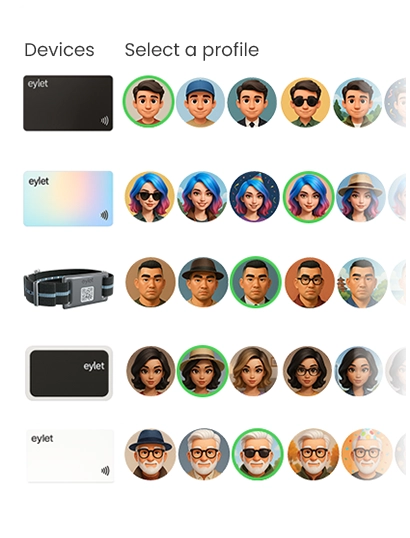
eylet cards ship with both on the same physical card. The NFC chip is embedded in the card for tap sharing. The QR code is printed on the back and opens the same profile. Both go to the same place, your live digital profile, so you never have to direct people to different links or maintain two versions of your contact information.
What this looks like in practice:
• At a client meeting: tap the card to their phone, profile opens instantly
• If their phone doesn't read NFC: flip the card, they scan the QR on the back
• At a trade show booth: place a card flat on the table, visitors scan the QR from above
• In a presentation: screenshot the QR and drop it on a slide
• In an email: share your profile link directly, no QR or NFC needed
• For a realtor: scan the QR from an open house flyer, same profile loads
The question "NFC or QR?" assumes you have to pick one. In practice, every eylet card handles both, and because the profile behind it is the same, every update you make reflects across both sharing methods at the same time.
Frequently Asked Questions
Which is better, NFC or QR code for business cards?
Neither is better in all situations. NFC wins for speed, first impressions, and in-person handoffs. QR wins for compatibility, distance sharing, and digital contexts like email or presentations. The best setup uses both on the same card.
Do NFC business cards work on all phones?
NFC works on approximately 85 to 90% of smartphones in use in 2026, including all modern iPhones (XS and later) and most Android devices from the last five years. Budget and older Android phones may lack NFC support, which is why a QR code fallback on the same card is useful.
Can you have both NFC and QR on one business card?
Yes. eylet cards have an NFC chip embedded in the card and a QR code printed on the back. Both open the same digital profile. You tap for NFC or scan for QR, the recipient ends up in the same place either way.
What are the disadvantages of NFC business cards?
NFC requires close physical contact with the recipient's phone, does not work from a distance, and is not supported on roughly 10 to 15% of devices still in use. It also requires an upfront card purchase rather than being free to generate like a QR code. These are reasons to have a QR code as a fallback, not reasons to avoid NFC.
Are QR code business cards free?
Generating a QR code itself is free. Printing it on a physical card costs whatever the printing costs. Most digital business card platforms include a QR code that links to your profile at no extra charge, eylet includes both a QR code and NFC on every physical card.
Is NFC faster than QR code?
Yes. NFC opens a profile in under one second with no action required beyond holding a phone near the card. QR scanning takes 3 to 5 seconds and requires the recipient to open their camera, aim it correctly, and wait for recognition. In practice both feel quick, but NFC is noticeably more instant.
Get Both on One Card
Every eylet card includes NFC tap and a QR code on the back. Same profile, two ways to share. No monthly fee.