Best Digital Business Cards for Insurance Agents 2026
Insurance is a relationship business. Every home visit, policy review, and referral introduction depends on the prospect actually remembering how to reach you afterward. A paper card gets tossed in a junk drawer. A digital business card stays on the phone your client already has open, and it can carry your license number, your carrier relationships, and a direct link to request a quote, all in one tap.
Here is what actually matters when you are choosing one, what the most popular platforms get wrong for insurance specifically, and how to set your card up the right way.
Key Features for Insurance Agents
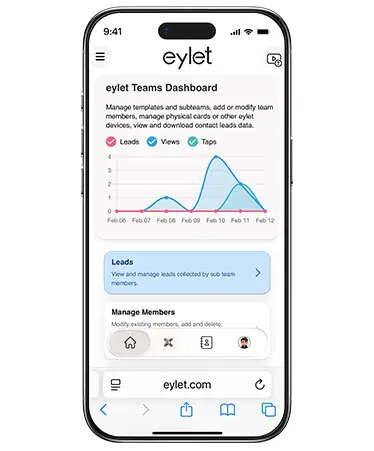
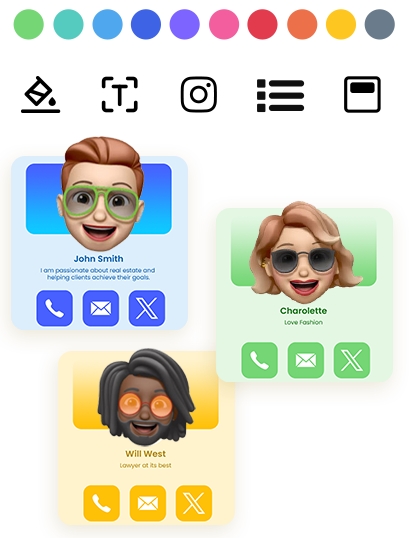
This is just a handful of what eylet can do.
See All FeaturesWhy Paper Cards Cost You Leads in Insurance Sales
Think about the last policy review or home visit you did. You hand over a card, the client sets it on the kitchen counter, and by the time they need you again, it is buried under mail or gone entirely. That is not a minor inconvenience. In a business built on referrals and renewals, a lost card is a lost follow-up, and a lost follow-up is often a lost client.
A digital card fixes the storage problem, since it saves straight to a phone's contacts. But not every digital card fixes the trust problem. Some platforms use your client's saved contact as an opportunity to push their own app or send marketing emails on your behalf, without your say. For an industry where clients are handing over financial and personal details, that is a real cost, not a nice-to-have feature to skip.
For most agents and advisors, the right card is one that works offline for home visits, lets you display license and carrier information clearly, does not spam your clients with app download prompts, and does not charge a monthly fee per seat once your agency scales past a handful of agents.
What Insurance Agents Actually Need From a Digital Business Card
Most comparison posts on this topic focus on general business features: branding, contact tags, CRM sync. Those matter, but insurance work has a few requirements that generic advice misses.
• Works without a strong signal. Home visits and rural properties do not always have reliable WiFi. If your card needs a live connection to load, it fails exactly when you need it most.
• Room for license and carrier details. Your card should have space for a license number, E&O information, or the carriers you represent, not just a name and phone number.
• No recipient spam. Several popular platforms send your client a "download our app" prompt or follow-up marketing email the moment they save your card. For a trust-based industry like insurance, that undercuts the exact relationship you are trying to build.
• Multi-line support. Agents who sell auto, home, life, and commercial often want separate profiles or clear sections for each line, without needing five different apps.
• Predictable cost at agency scale. A per-seat monthly fee that looks small for one agent adds up fast across a 40-person agency. That cost should not be a surprise six months in.
Where eylet Fits
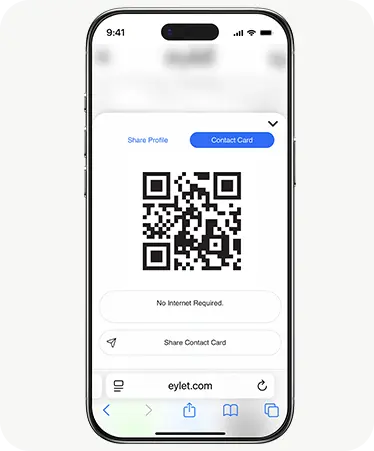
Offline Contact Card Mode shares your full profile with no WiFi needed, built for home visits and low-signal properties.
No recipient solicitation. When a client saves your card, they get your information, not a download prompt or a marketing email from us.
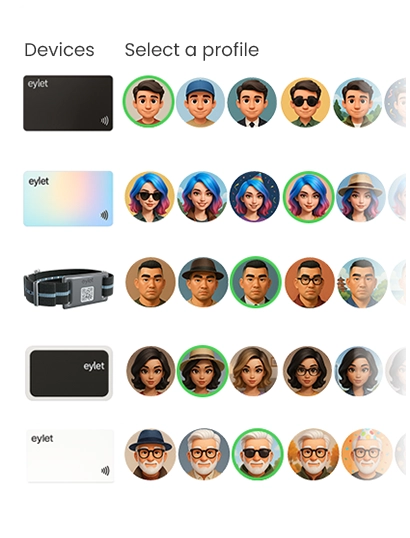
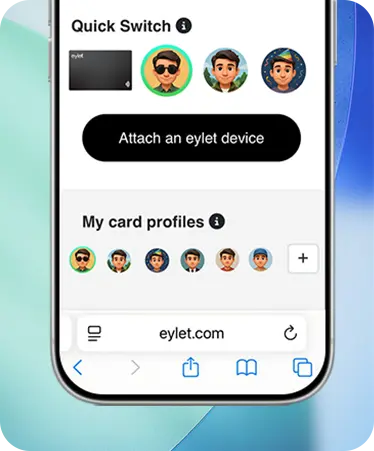
Up to 5 profiles per card, so multi-line agents can separate auto, home, life, and commercial without juggling apps.
Lead Generation Mode collects a client's details before your profile loads, useful at open houses or agency events.
No subscription, ever. One-time card cost, $0 a month, whether you are one agent or a full agency on Teams.
eylet vs. the Subscription Model
Most platforms built for insurance teams charge per seat, per month. That works fine for one agent testing the water, but it changes the math fast once an agency scales.
| What You Get | eylet |
| Monthly cost per agent | $0, forever |
| Works without WiFi | Yes, Offline Contact Card Mode |
| Client sees app download prompts | No |
| Profiles per card | Up to 5 |
| Lead export | Excel/CSV, unlimited |
Knowing Which Leads Are Actually Warm
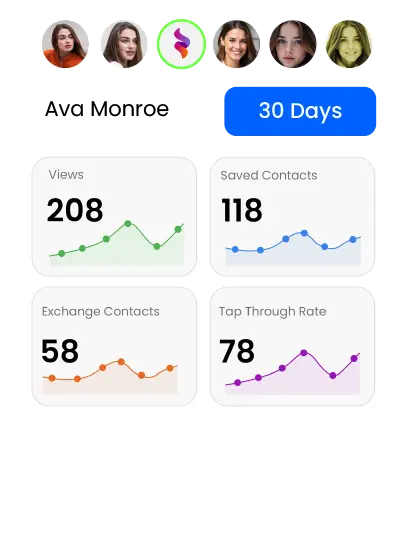
A stack of business cards from a community event tells you who you talked to, not who is actually interested. eylet's built-in analytics track taps, profile views, link clicks, device, and even approximate location, so you can see when a prospect revisits your card after your first conversation.
If someone taps your card, opens your quote request link, and comes back to view it again two days later, that is a far stronger signal than a name on a sign-in sheet. Agents who check this weekly tend to prioritize follow-ups more efficiently, instead of calling down a list in the order the cards happened to land. For a closer look at what these numbers mean, see how to read your eylet analytics dashboard.
Adding License and Compliance Information to Your Card
One of the most common questions agents ask before switching to a digital card is whether their license number, E&O coverage, or required disclosures can go on it the same way they would on a printed card or email signature.
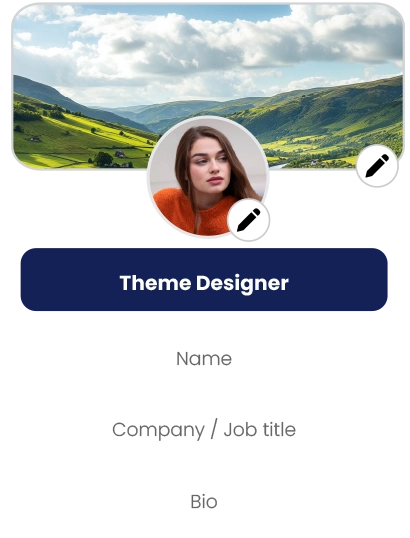
The short version: eylet lets you add custom fields and text blocks to your profile, so your license number, NPN, carrier appointments, or any other required disclosure can sit right alongside your contact details. What you are required to disclose, and how it needs to be worded, varies by state and by carrier. This is not something a blog post can answer for you with certainty, so treat the following as a starting point, not compliance advice:
Check with your agency's compliance officer or your state's Department of Insurance before finalizing what goes on your card. Requirements differ by state and by license type, and they can change. Your card is easy to update once you know exactly what is required.
Protecting Sensitive Client Conversations
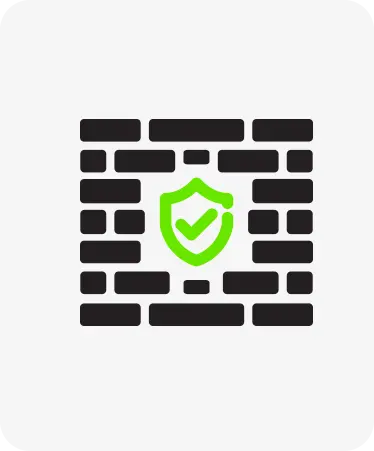
Insurance conversations often touch on income, health history, or property value, so it is worth thinking about who can view your profile at all, not just what you choose to put on it. eylet's Privacy Wall lets you lock your entire profile behind a 4-digit PIN, separate from your account login. Without the PIN, nobody can view any part of your profile, whether they scanned your card on purpose or picked it up off a desk.
This matters more for agency principals managing a team than for a single agent, but either way, it means a lost or misplaced card does not automatically mean a stranger can see your contact details and client-facing information.
Setting Up Your Card for Insurance Work
Add your license number and carrier appointments as custom fields once you have confirmed the required wording.
Create separate profiles for each line you sell if you handle auto, home, life, or commercial policies.
Turn on Offline Contact Card Mode before a home visit day, so a bad signal never costs you a lead.
If you manage a team, set up Teams to lock your agency's branding while letting each agent keep their own license and contact details current.
Export your leads to Excel or CSV after events or open houses and load them straight into your CRM.
Frequently Asked Questions
Can I put my insurance license number on a digital business card?
Yes. eylet supports custom text fields for license numbers, NPNs, and carrier appointments. Confirm the exact wording your state or agency requires before adding it.
Does a digital business card work without WiFi during a home visit?
With eylet's Offline Contact Card Mode, yes. Your card shares fully without needing a live connection, which matters for rural properties and buildings with weak signal.
Will my clients get spam or app download prompts when they save my card?
No. eylet does not solicit the people who receive your card. They get your contact information, nothing else.
Can I have separate cards for different insurance lines?
Yes. eylet supports up to 5 profiles per card, so you can separate auto, home, life, and commercial without needing multiple apps.
How much does eylet cost for an insurance agency?
There is no monthly subscription. You pay once for the physical card and use the platform for free, whether you are a single agent or a full agency using Teams.
Can I use my digital business card as an email signature too?
Yes. Your eylet profile link can be added to any email signature, so the same card you tap in person also travels with every email you send.
What happens to my card if I switch agencies?
Your profile is yours to update. Change your agency name, license details, and contact information from your dashboard, and anyone who already saved your card sees the update automatically, no reprinting needed.
Ready to give your clients a card that works everywhere?
No subscription. Works offline. Built for agents who are always in the field.