Best Digital Business Cards for Real Estate Agents
Search "real estate business cards" and most of what comes back is print templates, brokerage-branded designs you customize and order in bulk. That is not what this guide is about. If you specifically want a digital business card, one that shares by tap or QR code, updates itself when a listing changes, and captures a visitor's contact instead of just handing out yours, here is what actually separates the options worth considering.
Digital, Not Printed
Most results for "real estate business cards" are print-on-demand template sites, choose a design, add your headshot and logo, order a box of 250. That solves a design problem, not the two things that actually cost agents leads: a card handed over once has no way to capture who received it, and every listing change or brokerage switch means reordering. A digital business card is a different category entirely, it shares by tap or QR code, updates instantly, and, on platforms built for it, captures the other person's details instead of only sharing yours.
The best digital business card for a real estate agent captures visitor details at open houses rather than just sharing yours, exports cleanly into your CRM (Follow Up Boss, kvCORE, BoomTown), keeps brokerage branding consistent if you work on a team, and does not charge a monthly fee per agent.
Key Features for Real Estate Agents
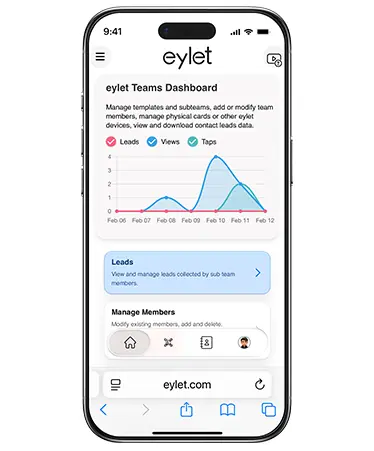
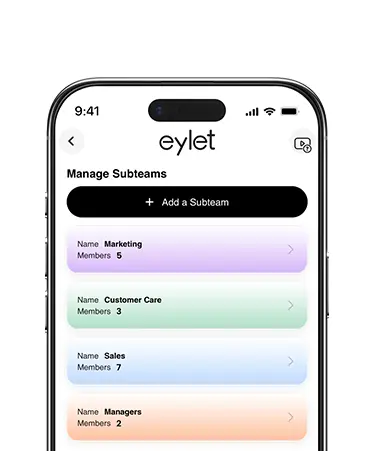
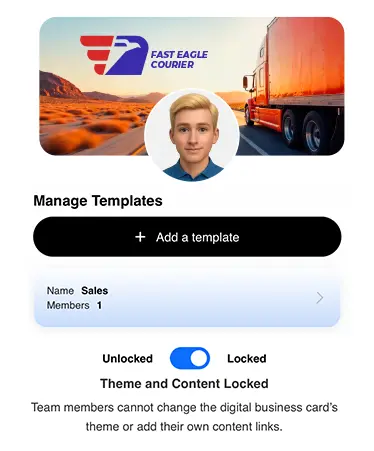
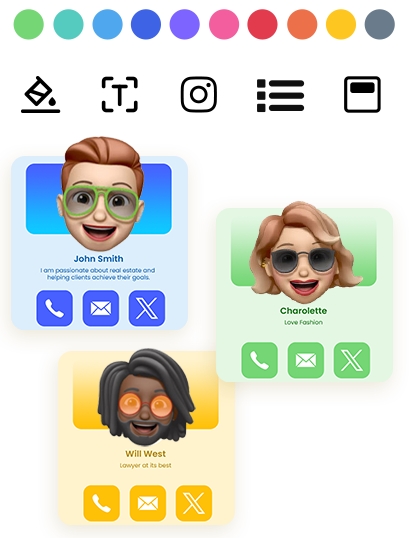
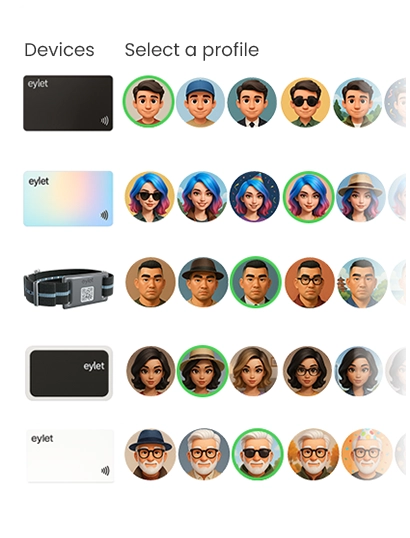
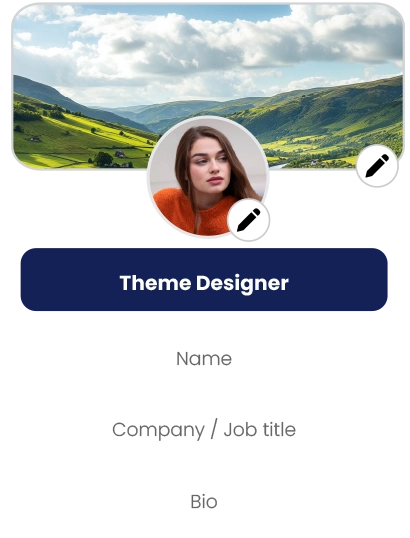
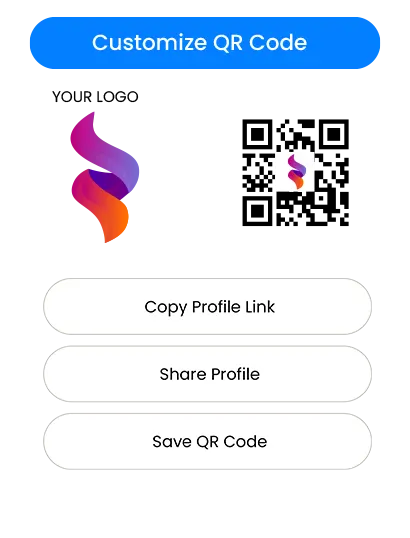
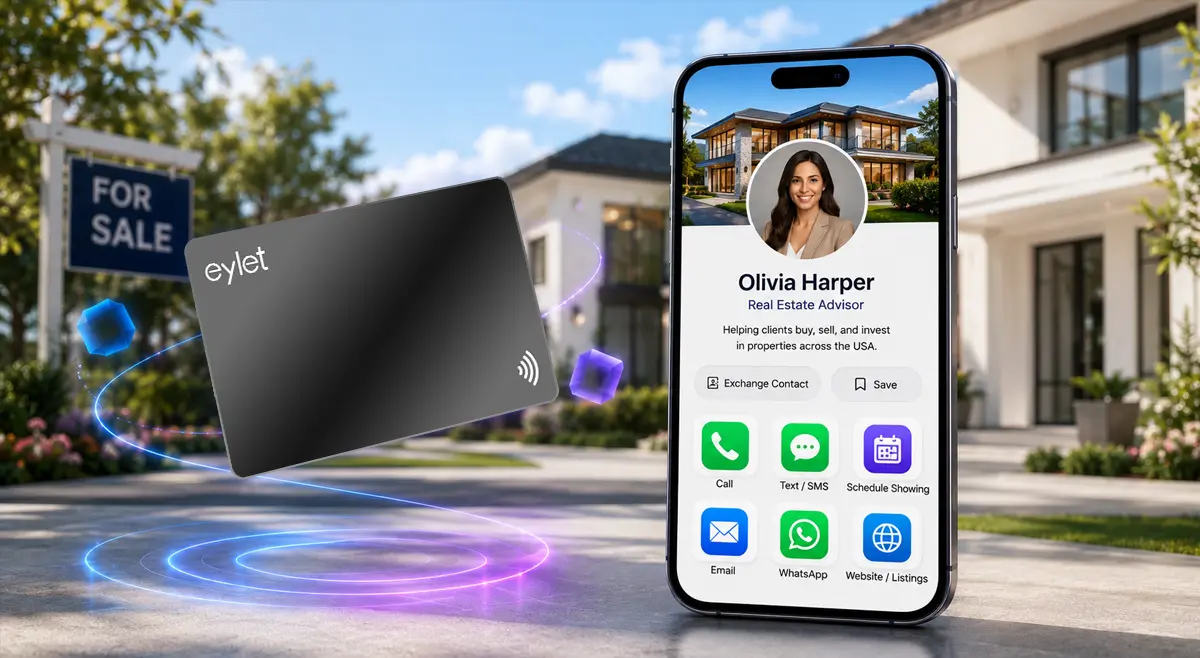
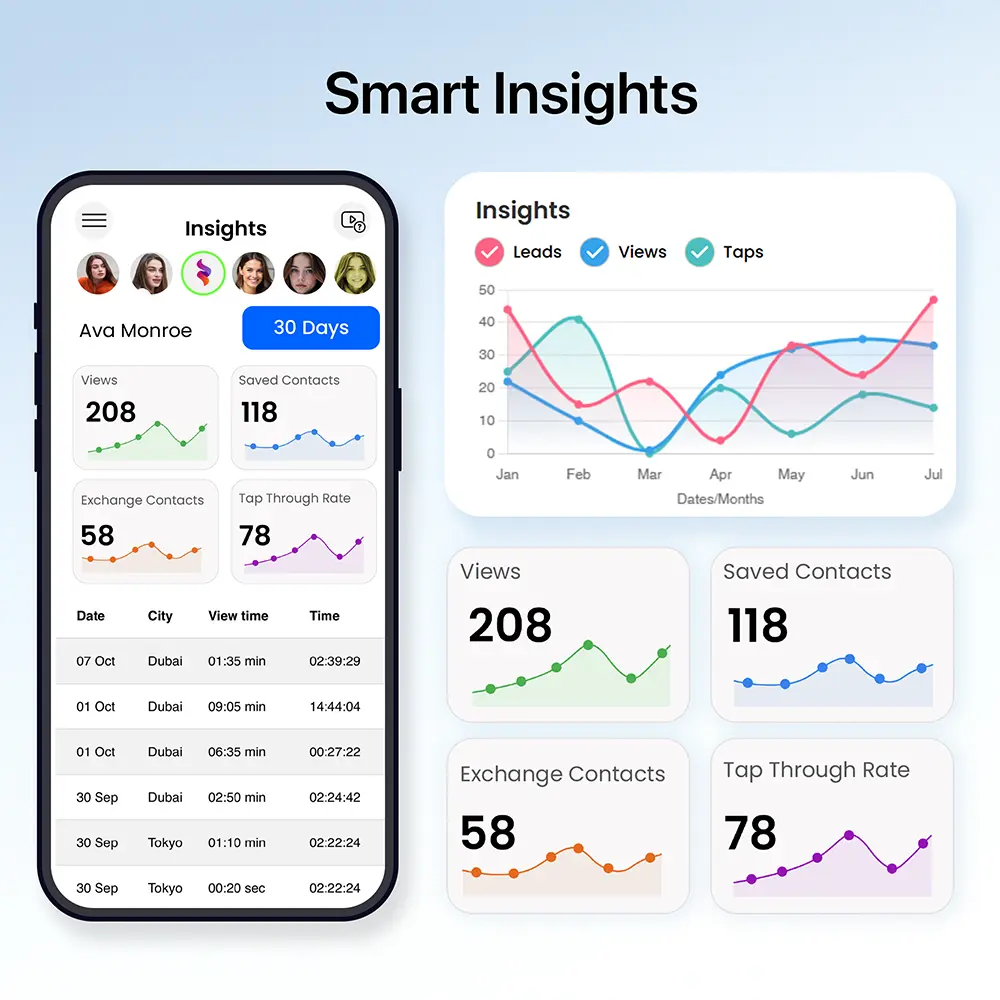
This is just a handful of what eylet can do.
See All Features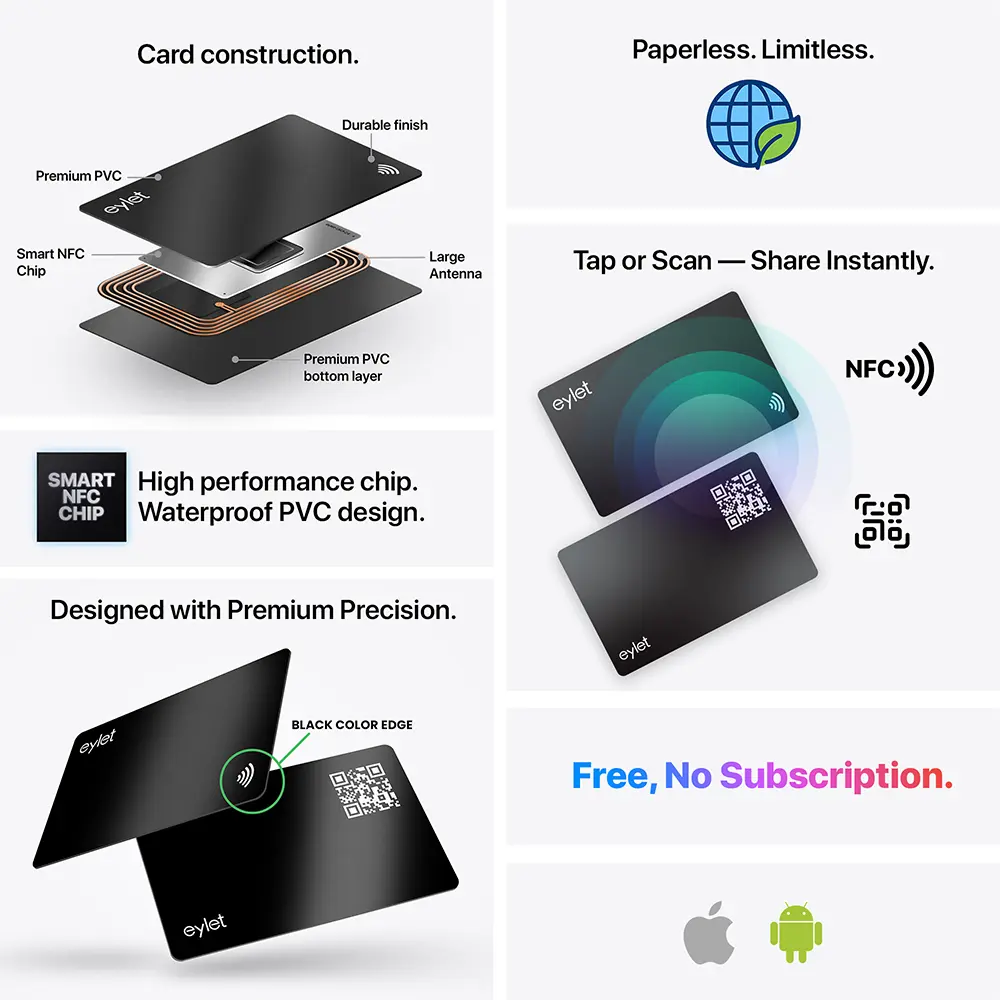 What to Actually Compare
Most "best digital business card" roundups list the same five or six platforms without saying what actually differs between them for real estate specifically. Four things matter more than the rest:
• Does it capture visitor info, not just share yours. An open house with thirty visitors needs a card that flips the exchange around, they tap, you get their details, not the other way.
• Does the export actually match your CRM's import format. Follow Up Boss, kvCORE, BoomTown, and Wise Agent all accept CSV bulk imports, but check the export before you rely on it.
• Can a brokerage keep every agent's card consistent. A team of agents handing out cards with different looks undercuts brand recognition at exactly the moment it matters.
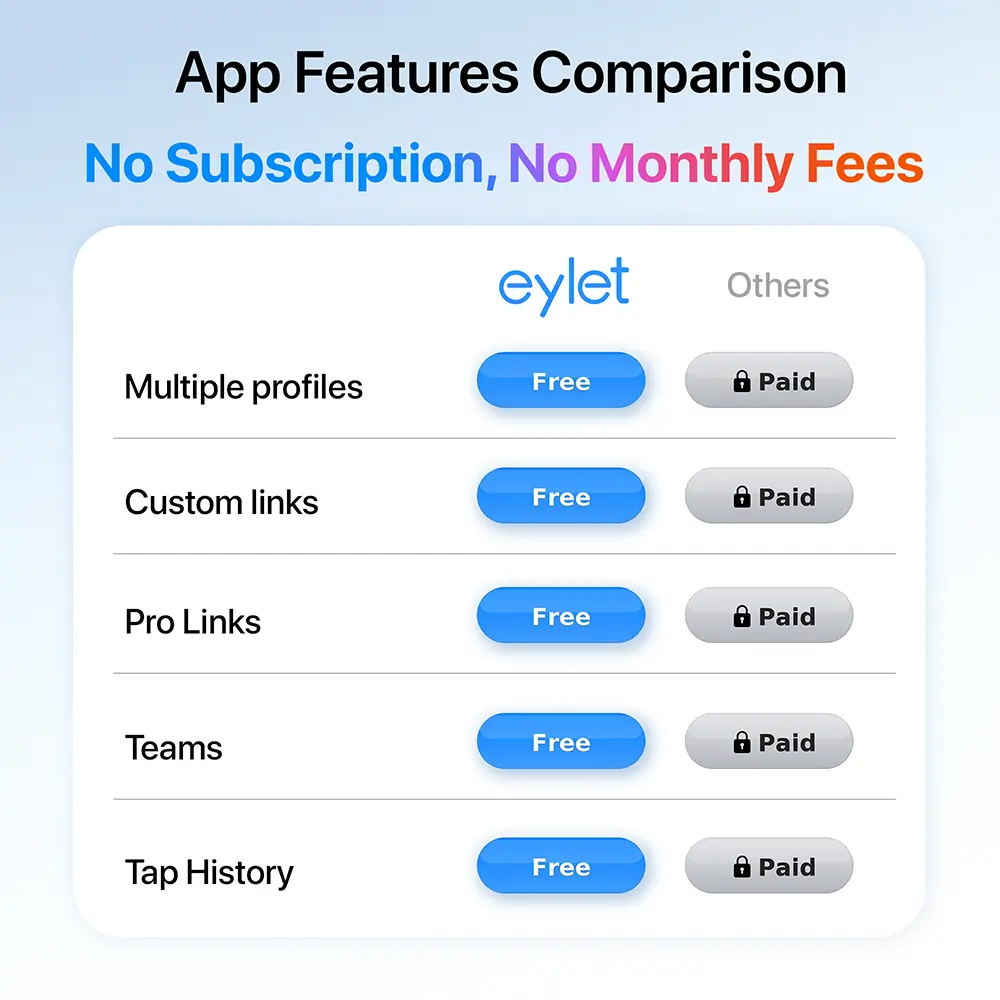
• What the platform actually costs at agent scale. A per-seat monthly fee that looks small for one agent adds up fast across a 15-agent office.
eylet vs. the Subscription Model
Several platforms marketed to real estate teams charge per agent, per month. That is manageable for a solo agent testing the idea, and much less manageable once a brokerage scales.
| What You Get | eylet |
| Monthly cost per agent | $0, forever |
| Open house lead capture | Yes, Lead Generation Mode |
| Brokerage-wide branding | Included |
| CRM-ready export | Excel/CSV, unlimited |
| QR fallback for older phones | Included |
A 15-agent brokerage on eylet pays roughly $135–$190 once for cards. The same office on a platform charging $5-8 per agent per month runs $900–$1,440 a year, every year, on top of whatever the cards themselves cost.
Capturing Leads at Open Houses
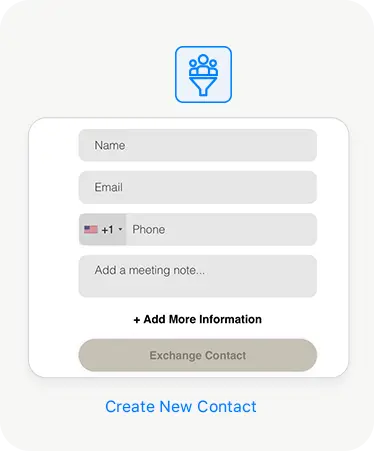
A busy open house can put dozens of visitors through the door in a single afternoon. eylet's Lead Generation Mode flips the usual exchange: instead of just sharing your details, it collects the visitor's information first, so an afternoon of showings turns into a captured list, not a sign-in sheet you transcribe by hand later.
Export the list to Excel or CSV after the open house and load it into your CRM. eylet does not run a native sync with Follow Up Boss, kvCORE, or similar tools today, so this is a manual import step rather than a live connection, but it beats retyping names from a paper sheet while the details are still fresh.
Protecting an Unattended Card
Open house cards often sit on a sign-in table unattended for stretches of the showing, which means anyone walking by could tap it, not just genuine visitors. eylet's Privacy Wall lets you lock your entire profile behind a 4-digit PIN, separate from your account login, so a card left on a table does not automatically expose your full profile to anyone who happens to pick it up.
This matters more for a busy multi-agent open house weekend than for a single private showing, but either way, it means the card works the same whether you are standing next to it or not.
Setting Up Cards for a Brokerage
Lock the brokerage's logo and colors in Teams before onboarding the first agent, so every card matches from day one.
Turn on Lead Generation Mode before any open house or showing, so every visitor becomes a captured contact.
Update your profile the moment a listing changes, no reprint order, no waiting on a new batch of cards.
Export leads to Excel or CSV after each event and load them into your CRM while the conversation is still fresh.
Frequently Asked Questions
What's the best digital business card for real estate agents?
The best option depends on volume and team size, but for agents who want no recurring fee, a platform with CRM export, a QR fallback, and brokerage-wide branding like eylet covers the core needs most agents run into at open houses and showings.
Does eylet integrate with Follow Up Boss or kvCORE?
Not natively. eylet exports every captured lead to Excel or CSV, which imports into Follow Up Boss, kvCORE, BoomTown, or any other CRM your brokerage uses.
How much does eylet cost for a brokerage?
There is no monthly subscription. You pay once for each physical card, and Teams supports unlimited agents at no added cost.
Can I keep every agent's card on the same brokerage branding?
Yes. eylet Teams lets you lock logo and colors centrally, while each agent's listings and contact details stay editable.
What's the difference between this and a printed real estate business card?
A printed card is fixed the moment it is ordered, a new listing or phone number means a reprint. A digital business card updates instantly and captures visitor details automatically, rather than just handing out your own.
Ready to capture more from every open house?
No subscription. No per-agent fee. Built for a brokerage that's always showing something.