Custom NFC Business Cards: What You Can Personalise
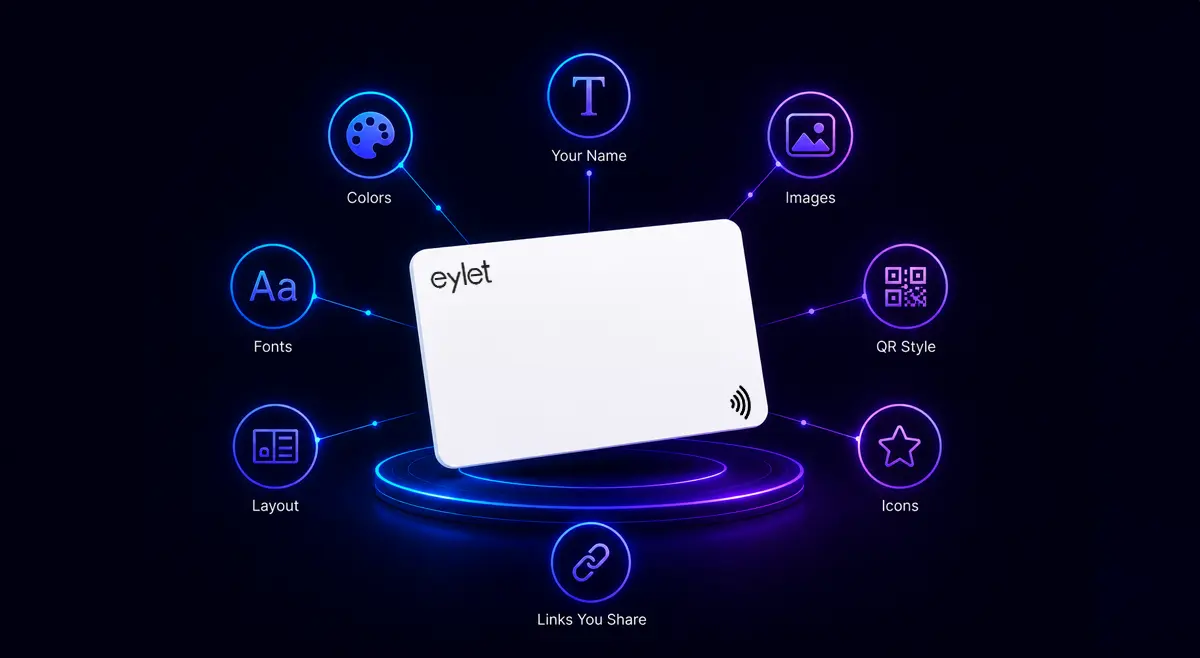
When people search for custom NFC business cards, they usually mean two different things. Some want a card that looks unique, with their logo, brand colors, and name printed on the physical card. Others want a digital profile that feels personal: their layout, their links, and their theme. Both are valid. But they work differently, and confusing the two is how people end up frustrated when the card they ordered looks different from what they expected, or when they realize they cannot change the physical print after the cards arrive.
This guide separates the two clearly. What you can customize on the physical card. What you can customise on the digital profile. And why the profile customisation matters far more in practice than the card design.
The Two Sides of an NFC Business Card
An NFC business card has two distinct parts, and they customise independently:
The physical card
The plastic, metal, or PVC card you hold and hand over. You customise this once, before ordering, and it cannot be changed after printing. Think of it like a traditional business card but with a chip inside.
The digital profile
The web page that opens when someone taps your card. You can customise this at any time, as many times as you want, with no reprinting and no extra cost. This is where the real flexibility lives.
Most of the frustration people have with NFC cards comes from spending too much time on the physical card and not enough on the profile. The card gets handed over once and glanced at for a few seconds. The profile is what the person actually uses, to save your contact, visit your website, follow you on LinkedIn. The profile is where customisation pays off.
What You Can Customise on the Physical Card
Here is what can and cannot be changed on the physical card itself:
✓ CAN BE CUSTOMISED ON THE PHYSICAL CARD
• Card finish and color (black, white, prism/holographic)
• Card type (standard card, phone card, wristband, Google Review card)
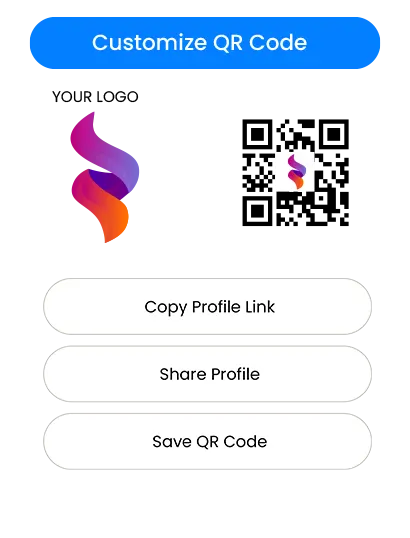
• QR code on the back (pre-linked to your profile at activation)
• For custom-printed orders: logo, brand colors, your name, job title, layout
✗ CANNOT BE CHANGED AFTER PRINTING
• The physical card design, logo, or finish once ordered
• The card material or size
• The NFC chip itself (it is pre-programmed and sealed inside)
• The QR code printed on the card (it is fixed at manufacture)
What You Can Customise on the Digital Profile
This is where eylet gives you far more flexibility than most people expect, and where the real value of a digital card over a paper one becomes obvious. Every change to your profile takes effect instantly across every future tap. No reprinting, no re-ordering, no cost.
👤 Profile content
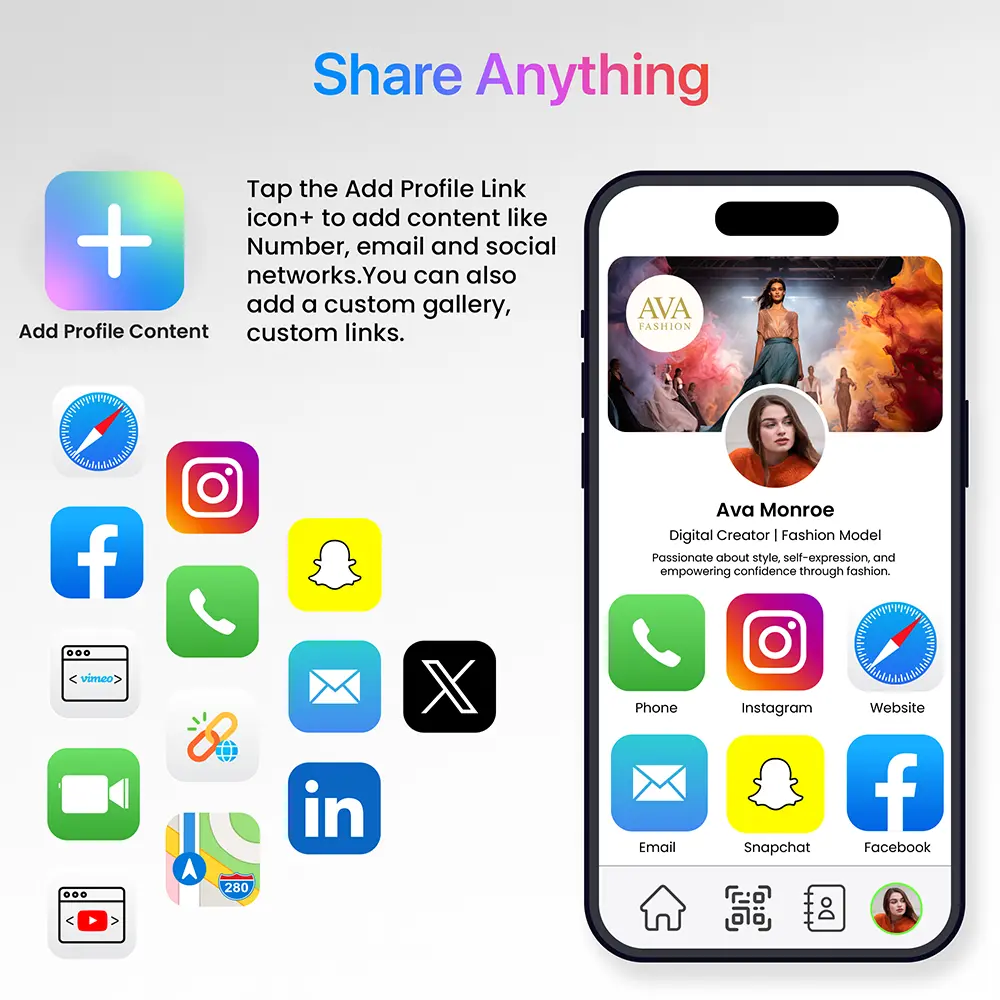
Your name, job title, bio, and profile photo can be updated at any time. Change your title when you get promoted, update your photo when you get a new headshot, rewrite your bio for a different audience. None of this affects the physical card.
🔗 Contact links and social profiles
Add, remove, or reorder your phone number, email, website, LinkedIn, Instagram, WhatsApp, TikTok, and 60+ other platforms. Switch from one phone number to another in seconds. Add a booking link the day you launch a new calendar. Every change is live immediately.
🎨 Theme designer and visual branding
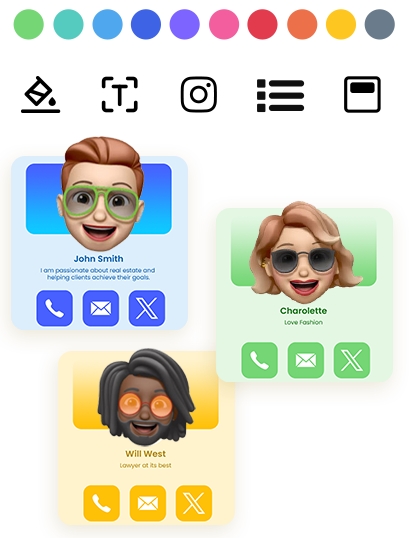
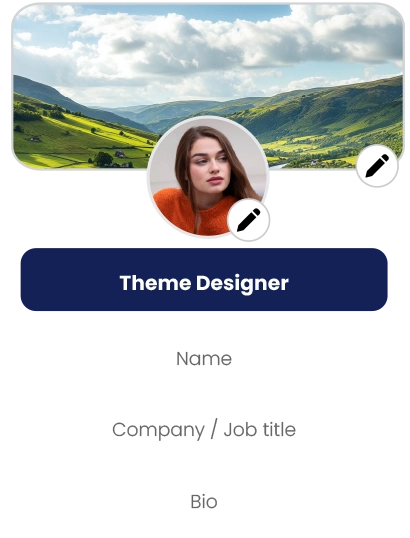
eylet's Theme Designer gives you full visual control: choose your Background Color and Text Color using a color picker, select from multiple Profile Layouts, and switch between List View and Icon View for how your links display. You can also customise icon styles and borders to match your brand exactly. Everything in the Theme Designer is included at no extra cost, no subscription required. See eylet's full profile branding and layout features.
🖼️ Built-in avatar and banner gallery
If you do not have your own photos ready, eylet includes a built-in gallery of professional avatars and banner designs covering nature, abstract, and other styles. You can launch a polished-looking profile on day one without a photo shoot. Upload your own images when you have them and they replace the gallery choices instantly.
🔄 Multiple profiles from one card
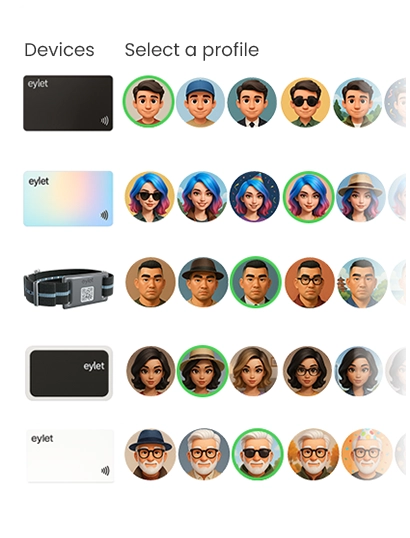
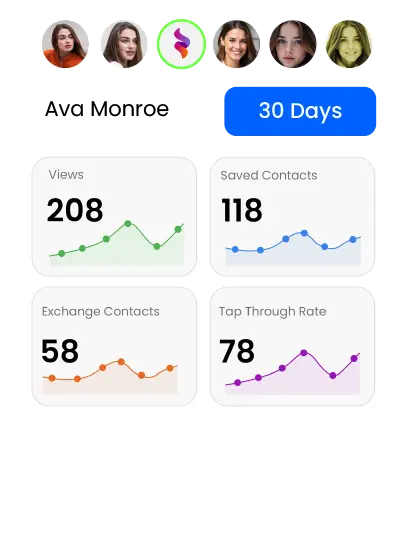
You can create up to 5 separate profiles on one card and switch between them. One profile for professional networking with your full corporate details, another for freelance work with a different contact email, another for events with a pared-down set of links. You decide which profile is active when the card is tapped.
⚡ Sharing mode
Change what happens when someone taps your card. Lead Generation Mode opens a contact form so visitors submit their details before seeing your profile. Hyper Mode skips the full profile and jumps straight to saving your contact. Direct Link Mode sends every tap directly to one URL, your website, your WhatsApp, or your booking calendar. Switch between modes without changing the card.
📸 Banner image and media
Upload a custom banner image behind your profile photo, your company logo, a product photo, a landscape, or whatever represents you. Embed YouTube or Vimeo videos, upload PDF documents, add an image gallery. All of this is part of your profile, updateable at any time.
Why Profile Customisation Matters More Than Card Design
The physical card gets looked at for about two seconds before the person taps it and shifts their attention to their phone screen. The profile is what they actually interact with, for 30 seconds, a few minutes, or however long it takes them to save your contact and decide whether to act on it.
A beautifully designed black matte card with a mediocre profile is worse than a standard white card with a well-built profile. The card creates the first impression. The profile closes the contact.
Profile customisation also compounds over time in a way that physical card customisation cannot. Every time you update your profile, new links, new theme for a specific audience, new sharing mode for an event, that update reaches every person who taps your card going forward. A paper card or a static-printed NFC card is frozen at the moment it was printed. A properly set-up digital profile improves every week.
Custom Printed Cards vs Standard eylet Cards
The trade-off with fully custom-printed physical cards: they cost more, take longer to arrive, and still cannot be changed once printed. If your name, title, phone number, or company changes after the cards arrive, you are back to the same reprint problem as paper cards. The digital profile behind the card remains editable regardless of what is printed on the physical surface.
On metal cards specifically: several premium providers charge $80 to $150 for metal NFC cards, but metal as a material interferes with NFC signals. Multiple independent reviews confirm that metal cards require more precise placement to tap reliably and may fail entirely through a phone case. The QR code on the back becomes the primary sharing method in practice, which means you are paying a premium for a material that actually makes the core feature less reliable. For most professionals, a well-designed PVC card is more functional at a fraction of the price.
💡 PRACTICAL RECOMMENDATION
For most professionals, a standard eylet card with a well-customised digital profile delivers more value than a fully custom-printed card with a default profile. Spend 30 minutes on your profile theme, photo, links, and bio. The card itself needs to look clean and professional, it does not need to be a design project.
For Teams: Customising at Scale
When you are deploying cards across a team, the customisation challenge is different. You need brand consistency across every rep's profile while still allowing individuals to have their own name, title, and contact details. eylet Teams handles this with locked templates: the manager sets the colors, logo, fonts, and layout, and team members fill in their own details within that template. Nobody goes off-brand, and nobody needs to know how to use a theme designer.
For a full breakdown of how teams use eylet cards for lead capture and sales workflows, see the best digital business cards for sales teams guide.
Frequently Asked Questions
Can I put my own logo on an NFC business card?
Yes, but on the physical card it requires a custom print order. On the digital profile, you can upload your logo as a banner image or profile photo at any time for free. Most professionals find the profile logo more valuable since it is what the person on the other end actually sees.
Can I change my NFC business card after ordering?
The physical card cannot be changed after it is printed. The digital profile behind it can be updated at any time, new links, new photo, new theme, and new contact details, all instantly and at no cost.
Does eylet let me customise the theme and colors of my profile?
Yes. eylet includes 20+ pre-built themes and a full theme designer where you can set your own background color, text color, button style, and layout. The theme designer is included at no extra cost with every card purchase.
Can I have multiple profiles on one NFC card?
Yes. eylet lets you create up to 5 profiles on one card and switch between them. Each profile can have a different theme, different links, and a different sharing mode.
What materials are NFC business cards available in?
Most NFC cards including eylet are made from PVC, the same material as a credit card. Premium options from other providers include metal and wood. eylet offers PVC cards in black, white, and prism finishes, plus a phone card and wristband format.
Do I need a subscription to access custom themes on eylet?
No. The theme designer, all pre-built themes, and full profile customisation are included with every eylet card purchase at no ongoing cost. There is no subscription to unlock any design features.
Start With a Card That Grows With You
eylet cards include a full theme designer, 65+ content types, and multiple profiles. Customise everything on your digital profile any time, no reprinting, no extra cost.