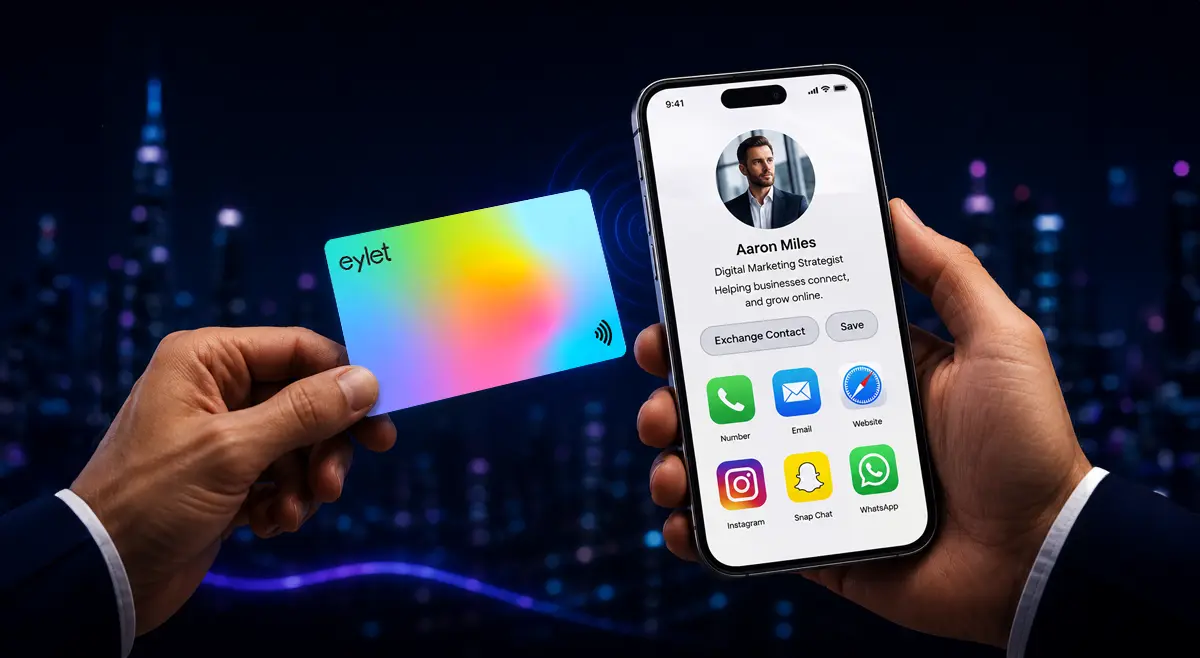
Digital Business Cards for Business Development Managers
Business development is a volume game. A conference floor, a partner event, or a single good week of outbound can put fifty new contacts in front of you, and the deal that matters might not close for another eight months. The card you hand out at that first conversation only earns its keep if the details survive long enough to matter later.
Here is what to actually look for, where the most popular platforms overpromise, and how to set your card up for a team that is scaling fast.
For most business development teams, the right card is one that captures leads at events rather than just sharing your own details, does not charge a per-seat monthly fee as headcount grows, and exports cleanly to whatever CRM your team already runs, even without a live sync.
What BD Teams Actually Need From a Digital Business Card
Most comparison posts push CRM sync as the deciding factor and stop there. It matters, but it is not the only thing that determines whether a card actually gets used consistently across a growing team.
• Event-speed lead capture. A five-minute booth conversation needs a card that grabs the other person's details in one tap, not a card that only shares your own.
• Cost that scales with the team, not against it. A per-seat fee that looks small at 10 people gets painful fast at 40.
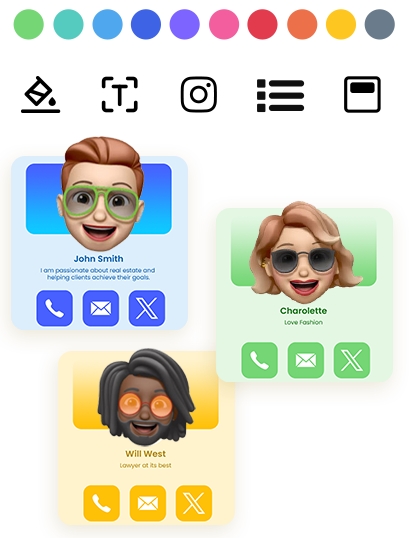
• Consistent branding without manual work. A new hire's card should match the team's look automatically, not require a designer every time someone joins.
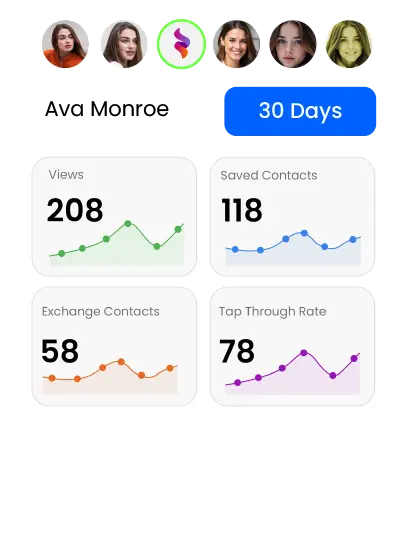
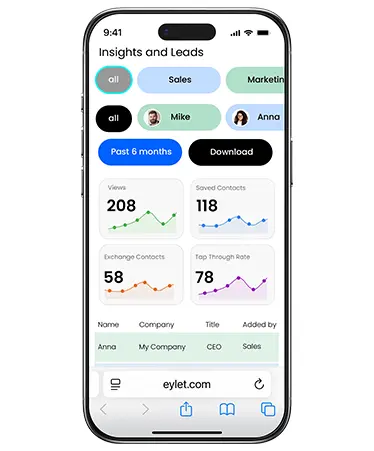
• Visibility across the whole team. A BD leader should be able to see engagement patterns across the team, not just their own card's activity.
• A clean path into whatever CRM you already run. Native sync is nice to have, but a reliable export that actually gets used beats a live sync that only half the team bothers to check.
Key Features for Business Development Teams
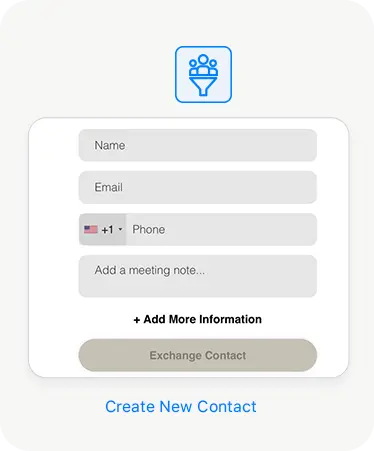
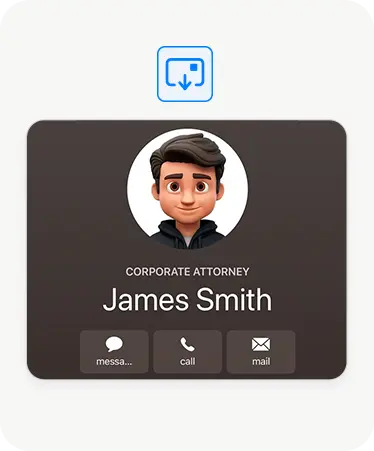
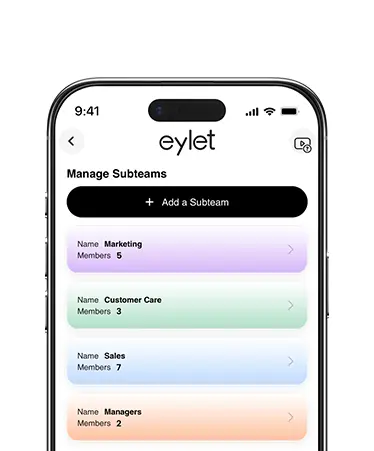
This is just a handful of what eylet can do.
See All FeaturesWhy a Stack of Cards From One Event Doesn't Scale
Walk away from a good trade show with forty new contacts and you have a real problem: which of these forty are worth a follow-up call this week, and which conversation was actually about the partnership deal versus just a friendly chat by the coffee station? A pile of paper cards has no memory of that context, and neither does a phone full of unsorted contacts.
This is the exact problem a digital card with built-in analytics solves. When you can see who revisited your profile after the event, you get a signal for who is actually still interested, without relying on memory or a notes app. If you run events regularly, it is worth reading through our guide to lead capture at trade shows for a deeper look at event-specific setup.
One Card, Multiple Roles
Business development often means switching contexts throughout a single week: a formal pitch meeting on Monday, an industry meetup on Wednesday, a booth at a conference on Friday. Each of those benefits from a slightly different presentation, even if the underlying contact details stay the same.
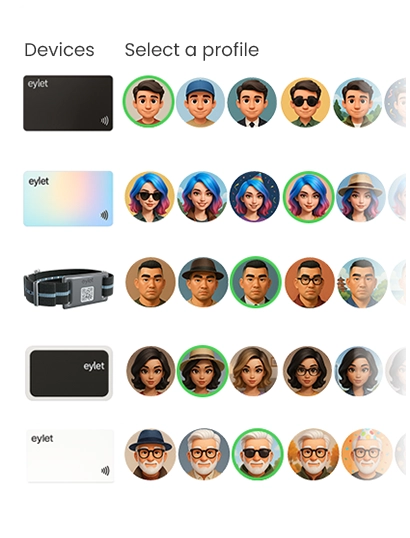
eylet supports up to 6 profiles per card, so you can keep a formal sales profile, a casual networking profile, and an event-specific profile all on the same physical card, and switch between them in seconds instead of carrying multiple cards or explaining which version someone should save.
For the fastest conversations, Hyper Mode skips the profile step entirely. A tap saves your contact straight to the other person's phone with no page to load and nothing to scroll through, which matters more than it sounds like it should when you are trying to close out a hallway conversation before the next session starts.
Why Per-Seat Pricing Gets Expensive Fast
Most digital business card platforms built for teams charge per user, per month, on top of a paid tier to unlock team management at all. That is a manageable cost for five people. It stops being manageable once a BD org doubles headcount in a hiring push, which is exactly when growing teams tend to need more cards, not fewer.
eylet does not charge per seat. You pay once for the physical card, and Teams, with unlimited members, is included at no extra monthly cost. A team that grows from 10 to 40 people does not turn into a bigger software bill.
eylet vs. the Subscription Model
| What You Get | eylet |
| Monthly cost per team member | $0, forever |
| Team members included | Unlimited |
| Event lead capture mode | Yes, Lead Generation Mode |
| Centralized brand templates | Yes, locked at the Teams level |
| Lead export | Excel/CSV, unlimited |
From Event Floor to Follow-Up
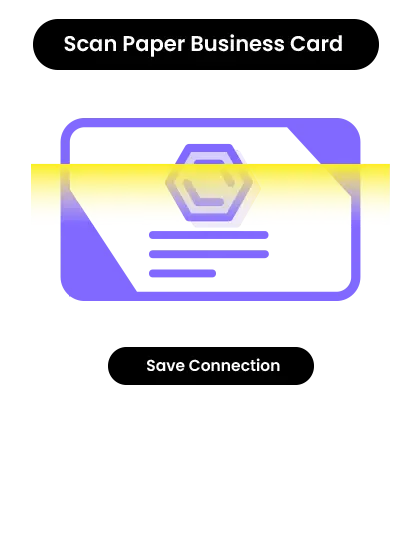
A fast conversation at an event does not leave time to type notes into a CRM. eylet's Lead Generation Mode flips the usual exchange around: instead of just sharing your details, it collects the other person's contact information first, so you walk away from a five-minute conversation with a captured lead, not just a memory of one.
When you are back at your desk, export the full list to Excel or CSV and load it into whichever CRM your team already uses. eylet does not run a native Salesforce or HubSpot integration today, so this is a manual import step rather than a live sync, but it replaces re-typing business cards by hand, which is where most of the lost time actually happens after an event.
Keeping a Growing BD Team On-Brand
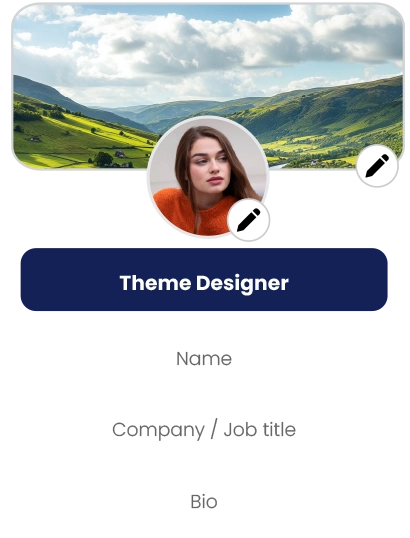
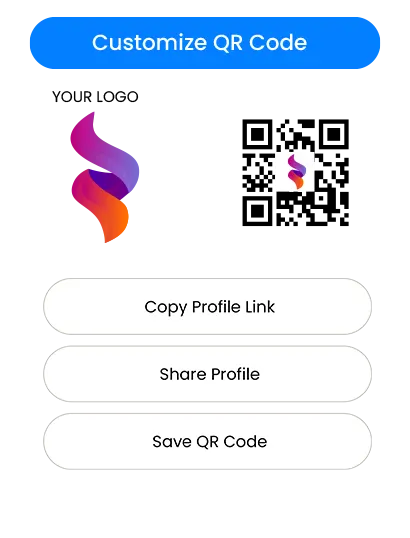
Onboarding a new BD hire should not mean waiting on a print run or manually rebuilding their card from scratch. With eylet Teams, you lock the branding, logo, and template centrally, and each new hire's individual profile, title, and contact details stay editable without breaking brand consistency.
Subteams let you split a larger BD org by region or vertical while still rolling everything up into one account, so a sales leader can see team-wide activity without digging through individual profiles one at a time.
Setting Up Your Card for BD Work
Turn on Lead Generation Mode before any event or booth, so every tap captures a contact instead of just sharing yours.
Set up separate profiles for formal pitches, casual networking, and event floors if your role regularly shifts between them.
Lock your team's branding and template in Teams before onboarding new hires, so every new card matches from day one.
Check your team analytics dashboard within a few days of any event, while follow-up timing still matters.
Export captured leads to Excel or CSV right after each event and import them into your CRM while the context is still fresh.
Frequently Asked Questions
Does eylet integrate directly with Salesforce or HubSpot?
Not natively. eylet exports every captured lead to Excel or CSV, which you can import into Salesforce, HubSpot, or any other CRM your team uses.
How much does eylet cost for a growing BD team?
There is no monthly subscription and no per-seat fee. You pay once for each physical card, and Teams supports unlimited members at no added cost.
Can I capture a contact's details instead of just sharing mine?
Yes. Lead Generation Mode collects the other person's information before your profile loads, which is built for events and booths.
Can I organize a large BD team into regions or verticals?
Yes. Subteams let you split a larger organization while still viewing activity across the whole account centrally.
How fast can I onboard a new hire's card?
New profiles can be created and branded in minutes, using the same locked template as the rest of the team, with no print run to wait on.
Can one card have different profiles for different situations?
Yes. eylet supports up to 6 profiles per card, so you can switch between a formal sales profile, a casual networking profile, and an event profile without carrying multiple cards.
Can I see which leads revisited my card after an event?
Yes. eylet's analytics track profile views and link clicks, so you can see when a contact comes back to your card after your first conversation.
Ready to give your BD team a card built for volume?
No subscription. No per-seat fee. Built to scale with the team, not against it.