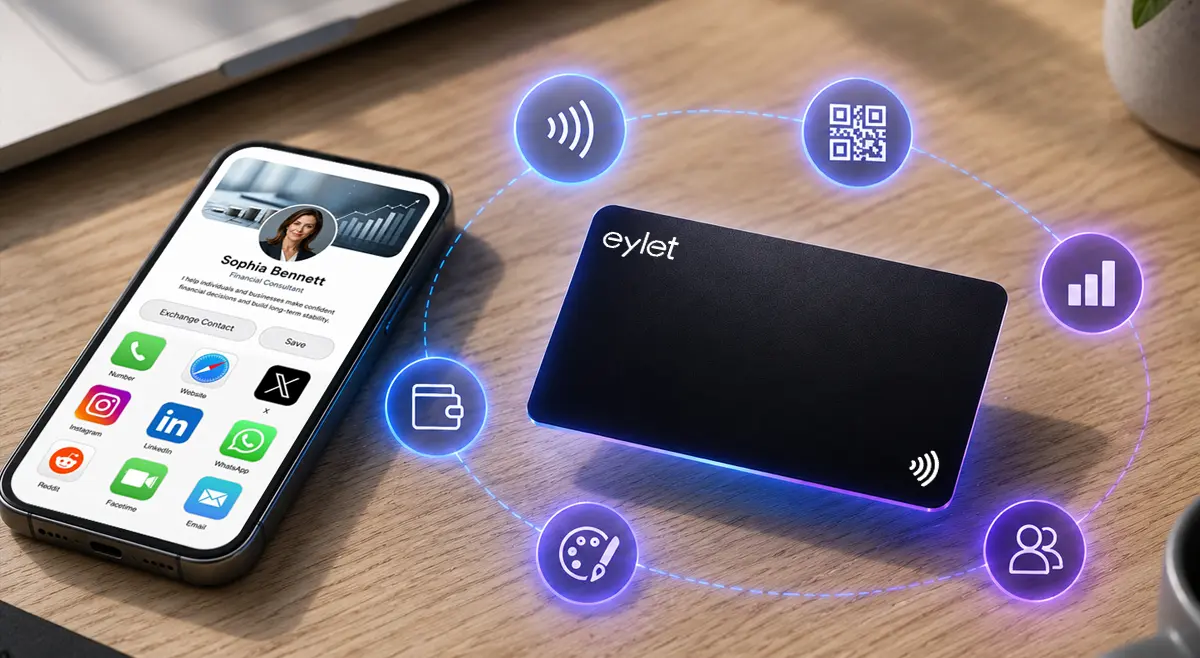
Best Digital Business Cards: What to Actually Compare
Search "best digital business card" and every result agrees on one thing: whoever wrote it makes the best one. Popl's list puts Popl first. Wave's list puts Wave first. That is not a coincidence, and it is not particularly useful if you are actually trying to compare options. Here is what to look at instead, and where the real players in this space stand on it.
The best digital business card for you depends on whether you need lead capture, team branding, and CRM export, or just a simple way to share your own details. Look past the marketing and check four things directly: whether it charges a recurring fee, whether it works without an app on the receiving end, whether it captures visitor details or only shares your own, and what it actually costs at team scale.
What Actually Separates These Platforms
Most comparisons list features side by side without saying which ones matter. These four decide almost everything else:
• Subscription or one-time cost. Some platforms charge per user, per month, forever. Others charge once for the card itself. A team of ten adds up very differently under each model, run the actual math before comparing feature lists.
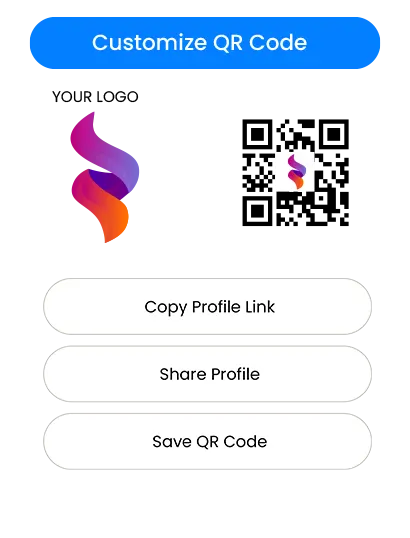
• Works without an app on the other end. If the person you are sharing with has to download something before they can see your details, that is friction most platforms claim to solve but do not all actually solve. Here's exactly how the NFC and QR fallback works.
• Captures details, not just shares them. A card that only hands out your own information is a nicer business card. A card that can flip around and collect the other person's details is a lead capture tool. Different job, worth knowing which one you are actually buying.
• What export actually means. "CRM integration" sometimes means a live sync, sometimes means a CSV file you upload yourself. Both are useful, they are not the same thing, and the difference matters once you are relying on it weekly.
The Players Worth Knowing
A few names come up constantly in this space, each with a genuinely different focus rather than being interchangeable copies of each other.
• Popl leans heavily into event and trade show lead capture, with sales teams as its core audience. See our full comparison of Popl alternatives for more detail.
• HiHello positions itself as not requiring NFC hardware at all, sharing purely by link and QR.
• Wave Connect and Blinq both target broader team deployments, with security and admin controls aimed at larger organizations.
• V1CE leans into the physical card itself, premium materials and craftsmanship alongside the digital profile.
• Uniqode (formerly Beaconstac) is built for enterprise scale, structured for companies managing large numbers of cards under strict compliance requirements.
• Mobilo leans hardware-first, a physical NFC card paired with CRM sync and AI-assisted lead enrichment, marketed heavily at enterprise teams. Read the full eylet vs Mobilo breakdown.
• Dot Card is a lighter, simpler platform aimed more at individuals than large teams, with a free tier for a basic profile and paid tiers for more advanced features. See how eylet compares directly.
Beyond these, smaller and newer entrants show up regularly in this space too, the list above covers the names that come up most consistently rather than every option available. Pricing and plan details on any of these shift often enough that a snapshot here would go stale fast, worth checking each one's current pricing page directly rather than trusting any comparison, including this one, to have today's exact numbers.
Where eylet Fits
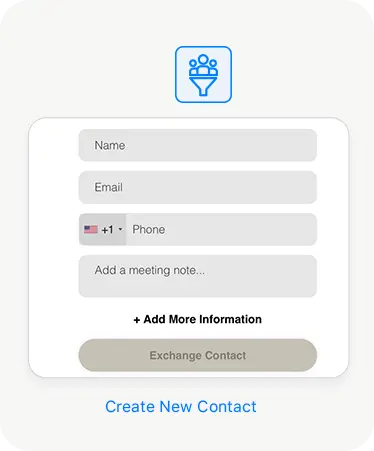
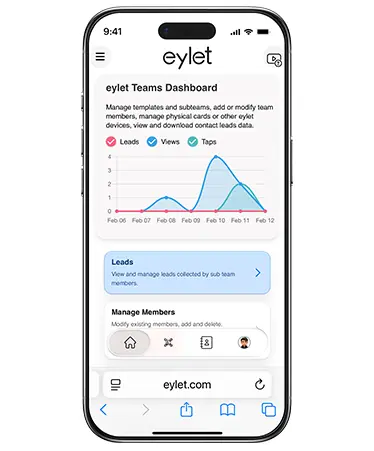
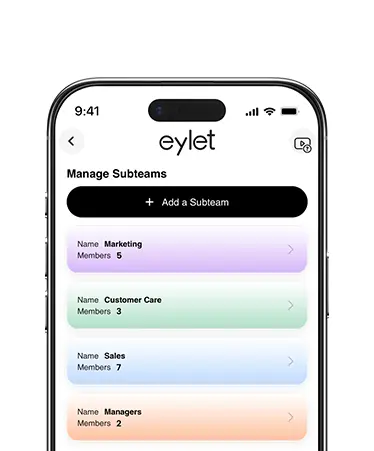
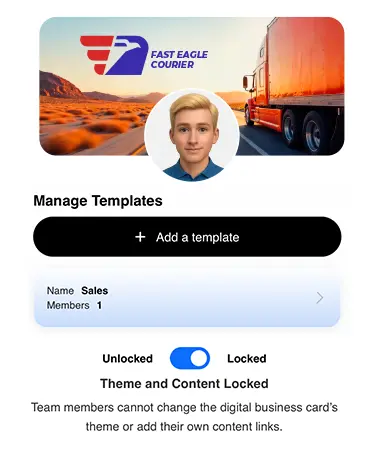
eylet's answer to the four criteria above: no subscription, ever, you pay once for the card. Both NFC and QR fallback, no app required for whoever you share with. Lead Generation Mode is built specifically to capture visitor details rather than just hand out yours. Export is CSV or Excel, not a native live sync, worth knowing plainly rather than discovering later.
Reading a "Best Of" List Without Getting Played
Since almost every ranked list in this space is published by one of the companies being ranked, it helps to know what to look for before trusting any of them, including review sites that seem independent.
• Check who published it. If the domain matches one of the products in the list, that product is not getting a neutral review, it is getting a sales pitch with a comparison table attached.
• Look for a disclosed testing method, or the lack of one. Some review posts genuinely describe hands-on testing across years of use. Others just repeat marketing copy from each company's own website with no indication anyone actually used the product.
• Check the date, but do not stop there. A list updated last month can still be biased, freshness and neutrality are two different things, and a recently updated post from a vendor is still a vendor post.
• Notice which criteria get emphasized. A list that spends five paragraphs on the one thing its own product does well, and one sentence on everything else, is telling you what it wants you to remember, not necessarily what matters most for your situation.
The Subscription Math, With Real Numbers
Per-seat pricing looks small until you actually multiply it out. Here is what the difference looks like at a modest team size over a few years, using a common per-seat rate in this category as the example.
| Team of 10 | Total cost |
| One-time card cost, no subscription | Roughly $135 to $190 once, no recurring charge afterward |
| Subscription at $5 to $8 per user, per month | Roughly $600 to $960 in year one alone, then the same amount again every year after |
Over three years, a subscription model at that rate costs a team of ten somewhere between $1,800 and $2,880, compared to a single one-time cost that does not repeat. That does not mean a subscription is never worth it, ongoing features genuinely cost money to build and maintain, but it means the decision should be made with the real multi-year number in front of you, not the smaller monthly figure alone.
Questions Worth Asking Any Vendor Directly
A comparison page can only tell you so much. These are worth asking directly before committing, regardless of which platform you are leaning toward.
• What happens to my data if I cancel or switch? Every captured contact should export freely to Excel or CSV, no lock-in, no paywall on your own data. Not every platform in this space makes that as simple.
• Does the price change once I add more team members? A per-seat model that looked affordable at five people can look very different at fifty.
• What actually happens once your details change? A platform built around a live, updatable profile means the same card keeps working when your title, number, or links change. A platform built around a static file behind the code means you are reprinting or regenerating something every time.
Frequently Asked Questions
What's the best digital business card overall?
It depends on what you actually need. For event lead capture, look at platforms built specifically for that. For a simple no-subscription card that still captures visitor details, that's what eylet is built for. There is no single universal winner, the right fit depends on subscription model, lead capture needs, and team size.
Why do all the "best digital business card" lists disagree?
Most of these lists are published by the companies themselves, and unsurprisingly rank their own product first. Worth reading any ranked list, including this kind of content in general, with that in mind.
Do all digital business cards require NFC?
No. Some platforms are link and QR-code based only. Others, eylet included, combine NFC tap with a QR fallback so the card works whether or not the receiving phone supports NFC.
Is a subscription-based platform ever worth it over a one-time cost?
If a platform's ongoing feature set, live CRM sync, advanced analytics, dedicated support, genuinely earns its monthly cost for your team, it can be. Worth running the actual multi-year cost against a one-time model before deciding either way.
What should I check before switching platforms?
Whether existing physical cards still work with a new platform, what happens to already-captured contact data, and whether pricing changes at your actual team size, not just the number shown on the pricing page's smallest tier.
No subscription. No per-seat fee.
One card, tap or scan, captures leads instead of just sharing yours.