Digital Business Card Examples for Consultants
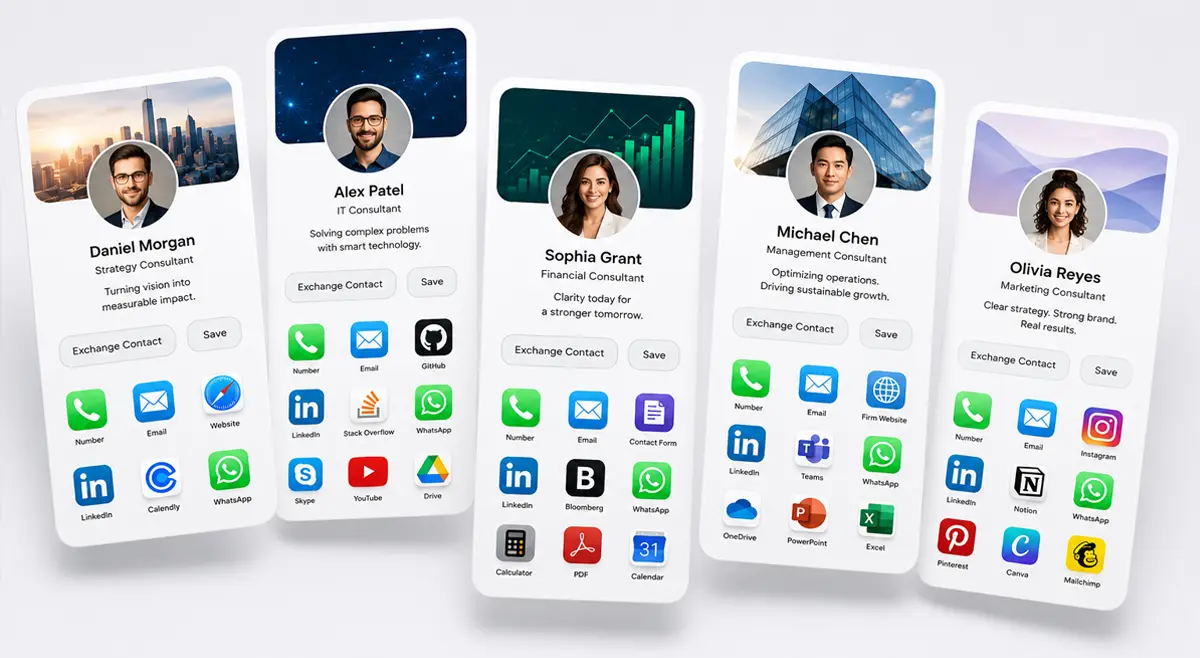
A digital business card only works as well as what you put on it. The same platform can look sharp and purposeful in one consultant's hands and generic in another's, the difference is almost always structure: what fields you include, what you leave off, and whether the profile actually matches how you work. Here are five example setups for different kinds of consulting work, and what makes each one hold together.
A good consultant's digital card leads with a clear one-line value proposition, not just a title, includes exactly one strong call to action (book a call, view a case study, request a proposal), and leaves out anything that needs constant updating. If you are choosing a platform rather than just building your profile, see our full guide to digital business cards for consulting firms.
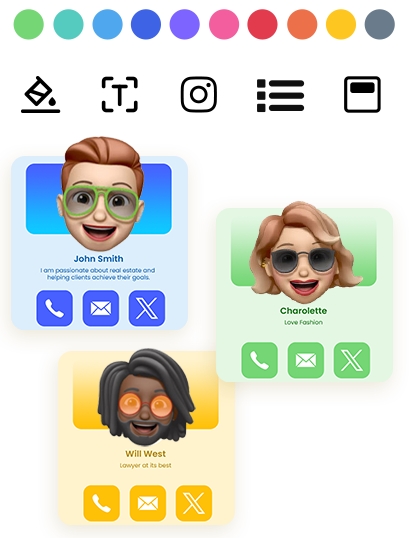
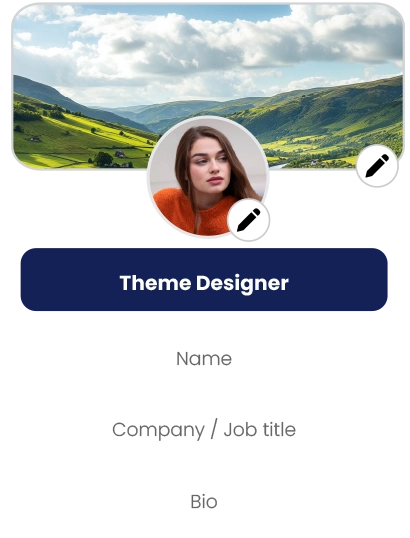
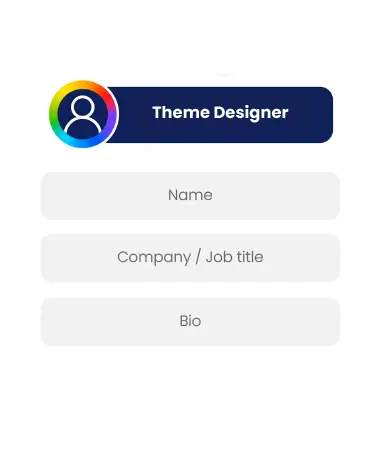
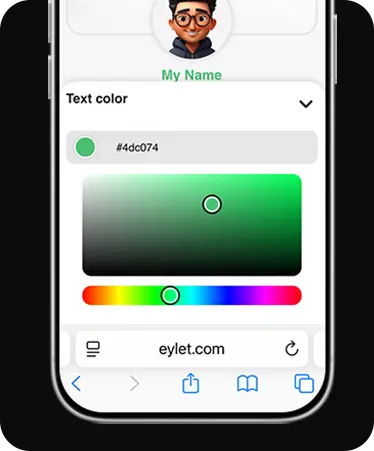
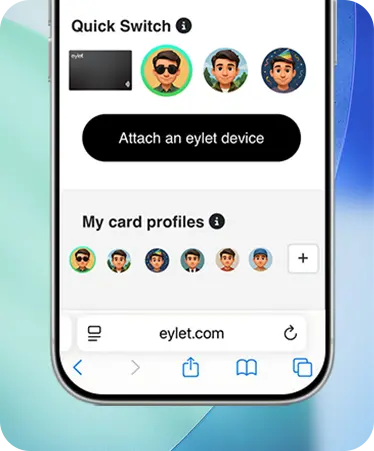
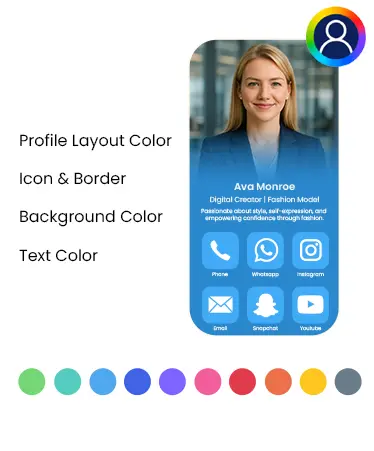
Customization Tools Behind These Examples
Example 1: The Independent Strategy Consultant
What to include
• One-line value proposition instead of just a job title
• A booking link (Calendly or similar) as the single primary call to action
• LinkedIn, not a full portfolio site if you do not have one to maintain
• A short list of the industries or problems you work on, not a full resume
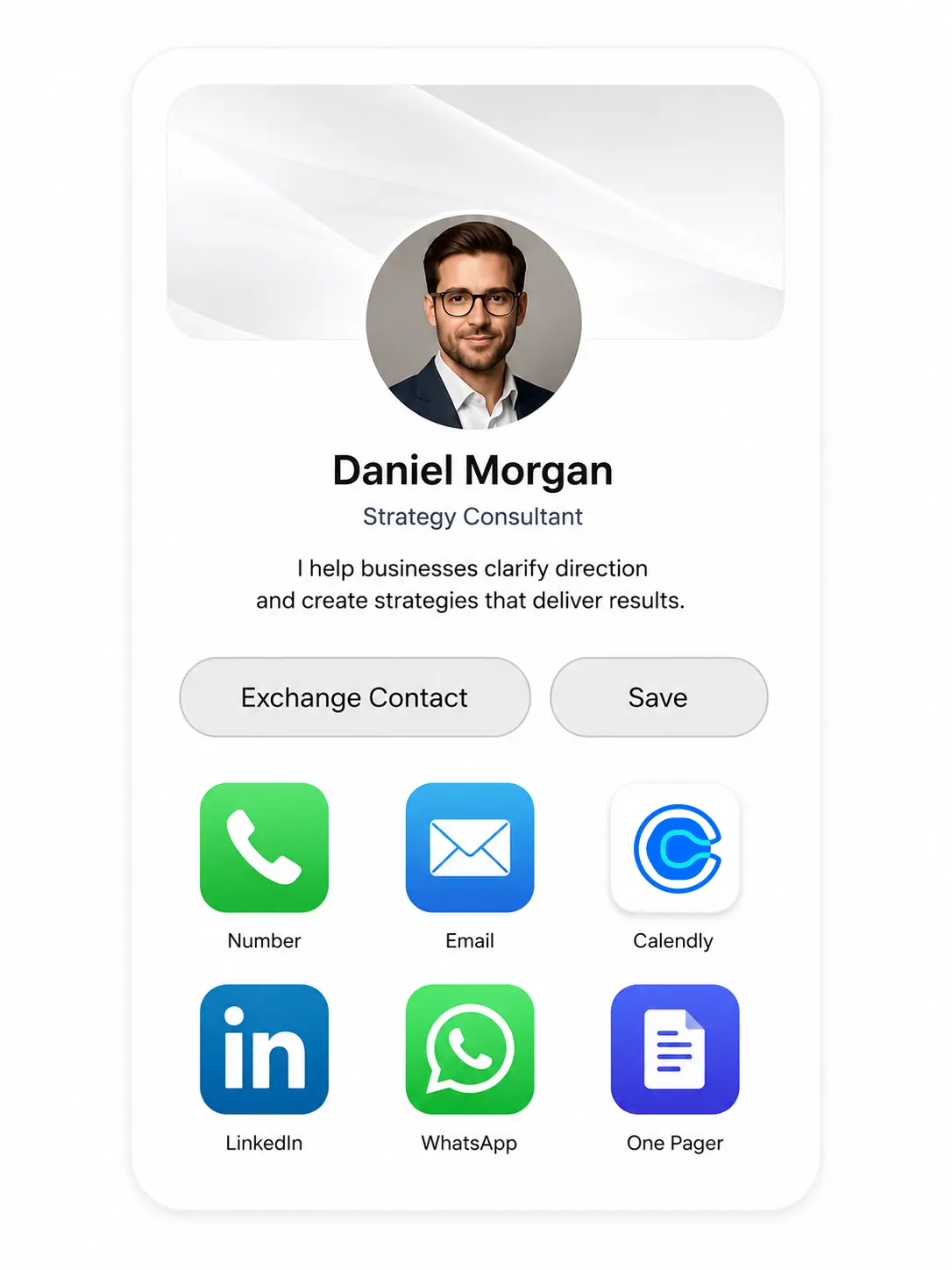 Solo consultants get the most value from restraint. A profile trying to say everything usually says nothing clearly. One clear line about what you do, one link to actually talk to you, and enough context to qualify yourself for the right conversation.
Example 2: The IT and Technology Consultant
What to include
• Certifications listed by name (AWS, PMP, CISSP, whatever applies), specific credentials build trust fast in this field
• A GitHub or technical portfolio link if relevant to your work
• Technical specialties as a short tagged list, not paragraph text
• Direct email alongside a booking link, some technical buyers prefer email first
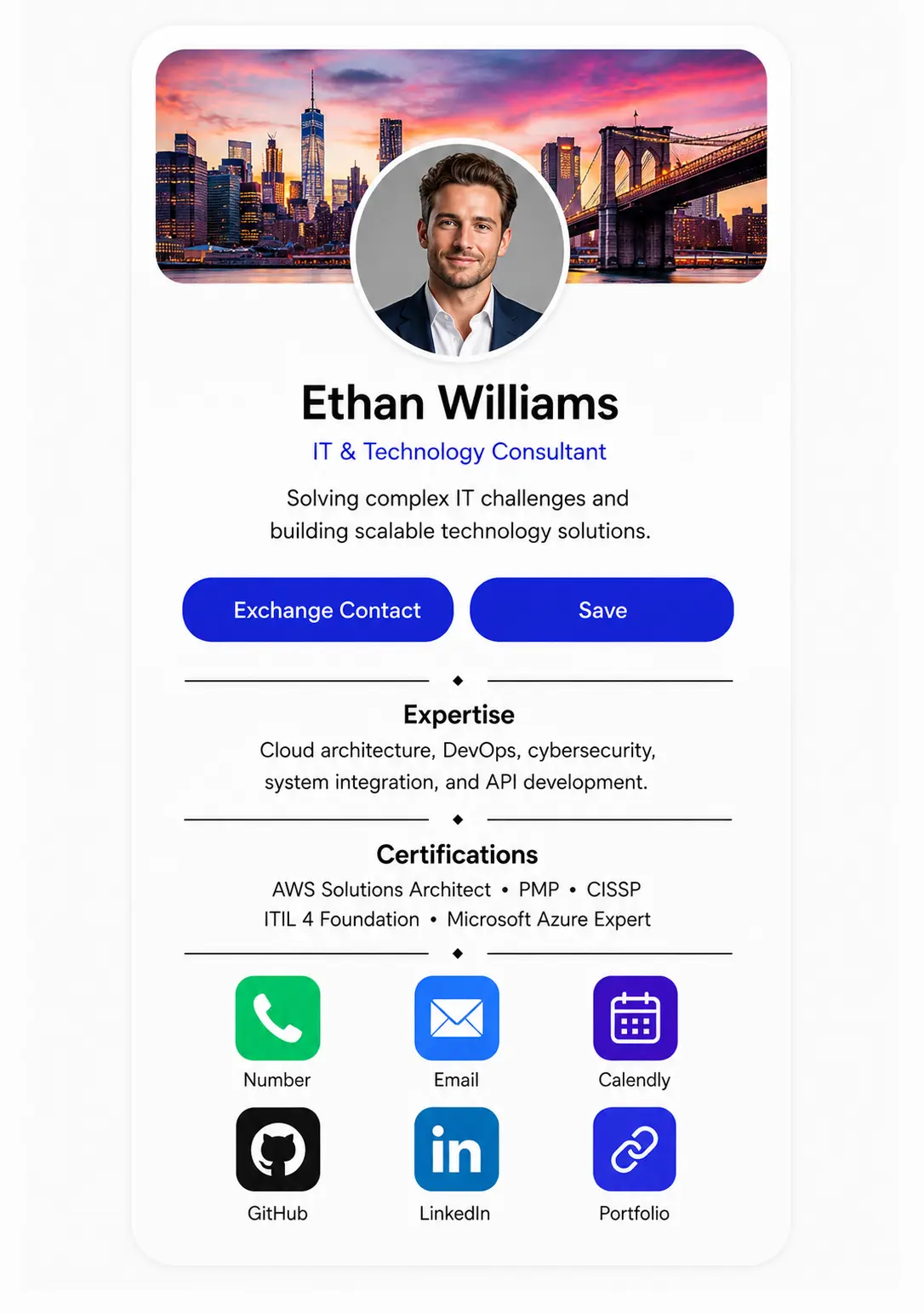 Technical consulting sells on specific credibility more than general polish. Certifications and technical specifics do more work here than a longer bio would.
Example 3: The Financial or Operations Consultant
What to include
• A firm-approved bio if you work under any compliance oversight
• No specific performance claims or numbers unless your firm has cleared them
• A general contact form or scheduling link rather than a direct pitch
• Your firm's branding, locked and consistent if you are part of a larger practice
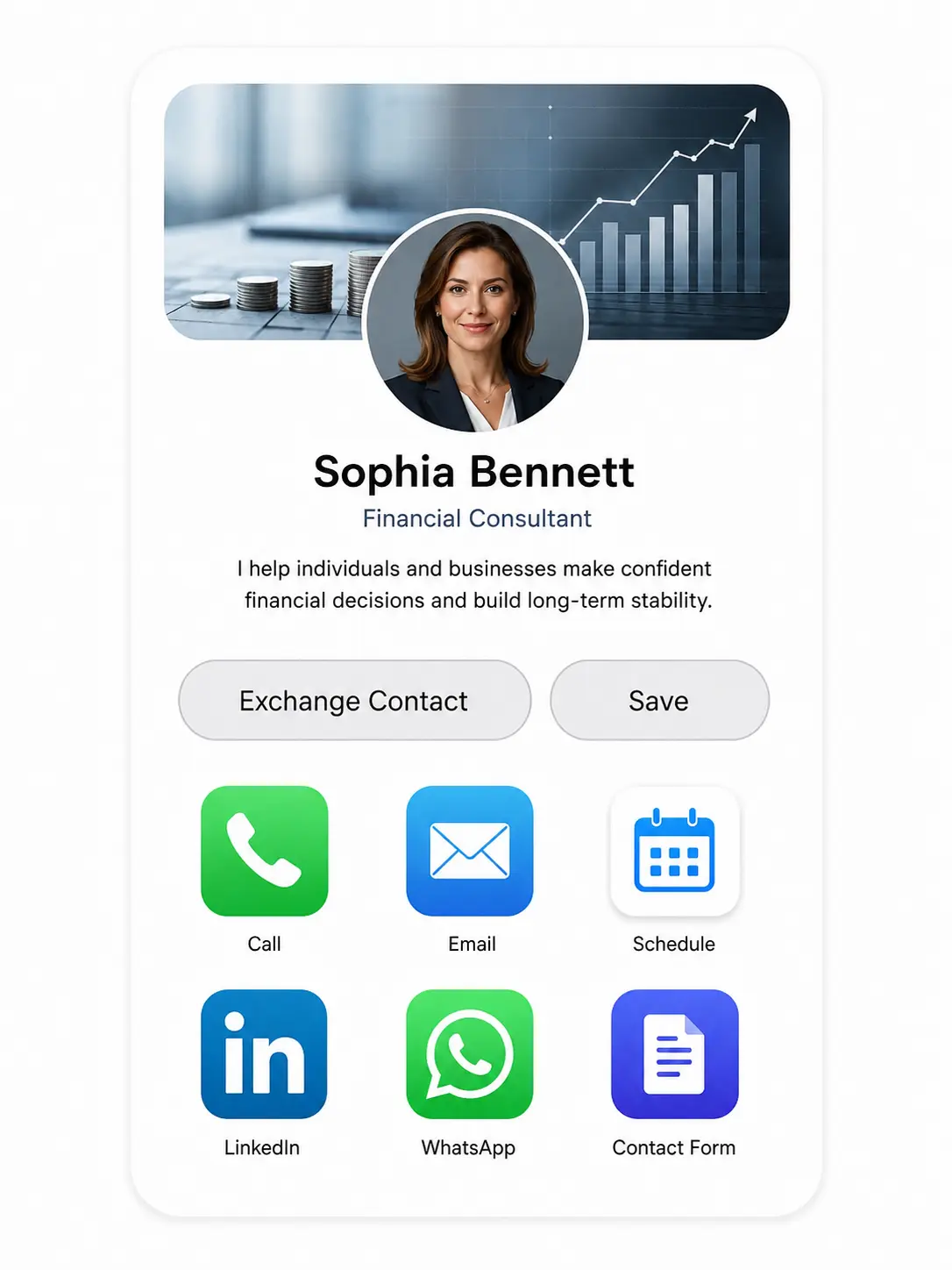 If your work touches financial advisory specifically, worth reading our guide to digital business cards for financial advisors before finalizing what goes on the card, some content may need compliance review before it goes live.
Example 4: The Management Consulting Firm Associate
What to include
• Locked firm branding, logo and color scheme consistent with every other consultant's card
• Title and practice area clearly stated
• A link to the firm's site rather than a personal one
• Contact details that stay editable even though the branding is locked
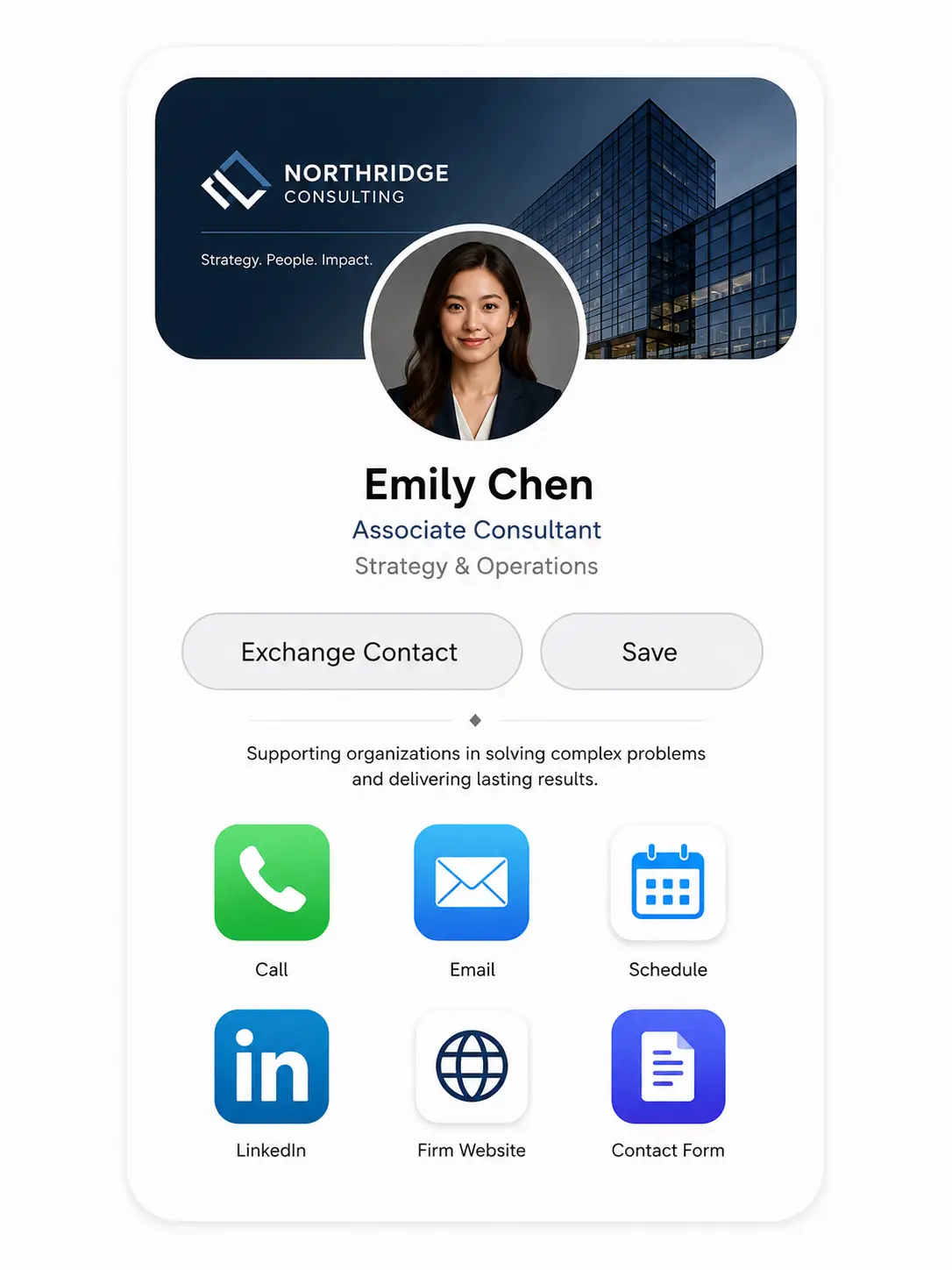 Individual polish matters less here than consistency. A client meeting three associates from the same firm should see the same look across all three cards, that consistency is part of what the firm is selling.
Example 5: The Consultant Working Across Multiple Specialties
What to include
• A separate profile for each distinct practice area rather than one blended bio
• Consistent contact details across every profile so nothing gets lost in the switch
• A quick way to switch between profiles depending on who you are meeting
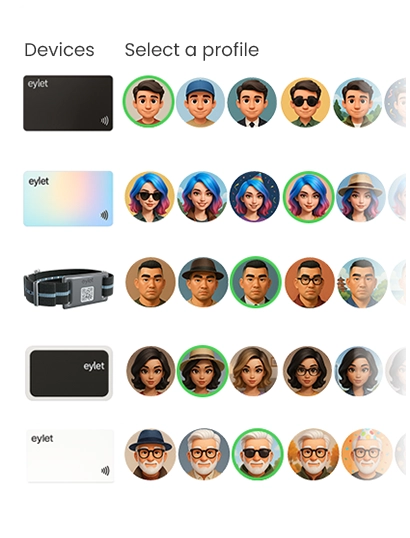
Consultants who genuinely work across two or three distinct areas, strategy and operations, for example, tend to undersell one or both when forced into a single generic profile. eylet supports up to 6 profiles per card specifically for this, switch depending on the room rather than compromise on all of them at once.
What Makes Any of These Actually Work
• One clear call to action, not five. A profile with a booking link, a portfolio link, a newsletter signup, and a contact form all at once gives people nothing to actually click.
• Nothing that goes stale fast. A listed project or client name from three years ago undercuts credibility more than leaving it off would.
• A bio that says what you actually do. "Experienced consultant" tells a prospect nothing. "I help mid-market manufacturers cut operational waste" tells them whether to keep reading.
Common Setup Mistakes That Undercut a Good Profile
The five examples above show what works. These are the mistakes that show up most often when a consultant sets up their own card without following a structure, and each one is an easy fix once you see it.
• Listing every service you have ever offered. A profile that tries to cover strategy, operations, marketing, and finance all at once reads as unfocused rather than versatile. Pick the two or three areas you actually want more work in and lead with those.
• Using a headshot from a different decade. Small detail, real effect. A photo that does not match how you look in a first meeting creates a small but noticeable gap in trust before the conversation even starts.
• Sending people to a generic contact form. A contact form is the weakest possible call to action because it asks the other person to do work with no clear payoff. A booking link, a specific case study, or a direct email all outperform a form that just says get in touch.
• Treating the profile as a one-time setup. The whole advantage of a digital card over a printed one is that it updates instantly. A profile built once at onboarding and never touched again wastes that advantage, an old case study or a former job title left in place quietly undercuts the polish everything else on the card is trying to build.
• Skipping the practice run. Tap or scan your own card before you hand it to anyone. It takes ten seconds and catches the broken link, the wrong phone number, or the profile that did not save the way you thought it did, before a client finds it for you.
Frequently Asked Questions
What should a consultant's digital business card actually include?
A clear one-line value proposition, one primary call to action, and enough specific detail to qualify the right conversation, without turning the profile into a full resume.
Can I have different profiles for different types of consulting work?
Yes. eylet supports up to 6 profiles per card, so you can tailor a profile to each specialty rather than blending them into one generic bio.
Should I list certifications on my consulting profile?
If your field relies on specific credentials, technology, finance, project management, yes. Certifications build trust faster than general descriptions of experience.
Can a whole consulting firm keep the same branding across every card?
Yes. eylet Teams lets a firm lock logo and color scheme centrally while each consultant's individual details stay editable.
How often should I update my consulting profile?
Whenever a project reference, credential, or contact detail changes. Since the profile updates instantly without reprinting anything, there is no reason to let it go stale the way a printed card would.
Ready to build your own?
Customize your profile, structure it around one clear action, and share it in one tap.