Digital Business Cards for Financial Advisors
Financial advisory is a trust business built on long relationships, not one-off transactions. A prospect you meet at a client dinner or educational seminar might not sign on for months, and by then a paper card is long gone. A digital card stays on the phone they already have, and unlike a lot of the advice floating around online, what actually matters for an advisor is not the same as what matters for a general sales rep.
Here is what to look for, what to know about compliance before you set one up, and how to run it at seminars and events where advisors actually meet most of their prospects.
For most financial advisors, the right card captures leads at seminars and dinners rather than just sharing your own details, keeps your profile content easy to review for compliance purposes, and does not add a monthly bill on top of whatever your firm already charges for compliance tools.
Key Features for Financial Advisors
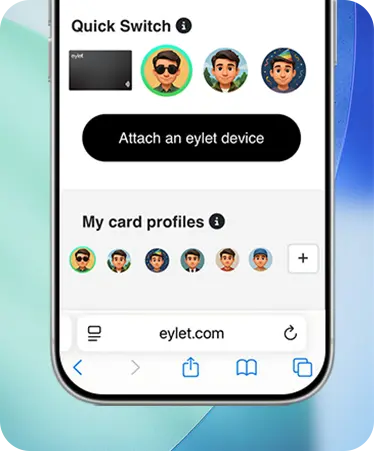
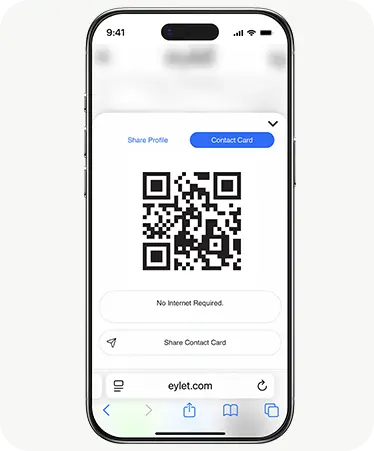
This is just a handful of what eylet can do.
See All FeaturesWhy Paper Cards Fall Short for Advisors
Think about the last educational dinner or seminar you hosted. Most attendees are not ready to sign on that night, some will not be ready for six months. A paper card handed over at the door has to survive that entire window sitting in a coat pocket or a kitchen drawer. Most of them do not.
A digital card solves the survival problem since it saves straight to a phone's contacts. But for an advisor, there is a second problem paper never had: what you put on that card is a piece of marketing content, and depending on how your firm is registered, that content may fall under the same recordkeeping expectations as your website or a social media post.
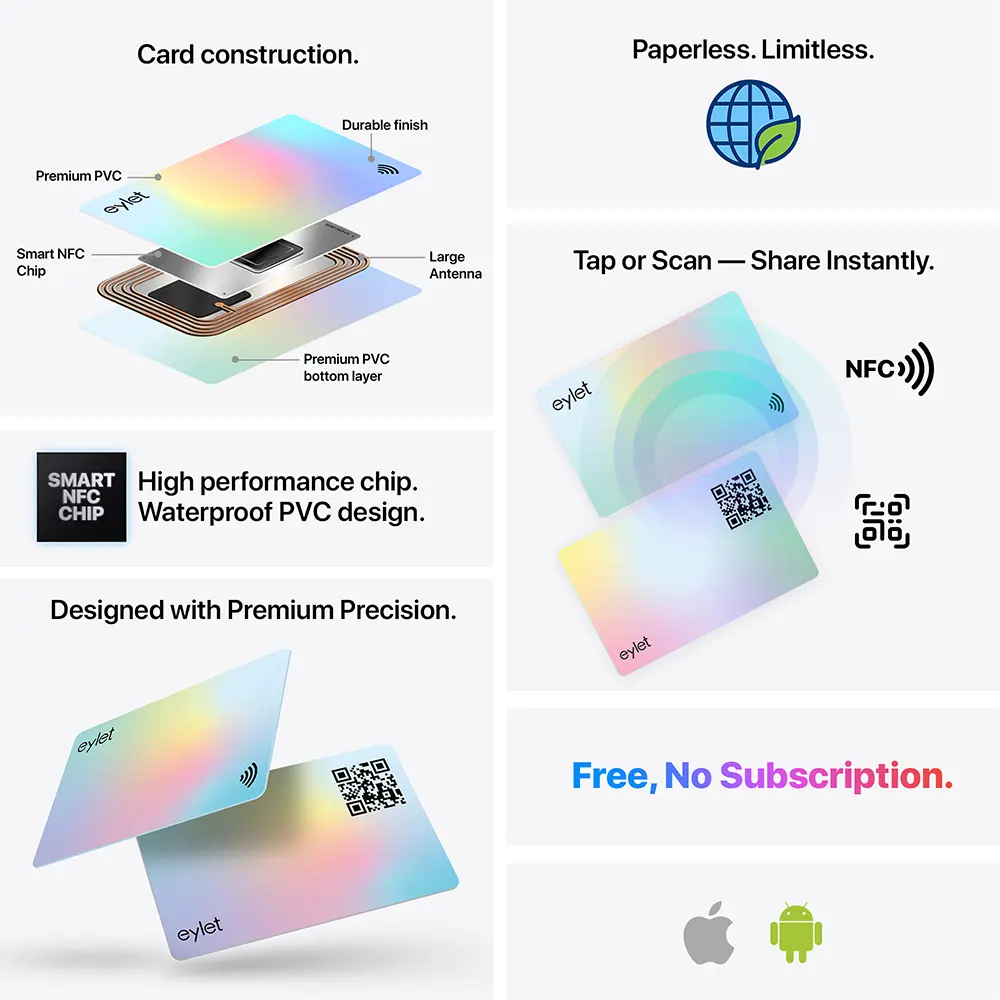
What Financial Advisors Actually Need From a Digital Card
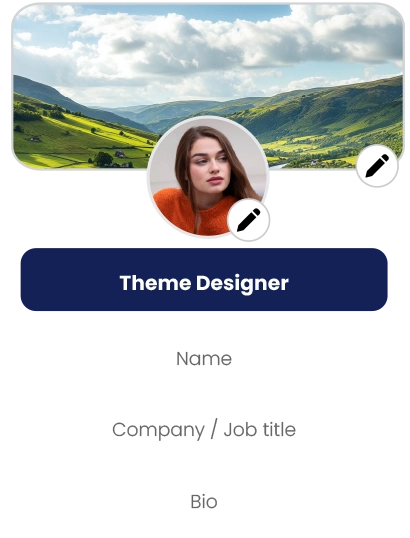
• Content you can actually review. A profile that is easy to check and update beats one buried in an app you rarely open, especially if your compliance officer needs to see what it says.
• Lead capture at seminars, not just sharing. Most prospects are met at events, not one-on-one meetings, so a card that only shares your details misses the actual moment that matters.
• No recipient spam. Sending a prospect a card and having them get a marketing email from the platform itself undercuts the trust you are trying to build from the first interaction.
• Predictable cost. A per-seat monthly fee stacked on top of the compliance software and CRM most advisory practices already pay for adds up fast across a growing team.
Compliance and Recordkeeping: What to Know
This is the question most digital business card guides skip entirely, and it is the one advisors actually ask first. Depending on how your firm is registered, communications you use to market yourself, potentially including a digital profile, can fall under SEC Rule 204-2 for RIAs, or FINRA Rule 2210 and 4511 if you are a registered representative of a broker-dealer. In general terms, that means content may need to be retained for several years, and in some cases reviewed or approved before first use.
We are not compliance officers, and the specific rules that apply depend on how your firm and role are registered, so treat this as a starting point, not a final answer:
Check with your firm's compliance officer before finalizing what goes on your profile, especially any performance claims, testimonials, or third-party ratings. Since eylet profiles are easy to update, you can adjust the content once you know exactly what your firm requires, without needing to reorder or reprint anything.
Protecting Sensitive Client Conversations
Conversations with prospects often touch on income, assets, and retirement plans before a formal client relationship even exists. eylet's Privacy Wall lets you lock your entire profile behind a 4-digit PIN, separate from your account login. Without the PIN, nobody can view any part of your profile, whether they scanned your card on purpose or picked it up off a table at an event.
This matters more for practices managing a team of advisors than for a solo practitioner, but either way, a misplaced card does not automatically expose your contact details or client-facing content to a stranger.
If your practice is also licensed to sell insurance products, many of the same considerations apply on both sides. Our guide for insurance agents and advisors covers the license and disclosure side of that overlap in more depth.
eylet vs. the Subscription Model
| What You Get | eylet |
| Monthly cost per advisor | $0, forever |
| Event lead capture mode | Yes, Lead Generation Mode |
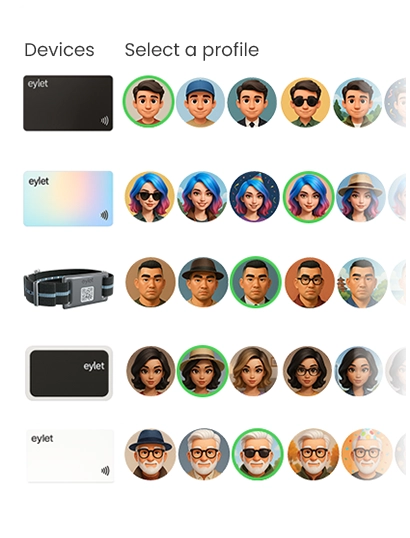
| Profiles per card | Up to 6 |
| Client sees app download prompts | No |
| Lead export | Excel/CSV, unlimited |
Capturing Leads at Seminars and Client Dinners
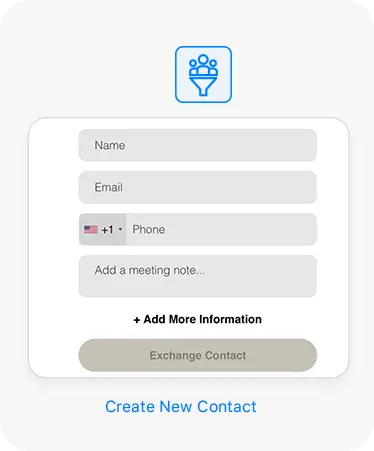
 Most advisors meet the bulk of their prospects at organized events, not cold outreach. eylet's Lead Generation Mode flips the usual card exchange around: it collects the attendee's details first, so a dinner with thirty attendees turns into thirty captured leads, not thirty business cards you hope people kept.
Export the full list to Excel or CSV afterward and load it into whatever CRM your practice runs, Redtail, Wealthbox, or otherwise. eylet does not run a native sync with any of these today, so this is a manual import step, but it beats re-typing names from a stack of cards the morning after an event. If you run events regularly, our guide to lead capture at trade shows and events covers the setup in more depth.
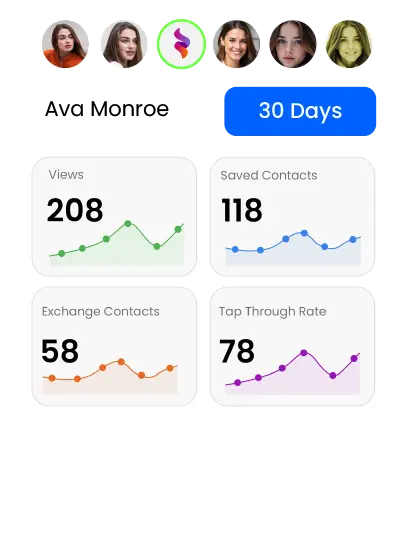
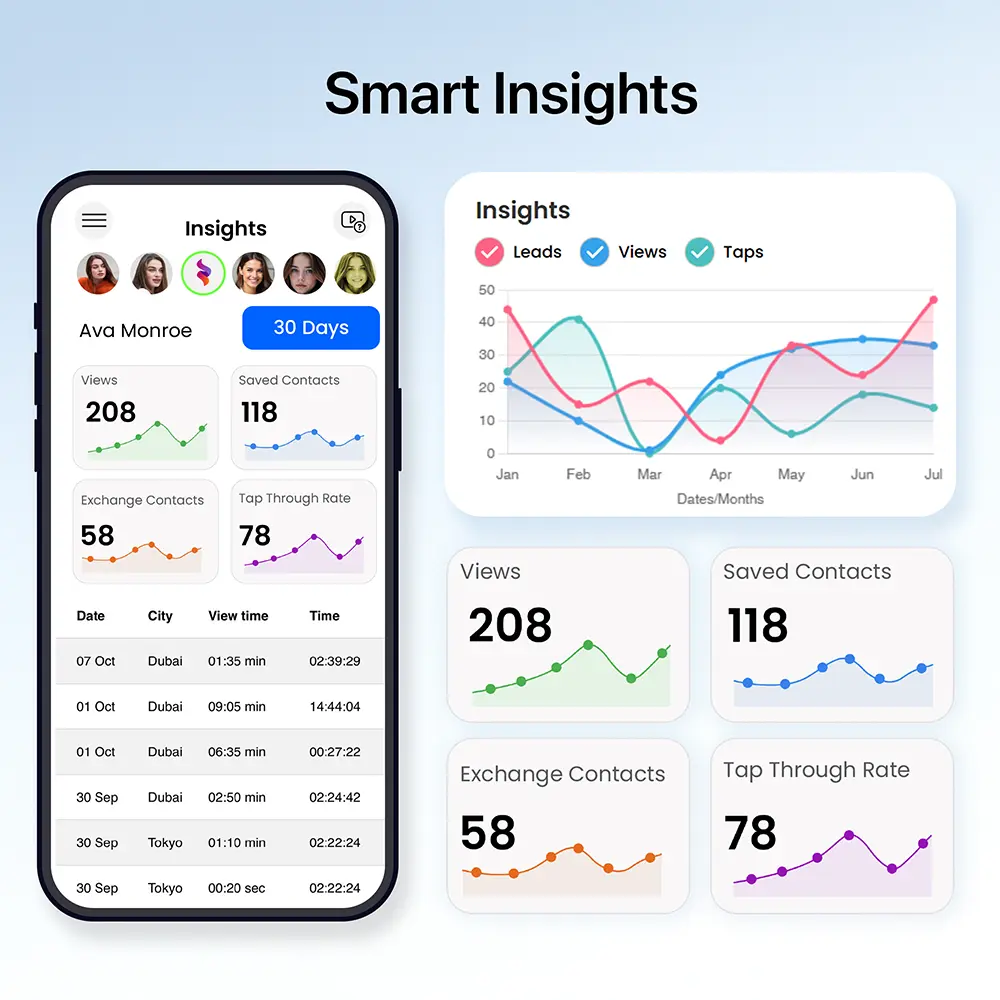
Analytics help after the event too. eylet tracks profile views and link clicks, so if someone who attended your seminar revisits your profile a few days later, that is a stronger signal to prioritize a follow-up call than working straight down the sign-in sheet in order.
Setting Up Your Card for Advisory Work
Check with your compliance officer before adding any performance claims, testimonials, or third-party ratings to your profile.
Set up separate profiles for each service line you offer, retirement planning, estate planning, or general wealth management.
Turn on Lead Generation Mode before your next seminar or client dinner, so every conversation ends in a captured lead.
Export your leads to Excel or CSV after each event and load them into your CRM while the conversation is still fresh.
Frequently Asked Questions
Does my digital business card need compliance approval?
It depends on how your firm is registered. RIAs generally follow SEC Rule 204-2, while registered representatives of broker-dealers follow FINRA Rule 2210 and 4511. Both can require retaining marketing content and, in some cases, approval before first use. Check with your compliance officer before finalizing your profile.
Can I capture leads at a seminar instead of just sharing my card?
Yes. Lead Generation Mode collects an attendee's details before your profile loads, built for events where you meet many prospects at once.
How much does eylet cost for a financial advisory practice?
There is no monthly subscription. You pay once for the physical card and use the platform for free, whether you are a solo advisor or part of a larger practice using Teams.
Does eylet connect to Redtail or Wealthbox?
Not natively. eylet exports captured leads to Excel or CSV, which you can import into Redtail, Wealthbox, or any other CRM your practice uses.
Can I have separate profiles for different services I offer?
Yes. eylet supports up to 6 profiles per card, so retirement planning, estate planning, and general wealth management can each have their own.
Will my clients get marketing emails when they save my card?
No. eylet does not solicit the people who receive your card. They get your contact information, nothing else.
Ready to capture more from every event?
No subscription. Built for seminars, dinners, and every client conversation in between.