How NFC Business Cards Work for Beginners
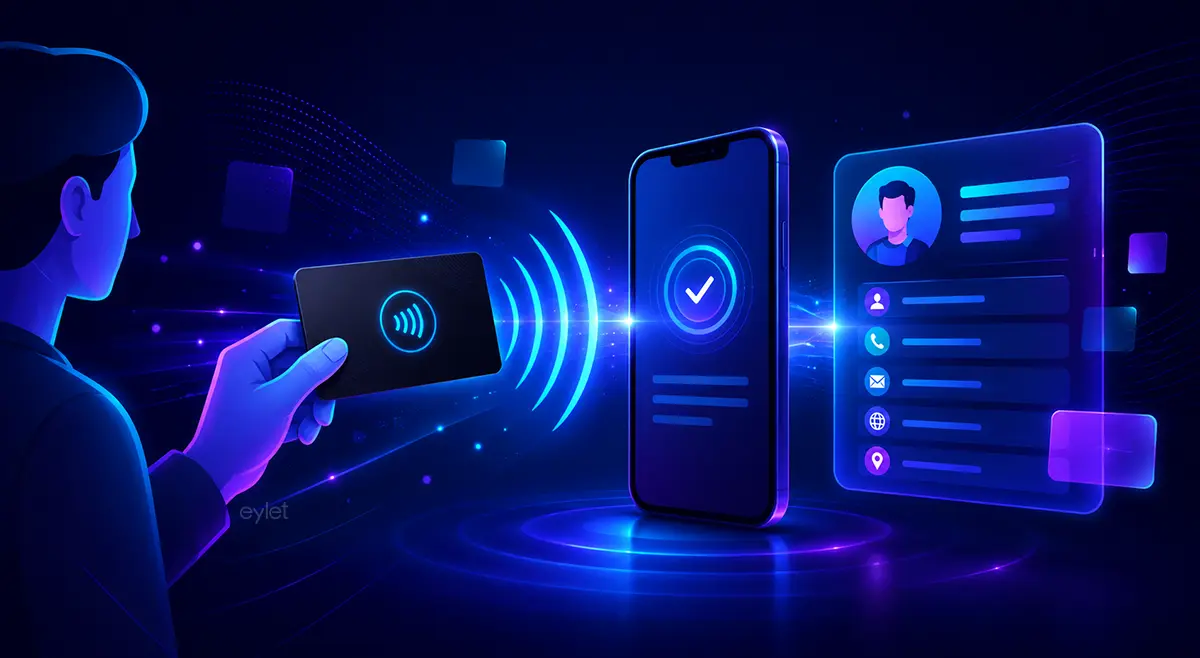
An NFC business card contains a tiny chip that stores a web link or digital contact information. When you tap the card against a compatible smartphone, the phone reads the chip and opens a webpage, profile, or contact page automatically. In most cases, neither person needs to install an app.
A tiny chip, usually storing one thing: a link to your digital profile. Nothing more.
The phone's own browser opens the profile. Neither person installs anything.
What Is an NFC Business Card?
An NFC business card is a physical card with a small NFC chip embedded inside it. NFC stands for Near Field Communication — the same technology behind contactless payments, transit cards, hotel key cards, and access badges.
Some people search for this under different names, like contactless business card or smart business card. They describe the same mechanism.
Roughly four billion NFC-enabled devices were active worldwide by the end of 2024, most of them smartphones, according to NFC Forum data cited in industry market research. That scale is part of why tapping a card works on almost any phone you meet.
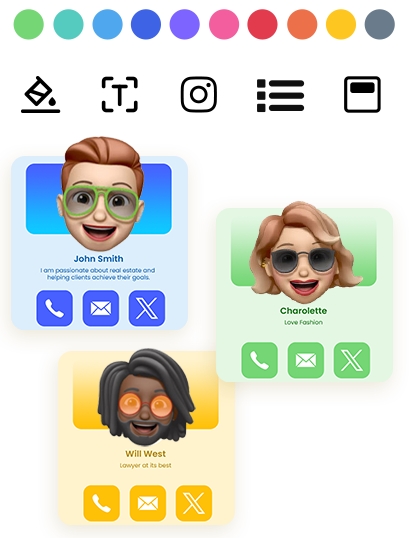
Instead of printing all your contact details on paper, an NFC business card can direct someone to your contact information, a digital business card, your website, social profiles, a portfolio, or a booking page.
The NFC Chip Explained: What It Stores and How It Differs From a Regular Card
A common misconception is that NFC cards store large amounts of information. In reality, most NFC business cards simply store a small piece of data, usually a URL. Think of the chip as a shortcut rather than a storage device.
A traditional business card displays information directly: name, phone number, email, company, and website. Once printed, that information cannot easily change. An NFC business card stores a link instead — so if your phone number changes, you update the digital profile once, and the card keeps working.
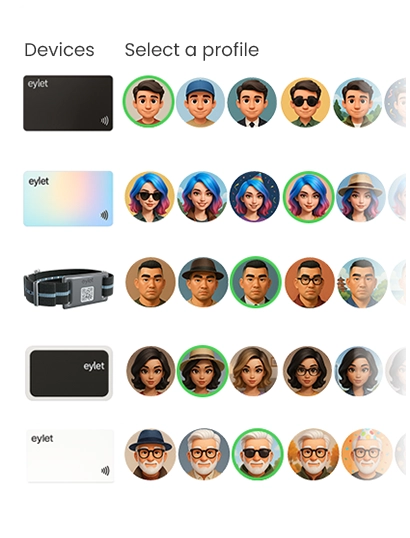
eylet's platform lets you build a digital profile that stays linked to the same physical card, including image galleries, embedded video, PDFs, and links to more than 65 supported networks, all without a subscription.
| Chip Type | Memory | Typical Use |
|---|---|---|
| NTAG213 | ~144 bytes | A single profile link — more than enough for most cards |
| NTAG215 | ~504 bytes | Longer URLs or small amounts of extra data |
| NTAG216 | ~888 bytes | Custom data written directly onto the tag |
What Actually Happens When You Tap?
Many people imagine complex wireless communication taking place. The reality is much simpler.
Before the tap — the chip sits inactive inside the card. It does not transmit anything on its own.
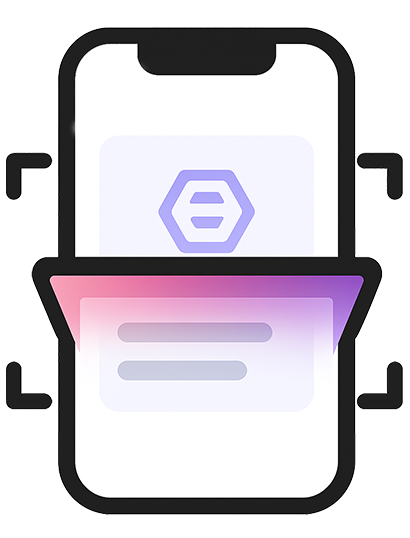
During the tap — the phone's NFC reader generates a small electromagnetic field, the chip draws power from it, and sends its stored link back. The whole exchange takes under a second.
After the tap — the phone recognizes the link, the browser opens automatically, and the profile loads.
The flow looks like this: card → NFC chip → phone → browser → digital profile. The card itself never connects to the internet — the smartphone handles that part.
eylet's own explainer on tap-to-share confirms the same sequence for its cards: the phone reads the chip, recognizes the stored link, and opens the profile in the browser automatically.
Why No App Is Required for Either Person
One of the biggest questions beginners ask is whether both people need a special app. Usually, the answer is no. Modern smartphones already include NFC functionality and web browsers — the chip stores a standard URL, phones understand URLs natively, and browsers are already installed.
That means the card owner usually does not need an app to share, and the recipient does not need one to receive. The phone simply opens a webpage. Some providers offer optional apps for profile management or analytics, but the tap experience itself works through the browser.
eylet's getting started guide walks through the same setup: create a profile, add your links, and once the card is tapped, the recipient's browser opens it directly — no app required on either side.
iPhone vs Android: Are There Real Differences?
For most users, the experience is nearly identical. Both platforms support NFC, though a few details differ.
| Platform | What to Know |
|---|---|
| iPhone | Most modern models detect tags automatically when unlocked. Tap near the top edge of the phone. |
| Android | Antenna position varies by model (center or upper back). Some older phones need NFC enabled in settings first. |
The biggest factor is not iPhone versus Android — it's whether the device has NFC hardware and whether it's switched on. Today, most mid-range and premium smartphones support it by default.
NFC Card vs QR Code: Why Most Cards Include Both
Many modern digital business cards include both NFC and QR codes. This is not redundancy — it's compatibility insurance.
Fast, no camera needed, feels seamless for in-person networking.
Works on devices without NFC, on tablets and laptops, and from a screen or a distance.
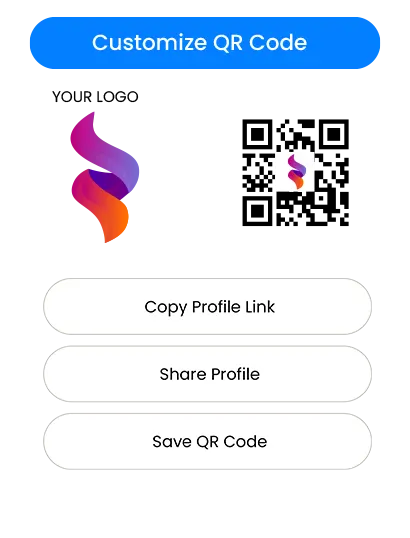
eylet's NFC card packs, for example, ship with both a working NFC chip and a printed QR code on the same card, so the QR code becomes the fallback the moment NFC doesn't register.
Common Misunderstandings About NFC Business Cards
"The card stores my entire website." — Usually not. Most cards store a link that points to information hosted online.
"The card needs a battery." — No. Most NFC business cards are passive; they draw power from the phone during the tap.
"The card uses mobile data." — The card itself does not. The smartphone uses its own connection to load the profile page.
"It works from several feet away." — No. NFC is intentionally short range; most taps happen within a few centimeters.
"I need a special reader." — No. Most modern smartphones already contain NFC readers built in.
Is Tapping Your Card Safe?
For most professional use cases, NFC business cards are considered low risk. The card typically shares only information you intentionally chose to make available — name, phone number, email, website, social profiles, and business information. It does not automatically reveal your phone's contents, passwords, location, or private files.
• Only share information you're comfortable making public
• Use trusted providers and review your profile periodically
• Keep sensitive personal information off the card entirely
• Keep physical cards with you rather than leaving them unattended at busy events
eylet, for instance, publishes a dedicated explainer on this exact question, covering link-tampering risks and a PIN-based Privacy Wall feature that blocks unauthorized viewing until the code is entered.
Beginner Glossary
Near Field Communication — short-range wireless tech for contactless communication.
A small chip that stores information readable by compatible devices.
An online page containing your contact details and professional information.
A web address that directs users to online content.
Exchanging information without cables, typing, or manual data entry.
Frequently Asked Questions
Do NFC business cards work on all phones?
No. The phone must support NFC. Most modern smartphones do, but some older or budget devices may not.
Can an NFC business card work without internet?
The tap itself can work without internet. But if the chip opens an online profile, the phone needs internet access to load that page.
Can I update information after buying an NFC card?
Many platforms allow profile updates after purchase. Check the provider's documentation for specific capabilities.
Are NFC business cards reusable?
In most cases, yes. The same physical card can be used repeatedly.
What happens if someone doesn't have NFC?
A QR code on the same card usually provides an alternative sharing method.
Are NFC business cards better than paper cards?
They solve different problems. NFC cards make updates easier and simplify sharing. Paper cards need no technology and remain universally accessible.
How do NFC business cards work, in one line? A chip stores a link, a phone reads it, and a browser opens it — that's the whole mechanism.
The technology relies on NFC, a standard already built into most modern smartphones. That's why it usually works without installing any app at all.
If you want to see this mechanism in an actual product, eylet's digital business cards are one place to look.